Describe the Unit, Not the Model: Refurbished Laptop Listings for Black Friday
Buyers get one laptop, not a catalog page. What to photograph, what to read from the machine, and a unit description template to copy before Black Friday.
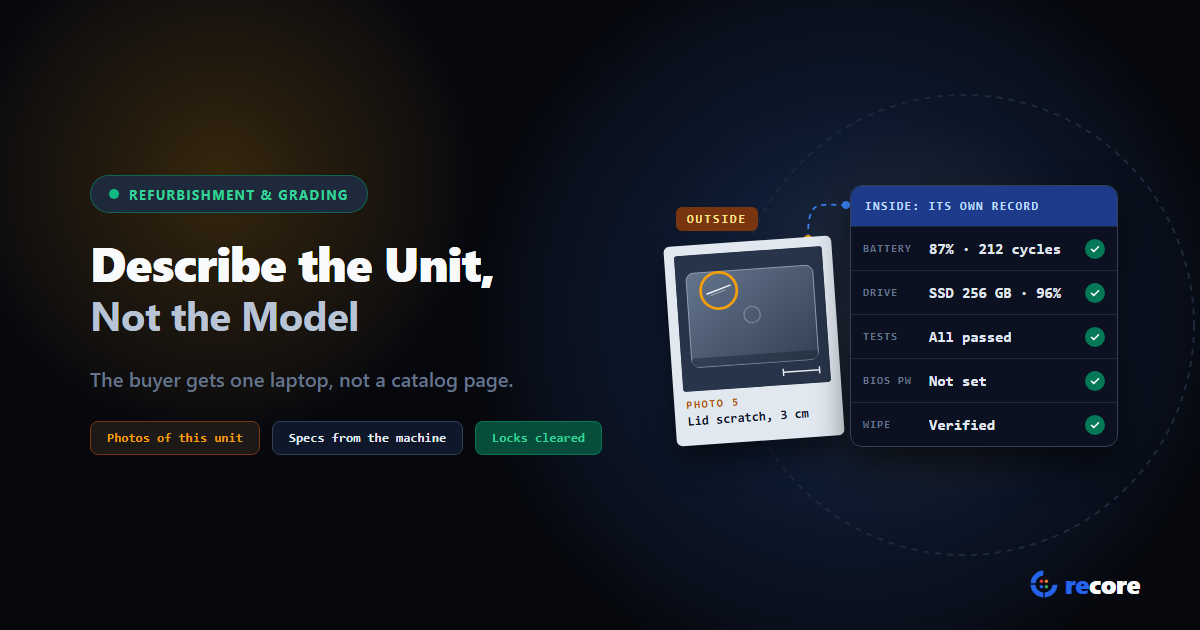
A marketplace listing usually starts from the model. You pick the model from a catalog, and the page fills itself in: the photos, the processor, the memory, the screen, a line about battery life. Then the buyer pays, and what arrives is one laptop. It has its own battery, its own drive, its own scratches, its own test history, and maybe a lock the last owner left on it. None of that was on the catalog page.
Last week we wrote about making a grade mean something to first-time buyers. That piece said which fields a listing needs. This one is about filling them in for the one laptop you'll ship.
- The buyer receives one laptop, not a model. Describe that laptop.
- From the outside: photos of the exact unit, and every defect named in one sentence with its own photo.
- From the inside: specs read from the machine, drive health, battery health with cycles, what was tested and who checked what, the wipe, and the locks cleared.
- Copy the template in section 4. Before Black Friday on 27 November, rewrite your ten best-selling listings with it.
- If the marketplace only lets you list the model, print the filled-in template and put it in the box with that laptop.
1. Why the unit matters more this season
More buyers are trying refurbished for the first time this November, as we set out last week, and they've never seen your grade guide. If the page showed a perfect lid and the box holds a scratched one, you get a return, often with a "not as described" claim. (We found no return-rate figure we could trace to a primary source, so we don't quote one.)
The law in the three places we checked points the same way. In the EU, Article 6 of the Sale of Goods Directive (EU) 2019/771 says goods must "be of the description, type, quantity and quality ... as required by the sales contract." Paste the maker's battery-life figure into your listing and it becomes part of your own description. Leave it out, and the maker's claims can still shape what a buyer expects (Article 7), though that expectation also allows for "the nature of the goods", such as a laptop's age.
To sell below that, Article 7(5) needs the buyer "specifically informed" of the deviation, and to have "expressly and separately accepted" it. The Directive's recitals add that the acceptance should be separate and made "by way of active and unequivocal conduct". Ticking a box would be one example. A line in a listing is how you inform the buyer. It may not count as their acceptance. Name each defect in the first line, with its photo, and use the marketplace's own condition-acceptance step if it has one.
Canada's Competition Act covers representations "false or misleading in a material respect", and performance claims "not based on an adequate and proper test thereof." The US FTC Act makes "unfair or deceptive acts or practices in or affecting commerce" unlawful. This isn't legal advice. Check the rules where you sell.
2. The outside: photos of the unit you will ship
Ask of every photo: is this the laptop that will go in the box? If a marketplace makes you start from catalog images, put your own photos first and label any catalog image as one.
The minimum set for one laptop:
- Lid, closed, straight on, in even light. Scratches show best with the light coming from one side.
- Palm rest and keyboard, close enough to read the keys. The key labels tell the buyer the language.
- Screen, powered on, showing a plain white or light grey screen. A dark screen hides marks, pressure spots and uneven backlight.
- Underside, with feet and any label visible. Blur or cover the serial if you don't want it public.
- Both sides, so every port can be seen.
- What's in the box: charger and anything else you ship.
- One close-up per named defect, with something for scale, such as a ruler or a coin.
Then write each defect so a stranger could find it: one sentence and one photo per defect, saying where it is, what it is, how big, and when you can see it.
| Instead of | Write |
|---|---|
| "Light cosmetic wear" | "Scratch on the lid, top left, about 3 cm, visible at an angle, not felt with a fingernail (photo 5)." |
| "Small screen blemish" | "Faint bright spot near the screen's centre, seen on a white background only (photo 6)." |
| "Some wear" | "Shine on the space bar and the two keys either side of it (photo 2)." |
Use the same words your grading list uses, so the grade and the defects agree. Our grading criteria template has a defect list you can copy.
If you sell twenty units under one listing, the buyer can't tell which one they'll get. Either list each unit on its own, or describe and photograph the worst unit in the group and say so.
3. The inside: what the machine says about itself
The catalog page is most often wrong about what's inside.
Specs, read from the machine. One model name ships with several processors, memory sizes, drives and screens, and a previous owner may have swapped parts, so list what this laptop reports, not the brochure (the fields are in last week's table).
The drive. Type (solid-state or hard drive), size, and health. For a solid-state drive, the life-left figure. For a hard drive, the health status and hours. We cover which health values matter in our hard drive resale guide.
The battery, as two numbers. Health and cycle count, such as "Battery 87%, 212 cycles". Our battery health guide explains both.
What was tested, and the result. Name the tests. If something wasn't tested, say "not tested" rather than leaving it off. A missing line reads as a pass.
Which checks a person did. Some checks need a human: looking at the camera picture, the screen, the keys, the ports. Say which ones a person did. "Every key pressed and checked by a technician" is a claim a buyer can picture.
The wipe, and the certificate. Say the drive was wiped, by which method, and that a certificate is available. Better still, give one the buyer can check online without calling you.
Locks, cleared. A firmware (BIOS) password, or a laptop still enrolled in a previous company's device management, can leave the buyer with a machine they can't set up. Check the firmware password on the laptop. Some management registrations are held on the previous owner's systems rather than on the laptop, so when the laptop came from a business, get the release from the previous owner in writing.
4. A unit description template
Copy this, fill it in per unit, and keep the order. The first line carries anything a buyer must accept knowingly.
THIS UNIT
Serial: [serial number]
Known defects (see photos): [none] or [one sentence each, with photo number]

Condition: [All tests passed] or [Works, except: ...]
Cosmetic grade: [grade], meaning [what it means on this unit]

Specs (read from this laptop, not the catalog):
  Processor: [model], [cores] cores
  Memory: [GB] [type]
  Storage: [GB] [SSD / HDD], health [x% life left / status]
  Screen: [size] inches, [resolution], [touch / not touch]
  Keyboard: [language] layout (photo [n])

Battery: health [x]% of design capacity, [n] charge cycles
Tested: [list]. Checked by a technician: [camera, screen, keyboard, ports]
Not tested: [list, or "nothing"]

Data: drive wiped by [method], verified. Certificate [ID], checkable online.
Locks: no BIOS password. Device management: [released by the previous
  owner, written release on file] or [not a business laptop]
In the box: [charger, wattage, original or compatible]
Photos: all of this unit. [Photo n is a catalog image.]
Keep the "Not tested" line even when it says "nothing". It shows the buyer you would have said. Write the device management line only once you hold the previous owner's written release.
When the marketplace only lists the model
Some marketplaces won't let you describe one laptop. You sell against the model's catalog page and pick a condition grade, and there's often no room for your own photos or a per-unit description.
You can still describe the unit. Fill in the template for each laptop, leave out the photo lines, print it, and put it in the box with that laptop. The buyer opens the box and reads what this machine is: its specs, its battery and cycles, its drive health, what was tested and what wasn't, its defects, and a wipe certificate they can check online.
The sheet arrives after the sale, so it doesn't replace telling the buyer before they pay. A defect the buyer first reads about in the box is still one they weren't told about. Put everything the listing has room for on the listing itself (the grade, and any defect or condition field the marketplace gives you), and use the sheet for the rest. On a model-only listing the grade is your description, so grade to the marketplace's own definitions, and drop a unit a grade rather than ship a defect its grade doesn't allow. Keep a copy against the serial, so if the buyer does raise a claim, you can show what you sent.
5. How reCore handles it
reCore reads most of the inside half off the machine. The photos, the defect sentences and the management release stay with you.
When a laptop boots into the reCore station app, the station reads its specs from the machine: CPU and cores, RAM, storage size and type, drive health, GPU, screen size (from the display's own data) and resolution, and battery health (full-charge against design capacity) with the cycle count. It runs 17 automated tests and a stress test. A technician adds 6 guided manual checks, such as camera, display, ports and keyboard, which together take under a minute per laptop on real stations. The keyboard check records ANSI or ISO, not the key language, so you still write that line yourself.
The station reads whether a BIOS password is set, and says Unknown when the firmware won't tell. It doesn't confirm device management enrollment. On a station running reCore OS, the device report's device-management lines, and the resale-blocked line built on them, aren't a check of the laptop, so don't copy them into a listing. Get the written release (section 3) instead.
From the dashboard or the station, a logged-in user can generate a one-page PDF device report per unit: hardware, every test and its state, a Findings block for what failed, warned or wasn't tested, the grade and defects, and one sanitization row per drive. That covers most of the unit sheet in section 4, for the listing or for the box. You add the key language, what's in the box, the certificate ID and, for business stock, the management release. The report itself is your record: it also carries internal fields such as the technician and batch, so fill the buyer's sheet from it rather than putting the report in the box.
Every drive gets its own signed wipe certificate, following NIST SP 800-88 Rev. 2, with Purge and Clear reported as what they were. Anyone can check it at recore.replugit.com/verify without an account, and it shows the drive, the device serial, the method and the NIST category.
What reCore doesn't do: it doesn't take photos, write marketplace listings, or export a marketplace upload file.
If you'd like to see the device report for one of your own laptops, email [email protected].
Before Black Friday
Start with the listing that sold most last week and rewrite it with the template: photos of the unit that ships, specs read from that laptop, every defect named in the first line. Then do the next nine, and split any listing that sells several units as one. Where the marketplace only lists the model, print the sheet for each unit and pack it with that laptop.
Sources
- European Union, Directive (EU) 2019/771 on certain aspects concerning contracts for the sale of goods, 20 May 2019. Recital 36, Articles 6, 7(1)(d) and 7(5).
- European Union, Your Europe: Returns and the right of withdrawal, on the 14-day right to cancel online purchases.
- Government of Canada, Competition Act, R.S.C. 1985, c. C-34, section 74.01(1)(a) and (1)(b).
- United States Code, 15 U.S.C. § 45(a)(1), Federal Trade Commission Act, section 5.
Frequently asked questions
What should a refurbished laptop listing say about the specific unit?
Everything that differs from one unit of the same model to the next: photos of that exact laptop, every named defect, the specs read from the machine, the drive type, size and health, battery health as a number with the cycle count, what was tested and by whom, the wipe, and that no firmware password or device management lock is left on it.
Can I use catalog photos for a refurbished laptop?
Use them, if at all, after photos of the unit you will ship, and label them as catalog images. A catalog photo shows a new laptop. Your buyer gets a used one with its own marks, and in the EU the goods have to match the description given in the contract.
How should I describe a cosmetic defect in a listing?
In one sentence that says where it is, what it is, how big it is and when you can see it, with a photo number. For example: 'Scratch on the lid, top left, about 3 cm, visible at an angle, not felt with a fingernail (photo 5).' Use the same words your grading list uses.
If I list a defect, can the buyer still return the laptop?
In the EU, yes, within the 14-day withdrawal period for online sales from a business, for any reason. What the listing changes is the 'not as described' claim. Under the EU Sale of Goods Directive, a deviation from what buyers can normally expect only stops being a lack of conformity if the buyer was specifically informed and expressly and separately accepted it. A line in the listing informs them. The acceptance must be express and separate, and the Directive's recitals add that it should be an active step, such as ticking a box. Check the rules where you sell.
What if the marketplace only lets me list the model, not each unit?
Put everything the listing has room for on the listing: the grade and any defect or condition field. Then fill in a one-page description for each laptop (specs read from it, battery health and cycles, drive health, what was and wasn't tested, defects, the wipe certificate) and put it in the box with that laptop. It arrives after the sale, so it doesn't replace telling the buyer before they pay, but it shows them exactly which machine they got.
reCore Diagnostics Group
OfficialHardware Triage & Quality Assurance
Hardware engineers analyzing Apple Silicon, PC OEM firmware telemetry, battery degradation chemistry, and cosmetic defect standards.
Make your grade mean one thing
Write your grading standard once. Every station asks its questions and suggests the same grade for the same answers.
Related Guides & Research
Continue exploring compliance standards, firmware sanitization, and hardware diagnostics.
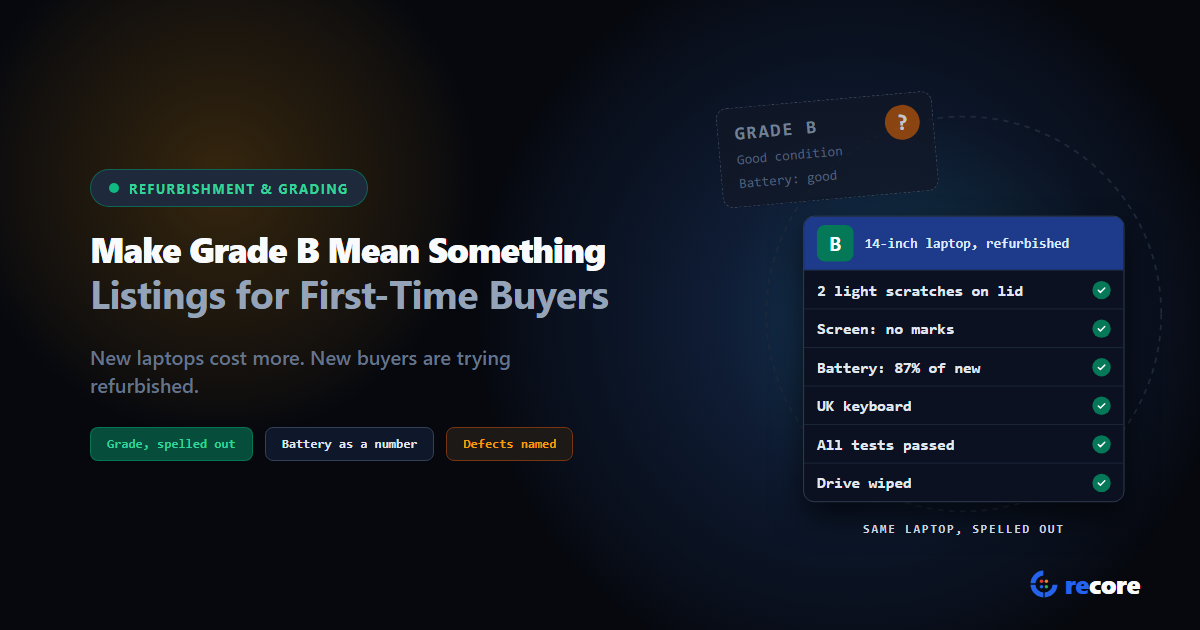
Selling Refurbished Laptops to First-Time Buyers: Make Grade B Mean Something
New laptops cost more, so first-time buyers are trying refurbished. What to put in each listing so a Grade B laptop matches what they pictured.
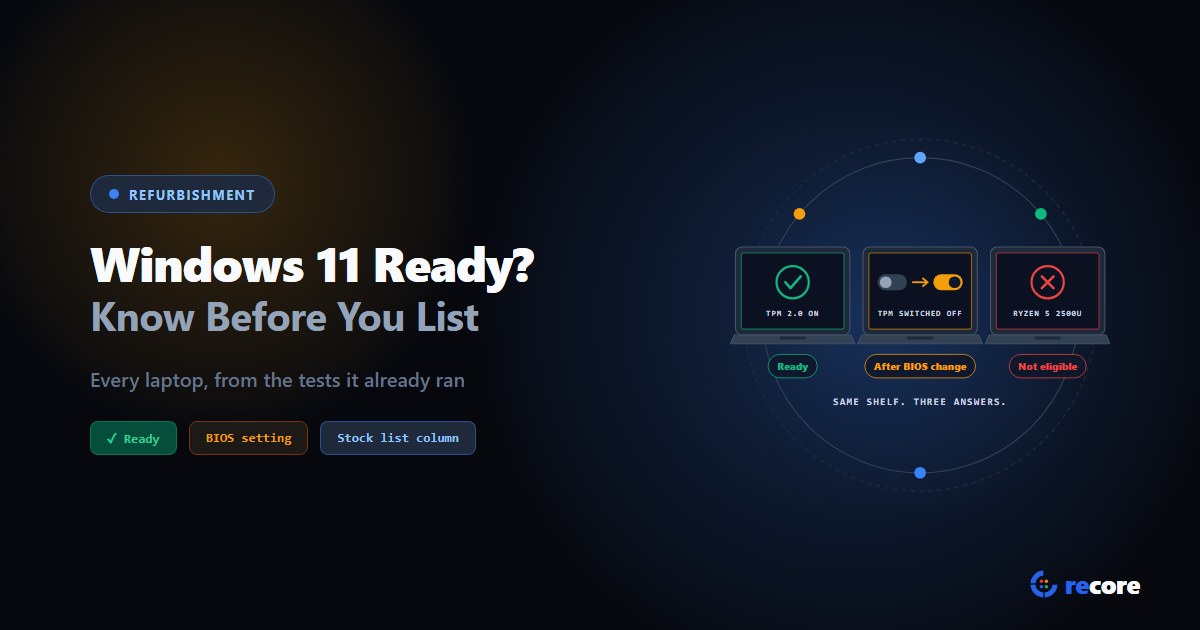
Windows 11 Ready? Check Every Refurbished Laptop Before You List It
How to tell which used laptops can run Windows 11, which need only a BIOS setting, and which can't, without installing Windows. Plus a free sample stock list.
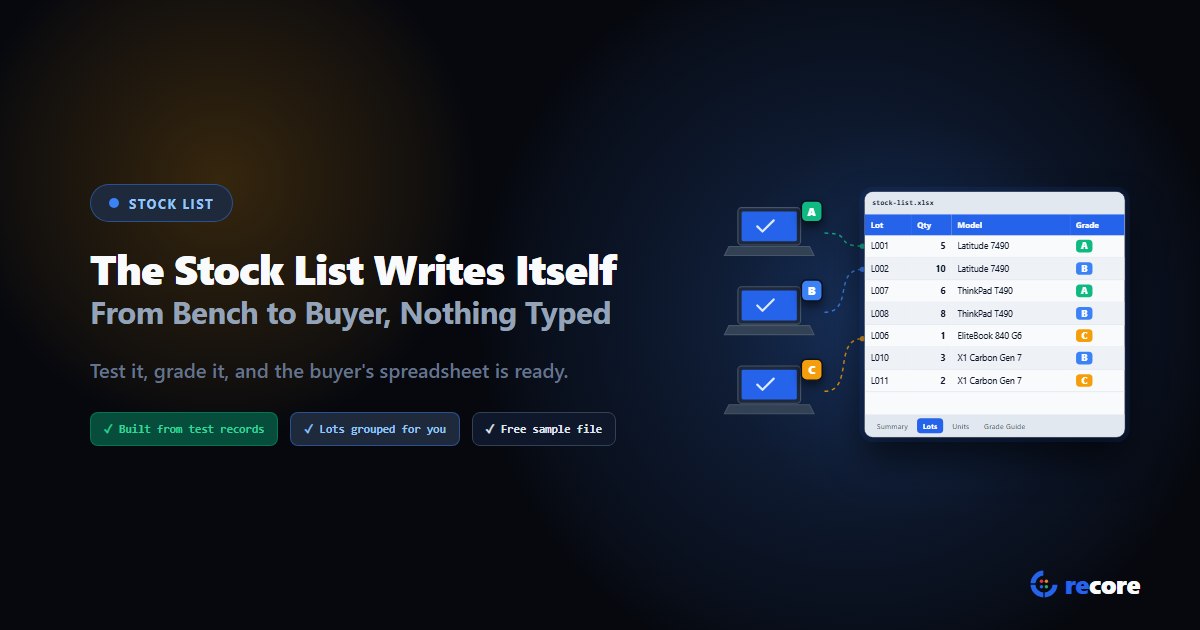
The Stock List Writes Itself: From Bench to Buyer Without a Spreadsheet
What a buyer needs on a refurbished laptop stock list, why hand-typed lists cost you credits, and how reCore builds one from test records. Free sample file.
Stay Ahead in Data Sanitization & ITAD Compliance
Join enterprise IT managers and electronics refurbishers receiving our monthly technical standards breakdowns, NIST/R2v3 audit tips, and benchmark releases.