How to Check Laptop Battery Health on 100 Laptops, Not Just One
How to check laptop battery health on one machine and on a whole batch: what the numbers mean, when they mislead, and how to record them for a buyer.
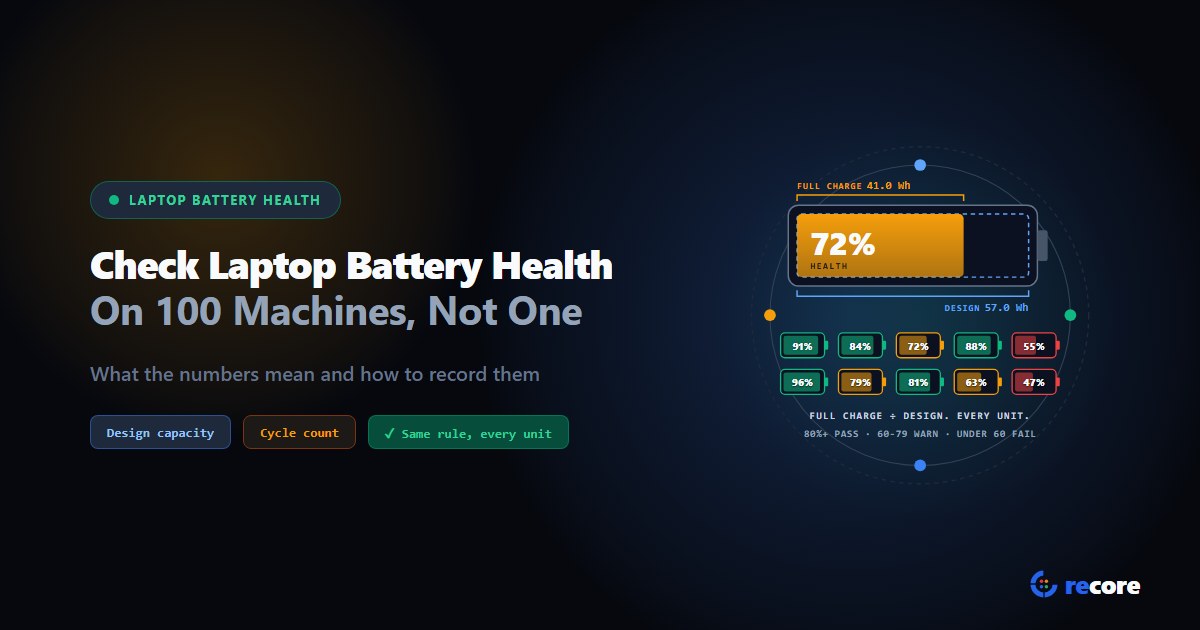
To check laptop battery health, compare two numbers the battery reports about itself: what it can hold today (full charge capacity) and what it held when new (design capacity). On Windows, powercfg /batteryreport shows both. On Linux, they sit in /sys/class/power_supply. Divide one by the other and you have the health percentage.
That works for one laptop. On a pallet of 100, the hard part is not the reading. It is getting the same reading from every machine, judging it by the same rule, and handing a buyer a record they believe.
This post covers both: how to read battery health on one machine, where the numbers can mislead, which thresholds have a real source behind them, and how to record the result for a whole batch.
How is laptop battery health measured?
A lithium-ion pack slowly loses capacity as it ages and cycles. The battery's own controller tracks that and reports it to the operating system.
| Number | What it means | Example |
|---|---|---|
| Design capacity | What the pack held when new | 57,000 mWh |
| Full charge capacity | What it holds today when fully charged | 41,000 mWh |
| Health | Full charge capacity divided by design capacity | 72% |
| Cycle count | Full charge and discharge cycles so far | 412 |
| Charge level | How full it is right now | 64% |
Don't mix up health and charge level. A battery at 100% charge can still be at 60% health. It is full, but "full" is now much smaller than it used to be.
The Swedish National Agency for Public Procurement, which writes buying criteria for public-sector laptops, defines state of health the same way: "Current maximum charging capacity (in mAh) expressed as a percentage of the design capacity (nominal capacity)."
Cycle count adds context. The Linux kernel documents it as a value that "Reports the number of full charge + discharge cycles the battery has undergone." Two batteries at 85% health tell different stories if one has 150 cycles and the other 900.
How to check laptop battery health on one machine
Windows: the battery report
Open Command Prompt and run:
powercfg /batteryreport /output "C:\battery-report.html"
Microsoft describes it as a command that "Generates a report of battery usage characteristics over the lifetime of the system." Open the HTML file. The "Installed batteries" section shows design capacity, full charge capacity and cycle count. Add /xml after the file name if you want a file a script can read.
This is the same on HP, Dell and Lenovo laptops. Windows reads the numbers from the battery, not from a brand's own tool.
Linux: sysfs and upower
Each battery appears as a folder under /sys/class/power_supply/, usually BAT0. The files that matter:
cat /sys/class/power_supply/BAT0/energy_full_design
cat /sys/class/power_supply/BAT0/energy_full
cat /sys/class/power_supply/BAT0/cycle_count
Some batteries report charge_full and charge_full_design instead. The kernel's power supply class documentation gives energy_* values in µWh and charge_* values in µAh. Health is the same ratio either way.
For a friendlier view, run upower -i on the battery device (find it with upower -e). It shows energy-full, energy-full-design and capacity. The UPower documentation defines energy-full-design as the "Amount of energy (measured in Wh) the power source is designed to hold when it's considered full."
| Where | Command | Health from | Cycle count |
|---|---|---|---|
| Windows | powercfg /batteryreport | Full charge capacity ÷ design capacity | "Cycle count" in the report |
| Linux | /sys/class/power_supply/BAT0/ | energy_full ÷ energy_full_design (or the charge_ pair) | cycle_count |
| Linux | upower -i <battery> | "capacity", already a percentage | "charge-cycles", if your UPower version has it |
Why 100 laptops is a different problem
Run the battery report on 100 machines and you have 100 HTML files. You can script it, saving each report to a share under the computer's name. Someone still has to open or parse every file, match it to a serial number, and type the result into the stock sheet.
Each of those steps is where batches go wrong:
- The file is not tied to the serial. A report named after a hostname is only as good as whoever renamed the machine.
- The rule drifts. One technician passes a 79% battery as "basically 80". Another doesn't.
- Gaps look like data. A blank cycle count gets typed as 0, and 0 reads as "like new".
- Typing adds errors. A battery at 48% goes out as "tested working", and the buyer finds it.
The fix is to read the battery as part of testing, apply the threshold in software, and save the result against the device record. Nobody types a number they did not measure.
When the numbers mislead
A health percentage is a report from the battery's own gauge, not a lab measurement. Four things can throw it off.
The gauge needs recalibrating. The kernel says it plainly: "Battery capacity measurement becomes unreliable without recalibration." If one unit reads far off its identical siblings, charge it fully and test again before you grade it.
A charge limit is set. Some laptops can be told to stop charging at a chosen level to protect the battery. The kernel describes the setting as "a battery percentage level, above which charging will stop." Sweden's procurement criteria even ask for software that lets buyers set a limit "(such as ≤80% state of charge)". A laptop sitting at 80% on the charger may be working exactly as configured.
The charger or port is the fault. A healthy battery that won't take charge on a known-good charger points at the charging port, the charge circuit, or a charger the machine does not accept. Health percentage alone won't show it.
The cycle count is missing. Some batteries don't report it. Linux documents 0 as "cycle_count info is not available", and UPower uses -1 for unknown. Record it as unknown, never as zero.
One more case: some laptops have two batteries. Judge the weaker one. A strong second pack doesn't fix a dead first one.
What battery health should a used laptop meet?
There is no single industry threshold. The clearest public reference we found is the Swedish procurement criteria for reused equipment. For used batteries, they ask that "the supplier shall specify minimum levels for the used batteries' state of health in its tender (for example, state of health >80%)." For new replacement batteries, the same criterion asks for endurance above 300 charge cycles "(with a state of health of ≥80%)."
So 80% is a common reference point, not a law. What matters more is that you choose your numbers, write them down, and apply them to every unit. Then tell the buyer what they are.
reCore ships with these defaults. They are reCore's starting points, not an industry rule, and each one can be changed:
| Where (reCore default) | Value | What happens |
|---|---|---|
| Battery test | 80% or more | Passes |
| Battery test | 60% to 79% | Warning ("degraded") |
| Battery test | Under 60% | Fails ("poor") |
| Workflow minimum, "Full ITAD Triage" and "Diagnostic & Stress QA Only" presets | 80% | A battery below it turns a pass into a warning |
| Outcome rule, "Diagnostic & Stress QA Only" preset | Under 70% | Unit goes to repair |
| Stock list battery limit | Under 60% | Unit is listed as "Minor fault", with "Battery under 60%" named |
How to record battery health so a buyer trusts it
A buyer can't see a battery. They can only trust your record of it. A good record has:
- The measured health percentage, from the battery, not typed.
- The cycle count, or "unknown" when the battery doesn't report it.
- The serial number it was measured on.
- Your threshold, stated on the list, so "tested working" has a meaning.
- The fault named when a unit falls short, instead of the unit quietly dropping off the list.
Group identical machines into lots and show the battery range per lot. Buyers price lots, and a range tells them more than an average.
How reCore checks battery health on every laptop
Each laptop boots reCore and runs the battery test with the rest of its hardware diagnostics. The test reads the same numbers you would read by hand: through Windows' battery data on Windows, and from /sys/class/power_supply on Linux, including the cycle count where the battery reports one.
What it does with them:
- Health against the thresholds above. With two batteries, the weakest one decides.
- No fake zeros. A battery that reports 0 cycles has its cycle count left out, so a used unit never shows "0 cycles".
- "Won't charge on the charger" is flagged. If a charger is connected and the battery is discharging, or idle below 50%, the test says so. Above 50% it stays quiet, because a charge limit may be holding it. This turns a pass into a warning and never softens a fail.
- The battery's age, when its chip has a manufacture date set.
- A CPU stuck at its lowest speed is flagged by the CPU test. It is often a charger or battery the machine does not accept.
The result is saved on the device's record. It feeds the grade and the outcome rules. Battery health and cycle count then go onto the stock list per unit, with the battery range per lot and the limit explained in the list's own guide.
Not covered: Apple Silicon Macs. They can't boot reCore's test environment, so the battery test does not run on them. We explain why in battery health and diagnostics for refurbishing batches.
If you want battery health read the same way on every unit in a batch, see what's included on the pricing page.
Frequently asked questions
How do I check laptop battery health on Windows 11?
Open Command Prompt and run powercfg /batteryreport. Windows writes an HTML file to the current folder. Under Installed batteries it lists the design capacity, the full charge capacity and, if the battery reports it, the cycle count. Divide full charge capacity by design capacity to get health: 41,000 mWh of a 57,000 mWh design is 72%.
How do I check battery health on an HP, Dell or Lenovo laptop?
The same way on all three. powercfg /batteryreport on Windows, or /sys/class/power_supply and upower on Linux, read the numbers the battery reports about itself, so the method does not change with the brand. Makers also ship their own tools, but you do not need them to get full charge capacity, design capacity and cycle count.
What is a good battery health percentage for a used laptop?
There is no single industry number. Sweden's National Agency for Public Procurement asks suppliers of used equipment to state their own minimum, giving 'state of health >80%' as an example. Whatever you pick, write it down and apply it to every unit the same way.
What does battery cycle count mean?
The number of full charge and discharge cycles the battery has been through. Partial charges add up: two charges from 50% to 100% make about one cycle. A count of 0 on a used laptop usually means the battery does not report it, not that it is new. Linux documents 0 as 'cycle_count info is not available'.
Can I check battery health on many laptops at once?
Yes, but only if the numbers end up in one place. You can script powercfg /batteryreport /output to a network share, then still have to open or parse every file. A diagnostics station that reads the battery during testing and saves the result against the serial number does the collecting for you.
reCore Diagnostics Group
OfficialHardware Triage & Quality Assurance
Hardware engineers analyzing Apple Silicon, PC OEM firmware telemetry, battery degradation chemistry, and cosmetic defect standards.
Test every device the same way
Diagnostics, stress tests and battery health on every station, started for one machine or the whole floor from one dashboard.
Related Guides & Research
Continue exploring compliance standards, firmware sanitization, and hardware diagnostics.
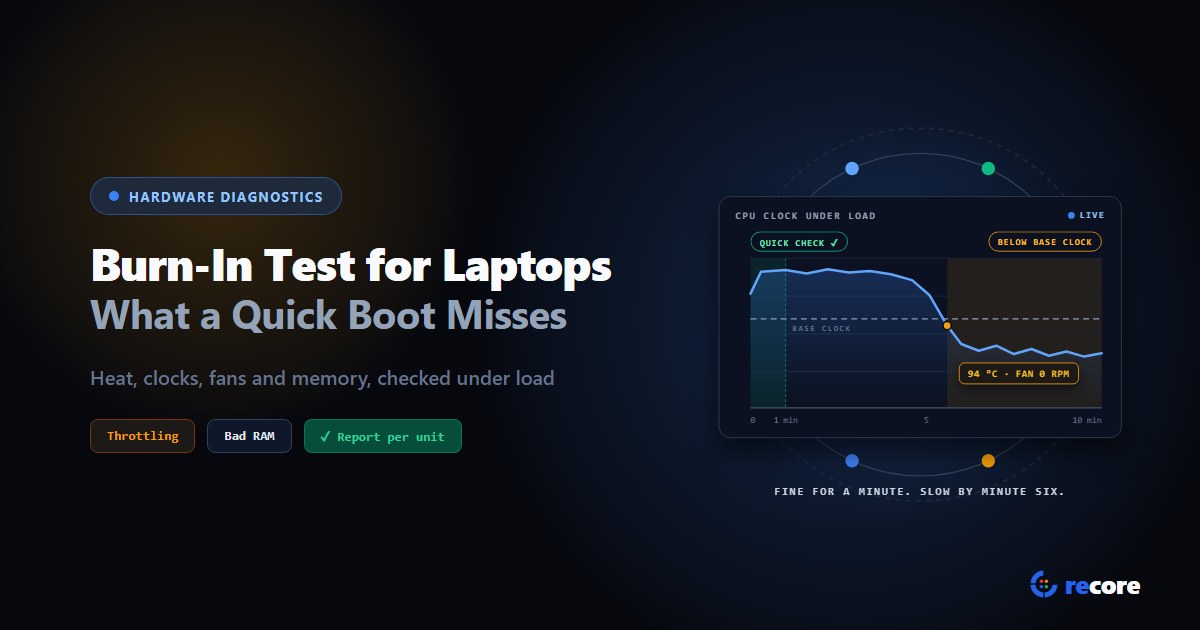
Burn-In Test for Laptops: How to Stress Test Used Laptops in Bulk
How to burn-in test a used laptop: what a quick boot check misses, how long to run it, what should fail or only warn, and what to log for the buyer.
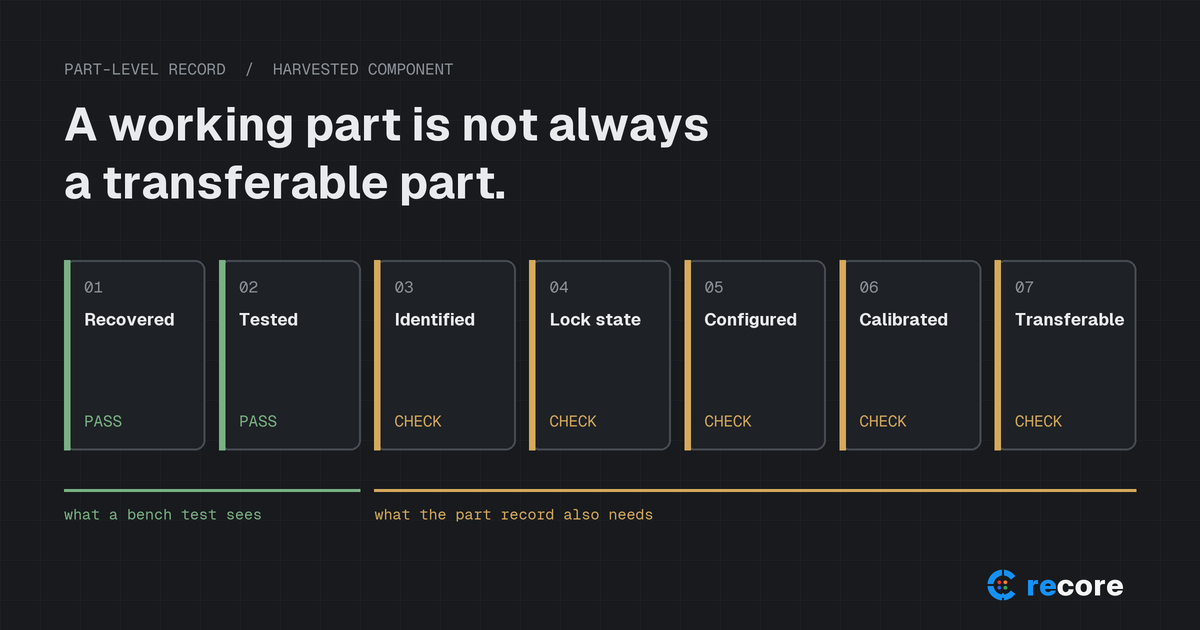
A Working Part Is Not Always a Transferable Part: Apple Parts Activation Lock and What ITAD Should Record
Apple's part-level Activation Lock and Repair Assistant change how refurbishers should test, grade and document used iPhone and iPad components.
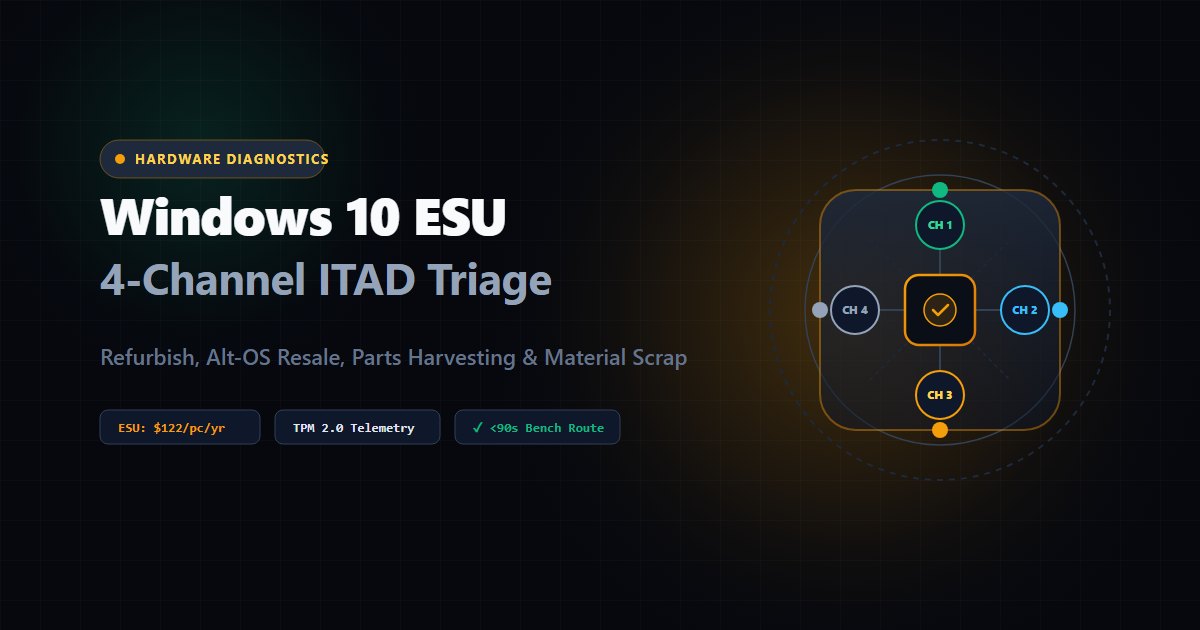
The Windows 10 ESU Escalation: A 4-Channel ITAD Triage Framework for Non-Windows 11 Hardware
Windows 10 ESU costs double in Year 2. How ITADs use automated hardware diagnostics to triage off-lease fleets into four sales channels.
Stay Ahead in Data Sanitization & ITAD Compliance
Join enterprise IT managers and electronics refurbishers receiving our monthly technical standards breakdowns, NIST/R2v3 audit tips, and benchmark releases.