Laptop Battery Health and Hardware Diagnostics for Refurbishing Batches (and Where Apple Silicon Fits)
What to measure on a used laptop battery, why short boot tests miss faults, and which checks belong in a refurbishing batch.
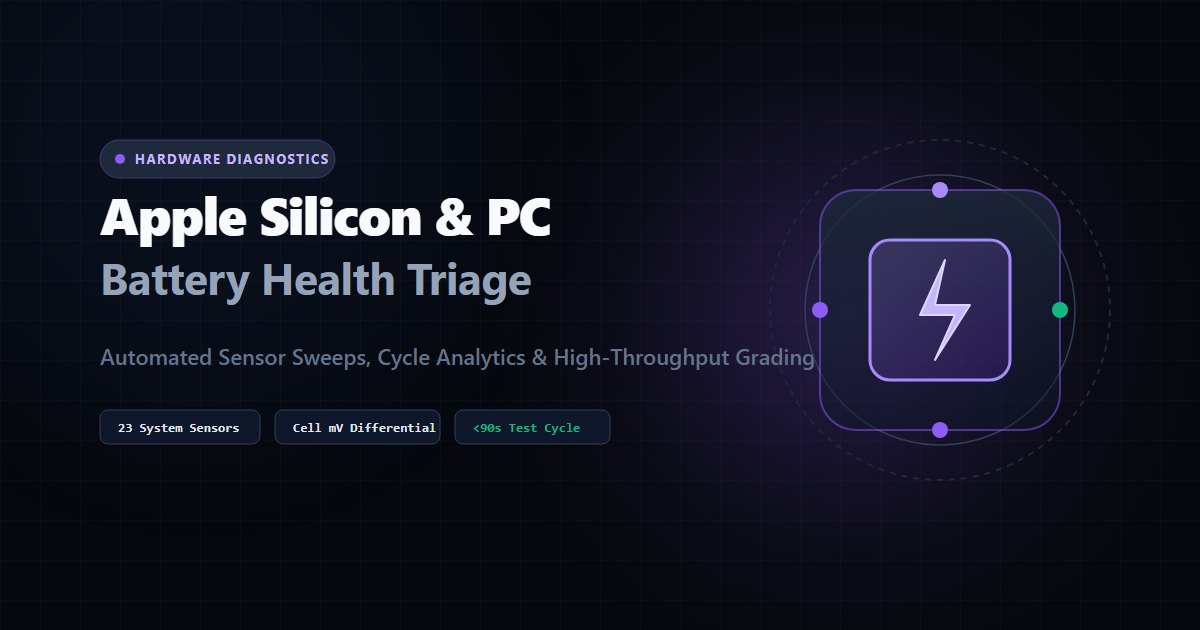
For a used laptop, the battery is usually the first question a buyer asks about and the hardest one for a technician to answer by eye. A clean chassis and a working screen say nothing about whether the pack will last a morning.
This article covers what to measure on a laptop battery, why a quick boot test misses the faults that cause returns, which checks belong in a refurbishing batch, and why Apple Silicon Macs need a different process from PCs.
1. What to measure on a laptop battery
Most laptop batteries report their own data to the operating system. The useful fields are:
| Field | What it tells you |
|---|---|
| Design capacity | What the pack held when new |
| Full charge capacity | What it holds today |
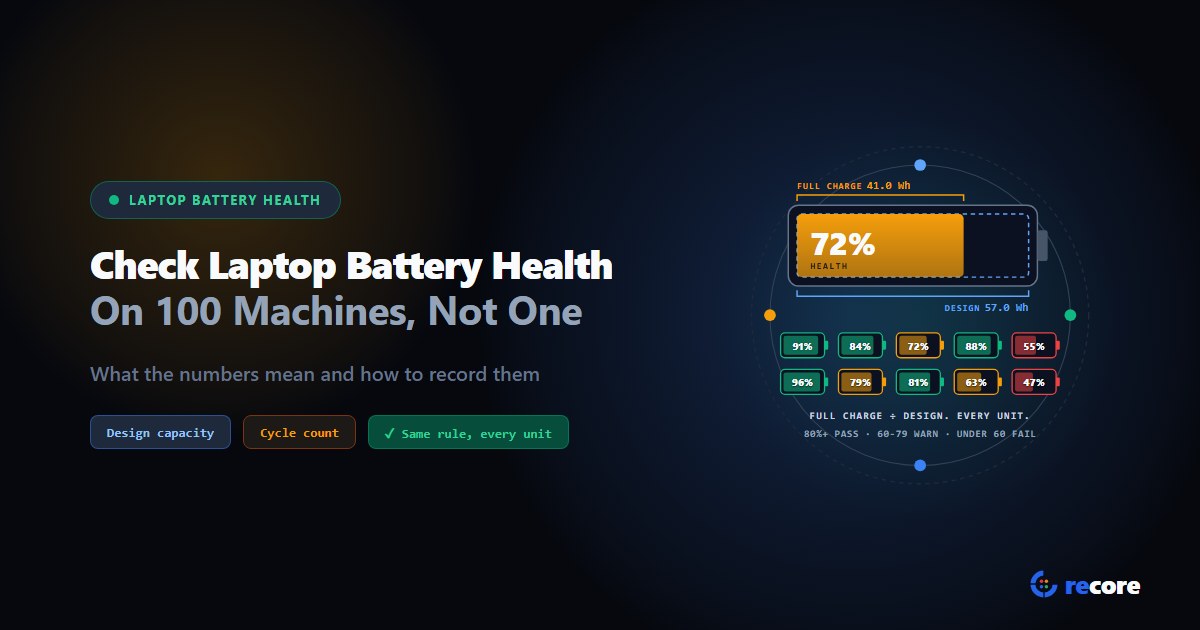
| Health % | Full charge capacity ÷ design capacity. 4,200 mAh of a 5,000 mAh design is 84% |
| Cycle count | How many full charge cycles it has been through, where the battery reports it |
| Chemistry and manufacturer | Whether the pack is what you expect for the model |
| Voltage | A basic sanity check on the pack |
Two cautions. Some batteries don't report a cycle count, so treat a missing value as unknown rather than zero. And health percentage describes the pack as a whole; a pack with one weak cell can still shut down under load, which is why a load test adds information that a reading alone can't.
2. Set thresholds, then apply them the same way every time
There is no single industry number for "good enough." What matters is that your facility picks one and every technician uses it. A common approach is bands such as:
- 80% or more: suitable for top grades
- 60% to 80%: usable, but graded down or disclosed
- below 60%: battery replacement or a lower grade
Write the bands into your grading rules rather than leaving them to judgment. Two technicians looking at an 81% battery should reach the same grade.
3. Why a short boot test isn't enough
A laptop that boots, shows a desktop and reports its specs has passed a detection test, not a health test. Several common faults only show up under sustained load:
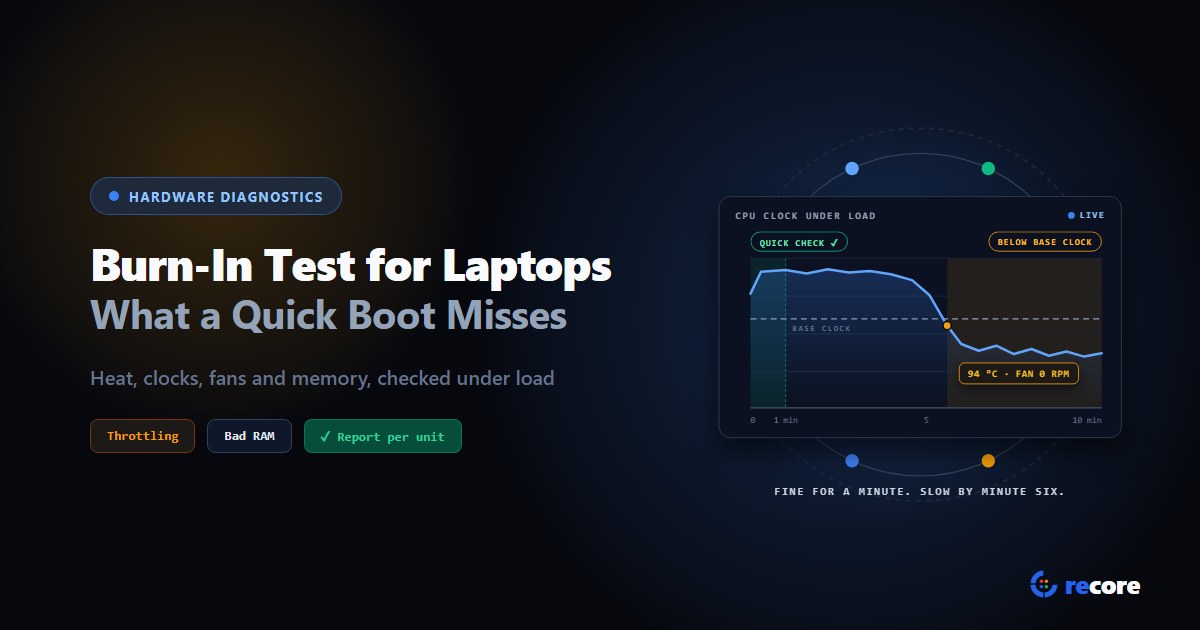
- Thermal problems. Dried thermal paste or a weak fan can let a CPU run fine for a minute and throttle after ten.
- Memory errors. Faulty memory may pass a quick check and fail when patterns are written and read across all of it.
- Storage problems. A drive can report healthy and still show errors when data is written and read back.
This is why refurbishing batches run burn-in tests: sustained CPU load with checks on the results, memory pattern tests, and storage read/write verification.
4. The checks that belong in a batch
A practical laptop checklist:
- Hardware discovery. CPU, memory configuration, storage, display, battery identity.
- Battery reading. The fields in section 1, against your thresholds.
- Stress tests. CPU, memory and storage under sustained load.
- Storage health. SMART data such as power-on hours, wear and error counts.
- Interactive tests. Keyboard, speakers, microphone, camera, display, trackpad and ports. These need a technician and should be recorded key by key and test by test.
- Cosmetic grading. Recorded defects against a fixed catalog, so the grade is repeatable.
5. Where Apple Silicon fits
Apple Silicon Macs are a different problem. They can't boot the Windows or Linux test environment that PC stations load from USB or the network, so the PC approach of booting every machine into the same test environment doesn't carry over. Processing them at scale needs a different workflow built around Apple's own tools and restore processes.
reCore's station agent runs on Windows and Linux PCs. It does not run diagnostics on Apple Silicon Macs today.
6. Where reCore fits
On PCs, reCore's station covers the batch checklist above:
- Battery. Reads design capacity, full charge capacity, health %, cycle count where the battery reports it, chemistry and manufacturer. The battery test passes at 80% or more, warns from 60%, and fails below 60%, and the station flags batteries below a configurable minimum (80% by default). Results appear on the device record and in reports. It does not read individual cell voltages.
- Burn-in. CPU stress with checksum verification, a moving-inversions memory test, and a non-destructive storage read/write test.
- Storage health. SMART data including power-on hours, wear, media errors and unsafe shutdowns.
- Interactive tests. A per-key keyboard test that catches chattering and stuck keys, left and right speaker tones, a microphone level meter, a camera test, and display, trackpad and port tests.
- Grading. Defect-based grading across seven components. See the diagnostics page for the full test list.
For large PC refresh batches, our Windows 10 end-of-life triage guide covers how to route machines by what the tests find.
Frequently asked questions
What is the difference between design capacity and full charge capacity?
Design capacity is the charge a battery was built to hold when new. Full charge capacity is what it can hold today. Battery health is usually expressed as full charge capacity divided by design capacity, so a battery that now holds 4,200 mAh of a 5,000 mAh design is at 84%.
Why isn't a battery health percentage enough on its own?
The percentage describes the pack as a whole. Cycle count, chemistry and how the battery behaves under load add context, and a pack with one weak cell can report reasonable overall health but shut down under load. Treat health percentage as the first screen, not the whole verdict.
What battery health is acceptable for resale?
There is no single industry threshold. Many refurbishers set their own grade bands, often around 80% for top grades. Whatever you choose, write it into your grading rules so every technician applies the same number.
Why do short boot tests miss hardware problems?
A short boot only shows that components are detected and start up. Faults such as thermal throttling from degraded thermal paste, or memory errors that appear under load, only show up during sustained stress testing.
What does a moving inversions memory test check?
It writes known bit patterns across memory, reads them back, then writes the inverse pattern and checks again. This exposes stuck or flipping bits and addressing faults that a quick memory check can miss.
Can the same diagnostic station test Apple Silicon Macs?
Usually not. Apple Silicon Macs can't boot the Windows or Linux test environment that PC stations use from USB or the network, so they need a different process. reCore's station runs on Windows and Linux PCs and does not run diagnostics on Apple Silicon Macs today.
reCore Diagnostics Group
OfficialHardware Triage & Quality Assurance
Hardware engineers analyzing Apple Silicon, PC OEM firmware telemetry, battery degradation chemistry, and cosmetic defect standards.
Test every device the same way
Diagnostics, stress tests and battery health on every station, started for one machine or the whole floor from one dashboard.
Related Guides & Research
Continue exploring compliance standards, firmware sanitization, and hardware diagnostics.
Burn-In Test for Laptops: How to Stress Test Used Laptops in Bulk
How to burn-in test a used laptop: what a quick boot check misses, how long to run it, what should fail or only warn, and what to log for the buyer.
How to Check Laptop Battery Health on 100 Laptops, Not Just One
How to check laptop battery health on one machine and on a whole batch: what the numbers mean, when they mislead, and how to record them for a buyer.
A Working Part Is Not Always a Transferable Part: Apple Parts Activation Lock and What ITAD Should Record
Apple's part-level Activation Lock and Repair Assistant change how refurbishers should test, grade and document used iPhone and iPad components.
Stay Ahead in Data Sanitization & ITAD Compliance
Join enterprise IT managers and electronics refurbishers receiving our monthly technical standards breakdowns, NIST/R2v3 audit tips, and benchmark releases.