The 240-Million-PC Transition: How Automated Hardware Testing and Objective Grading Protect ITAD Margins Post-Windows 10
Windows 10 end of life is driving a PC refresh wave. How ITADs use automated diagnostics, sanitization and grading to process more devices.
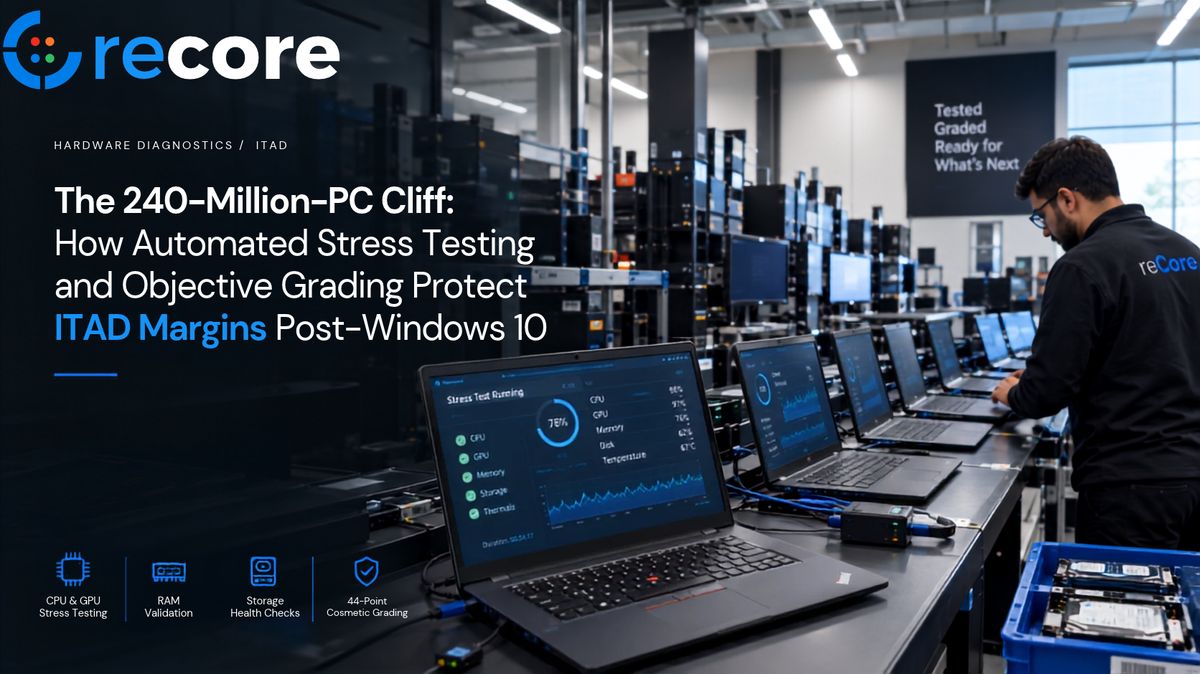
Windows 10 End of Life has created a major enterprise PC transition for IT asset disposition (ITAD) providers and refurbishers. Following Microsoft's official conclusion of mainstream support on October 14, 2025, commercial organizations worldwide are refreshing aging desktop and laptop fleets. Analysis from Canalys (December 2023) estimated that approximately 240 million PCs globally would not meet Microsoft's official Windows 11 hardware compatibility thresholds—principally mandatory TPM 2.0 cryptographic modules and 8th-generation or newer processor architectures.
For ITAD operators, the significance of the 240-million-PC estimate is not that 240 million devices will automatically become waste. It is that a vast installed base of functioning computing assets now requires faster, standardized ways to determine which machines should be reused, refurbished, remarketed, repurposed on alternative operating systems (such as lightweight Linux distributions or ChromeOS Flex), or responsibly recycled.
A significant portion of these retired enterprise desktops and laptops remain physically functional and commercially viable. For IT Asset Disposition (ITAD) facilities and commercial refurbishers, the operational bottleneck is not demand—it is the labor economics of intake triage, functional validation, verified data sanitization, and repeatable cosmetic grading at scale.
- The Windows 10 Transition Wave: The conclusion of Windows 10 support on October 14, 2025 has triggered an unprecedented influx of enterprise computing assets into ITAD and refurbishment facilities.
- The 240M Hardware Threshold: Canalys estimated ~240M PCs cannot officially run Windows 11, representing hardware that must be triaged across extended corporate use, secondary OS deployment, refurbishment resale, or component recycling.
- POST Testing Fails Under Load: Basic boot and POST checks miss latent component failures such as thermal throttling from dried thermal paste, memory addressing faults, and drive degradation.
- Autonomous Parallel Diagnostics: Decoupling long automated burn-in and sanitization runs from physical touch cuts technician hands-on time from 25–35 minutes down to ~60–90 seconds per unit.
- Deterministic 44-Defect Grading: Scoring condition across 7 physical components eliminates subjective grading inconsistencies that drive costly customer disputes and RMA warranty claims.
- Audit-Ready Compliance Evidence: Documented media sanitization mapped to NIST SP 800-88 Rev. 2 guidance and IEEE 2883-2022 methods supports SERI R2v3 Appendix C Test and Repair readiness.
- The Margin Objective: Scaling intake throughput while enforcing rigorous functional testing protects resale margins and prevents downstream returns.
1. Windows 10 EOL Creates an ITAD Testing Bottleneck
When thousands of enterprise workstations and laptops arrive at an intake dock, manual sequential testing runbooks create severe operational bottlenecks that erode gross margins.
Illustrative Manual Labor Model
In an illustrative manual workflow model, an intake technician typically handles each unit sequentially. Hands-on time across initial serial logging, BIOS navigation, booting diagnostic media, visual screen checks, keyboard testing, disk wiping commands, and manual spreadsheet logging frequently totals 25 to 35 minutes per device.
At an illustrative loaded labor rate of $22 to $35 per hour (including wages, facility overhead, and benefits), direct technician time translates to an estimated $9.15 to $20.40 of labor per device.
| Operational Dimension | Illustrative Manual Workflow (Model) | reCore Parallel Hybrid Workflow (Benchmark) | Data Classification |
|---|---|---|---|
| Bench Execution Model | 1 Unit per technician (Sequential bottleneck) | 20+ Concurrent Benches (Zero-Setup PXE Network Boot) | Operational architecture |
| Hands-On Technician Time | 25 – 35 minutes per unit | ~60 – 90 seconds per unit (Guided touch only) | Illustrative model vs. internal benchmark |
| Daily Technician Throughput | ~14 – 18 units / technician / day | 120+ units / technician / day | Scenario calculation vs. internal benchmark |
| Direct Labor Cost Model | $9.15 – $20.40 labor per unit | ~$0.33 operations software cost (View Operations Pricing) | Labor calculation at $22–$35/hr loaded rate |
| Hardware Stress Validation | ❌ None (Basic OS boot check only) | ✅ Automated multi-core CPU & RAM stress | Functional capability |
| Data Sanitization Standards | Manual CLI / fragmented USB boot | ✅ NIST SP 800-88 Rev. 2 & IEEE 2883-2022 mapping | Standards alignment |
| Cosmetic Grading Methodology | Subjective spreadsheet notes | ✅ 44-defect deterministic algorithm & QR print | Proprietary scoring taxonomy |
Note on Benchmarks: Figures for reCore represent internal operational workflow benchmarks achieved in high-density networked bench environments. Actual facility throughput varies based on device model mix, physical condition, test profile duration, and local network infrastructure.
2. Why Basic PC Diagnostics Miss Latent Hardware Problems
In secondary-market hardware remarketing, pre-sale validation is essential to avoid shipping equipment with latent defects. Better upfront testing directly reduces avoidable customer disputes, warranty returns, and expensive post-sale rework.
The Financial Impact of RMA Returns
In secondary-market hardware remarketing, returns directly destroy profitability through reverse logistics freight, re-testing labor, administrative dispute handling, and inventory depreciation.
For modeling purposes, this article evaluates an illustrative 12% to 18% RMA scenario for secondary-market devices processed under minimal or boot-only inspection runbooks—a range observed in high-volume, minimally tested consumer electronics channels. In contrast, an operational target for a thoroughly stressed and validated refurbishment workflow is to achieve a sub-1.5% RMA rate.
When an intake process only checks whether a machine powers on or boots into an operating system, subtle component wear goes undetected:
1. Multi-Core CPU Thermal Throttling & Thermal Degradation
Microprocessors subjected to years of enterprise duty cycles frequently suffer from dried thermal interface material (TIM), obstructed heatsinks, or degraded fan performance. At idle or during brief boot sequences, CPU temperatures may remain within nominal operational limits. However, sustained multi-threaded workloads can trigger sharp thermal spikes, resulting in aggressive clock throttling, system instability, or kernel faults. Automated stress testing can expose thermal instability and performance degradation that may not appear during a short POST or standard OS boot test. reCore's automated PC hardware diagnostics suite stresses all physical cores to verify thermal headroom and VRM power stability under load.
2. Intermittent Memory Addressing & Pattern Faults
Standard memory enumeration during POST only confirms that RAM modules are electrically detected on the bus. Intermittent memory anomalies and addressing faults may only appear under sustained load across the addressable space. Running structured memory test patterns (such as moving inversions) can help expose bus timing issues, bit flips, or cell degradation that basic POST routines routinely miss.
3. Latent Storage Degradation (NVMe / SATA)
A drive reporting SMART: PASSED indicates only that internal manufacturer thresholds have not yet tripped; it does not guarantee sustained read/write reliability across all blocks or sectors. Executing recognized sanitization routines with appropriate verification provides evidence that the selected sanitization operation completed successfully and that the media responded as expected to the verification procedure. When paired with direct I/O read/write stress passes, facilities can separate data sanitization compliance from functional hardware-health screening.
3. Automated Hardware Diagnostics for High-Volume ITAD
The foundational architecture of high-throughput triage is simple: separate autonomous background validation from rapid interactive physical checks.
Instead of forcing a technician to watch progress bars or wait for drive wipes to complete, reCore splits the intake lifecycle into two distinct stages:
reCore decouples time-consuming data processing from rapid physical testing so technicians can manage multiple active test bays concurrently:
- Stage 1: Autonomous Parallel Execution (Zero Hands-On Time): The unit boots via zero-setup PXE network deployment. Multi-core CPU stress testing, RAM moving inversion algorithms, hardware component telemetry extraction, and verified media sanitization workflows execute concurrently in the background across 20+ benches.
- Stage 2: Guided Interactive Triage (~60–90 Seconds Hands-On): Once automated passes conclude, the technician performs guided interactive verifications (display pattern inspection, keyboard matrix, audio loopback, camera preview) and logs cosmetic defects using the 7-component matrix.
Note on Operational Benchmarks: In reCore internal testing workflows, decoupling autonomous tasks reduced direct technician interaction to approximately 60–90 seconds per unit while background stress tests and sanitization proceeded in parallel across 20+ bays. Individual facility throughput depends on bay density, network bandwidth, and test profile configuration.
4. Objective Cosmetic Grading for Refurbished PCs
Beyond functional hardware testing, secondary-market resale value depends heavily on objective cosmetic grading (e.g., Grade A, Grade B, Grade C).
Subjective visual inspections often produce conflicting grades between individual technicians, leading to downstream customer disputes, return requests, and price renegotiations.
| Physical Component | Standard Evaluation Checkpoints | Scoring Impact |
|---|---|---|
| 1. Display & Screen | Dead/stuck pixels, pressure marks, backlight bleed, deep scratches, anti-reflective coating delamination | High impact (Weighted heavily toward Grade B/C based on defect depth and cluster location) |
| 2. Top Chassis Cover | Structural dents, scratches (>25mm), asset tag/logo wear, adhesive residue | Moderate impact (Determines exterior aesthetic condition) |
| 3. Palmrest & Trackpad | Keycap imprint shine, palm wear, hairline chassis cracks, trackpad click travel | Moderate impact (Flags ergonomic and mechanical wear) |
| 4. Keyboard Assembly | Worn key legends, sticky switches, backlight LED circuit faults | Functional & cosmetic impact |
| 5. Bottom Base Enclosure | Missing rubber feet, stripped screw mounts, thermal vent deformation | Low-to-moderate impact |
| 6. I/O & Peripheral Ports | Bent USB-C pins, broken RJ-45 clips, oxidation, loose barrel jacks | Functional flag (Precludes top-tier cosmetic grading) |
| 7. Hinge & Structural Bezel | Hinge resistance/looseness, bezel separation, corner impact deformation | Structural integrity flag |
reCore's 44-defect grading taxonomy across seven physical components provides a deterministic, repeatable condition scoring model. Technicians log observed physical defects into the diagnostic console during the guided triage phase, and the scoring engine computes a mathematically weighted grade. The grade, battery health score, and verified specifications are compiled into an immutable digital record and printable QR-coded thermal label.
5. Compliance & Traceability: R2v3, NIST SP 800-88 Rev. 2 & IEEE 2883
SERI R2v3 Appendix C Alignment
SERI R2v3 Appendix C covers test and repair activities for electronics intended for reuse, establishing requirements around documented testing procedures, verification of functional capabilities, and accurate disclosure of equipment condition. While software alone does not confer R2v3 facility certification, reCore helps facilities capture structured test results, maintain serialized device records, and retain objective supporting evidence to support operational audit readiness. Explore our dedicated R2v3-ready testing and documentation guide for full technical mapping.
Media Sanitization: NIST SP 800-88 Rev. 2 & IEEE 2883-2022
NIST finalized SP 800-88 Rev. 2 in 2025. The revision emphasizes establishing and managing an organizational media-sanitization program and points organizations toward established standards and specifications for sanitization techniques, including IEEE Std 2883-2022 (Standard for Sanitizing Storage). IEEE Std 2883-2022 defines technical methods across Clear, Purge, and Destroy categories—such as controller-level Cryptographic Erase and Block Erase for solid-state storage.
reCore maps sanitization workflows to applicable NIST SP 800-88 Rev. 2 guidance and IEEE 2883-2022 technical methods, recording the sanitization method, drive serial, operational status, and verification evidence needed to support an auditable disposition process. For local and network-scale wiping topologies, explore our hybrid wipe execution overview, NIST SP 800-88 sanitization guide, and IEEE 2883 technical breakdown.
6. Refurbishment, E-Waste and Lifecycle Carbon
The environmental case for electronics refurbishment is rooted in lifecycle assessment (LCA) science.
Hardware Mass Scenario
To understand the scale of hardware affected: using an illustrative, simplified average-weight assumption of 2.0 kg per system (blending ultra-portable laptops, desktop mini PCs, and standard tower clients), 240 million systems would represent approximately 480 million kilograms (480,000 metric tons) of physical equipment.
Clarification: This is a scenario calculation intended to illustrate physical scale, not an empirical prediction that all 240 million devices will enter waste streams.
Scope 3 Carbon Avoidance
Independent lifecycle assessments (including published manufacturer Environmental Product Declarations from Dell and HP, alongside ISO 14040/14044-compliant studies such as those conducted by Fraunhofer Austria for refurbed) indicate that manufacturing accounts for a substantial share—often 70% to 85%—of a business laptop's total lifetime greenhouse gas emissions. Depending on device specifications, supply chain variables, and modeling methodology, reported manufacturing footprints commonly fall within the range of 200 kg to 350 kg CO₂e per laptop.
Under applicable lifecycle assessment models that compare extending device lifespans against manufacturing brand-new replacements, studies report that professional refurbishment and second-life deployment can avoid approximately 80% or greater of embodied greenhouse gas emissions. Actual carbon avoidance varies across specific device models, refurbishment pathways, transport logistics, regional electricity grid mixes, and operational lifespan extensions.
Conclusion: Turning Intake Volume into Recoverable Value
The post-Windows 10 hardware influx will continue to funnel substantial volumes of enterprise PCs into the circular economy through 2026 and 2027.
The opportunity isn't simply to process more PCs. It is to process them with enough automation, evidence, and consistency that higher intake volume translates into more recoverable resale value.
Scale your intake capacity with automated hardware diagnostics, verified data wiping, and objective cosmetic grading. Explore reCore platform features or start your free trial today.
Frequently asked questions
What happens to Windows 10 PCs after end of support?
Following Microsoft's October 14, 2025 end of support, Windows 10 PCs no longer receive security updates or technical support. While they remain functional, commercial organizations must refresh fleets, transition machines to alternative operating systems like Linux or ChromeOS Flex, enroll in costly Extended Security Updates (ESU), or consign them to ITAD facilities for verified sanitization, refurbishment, component harvesting, or responsible recycling.
How many PCs are affected by Windows 10 EOL?
Canalys estimated that approximately 240 million PCs globally would not meet official Windows 11 hardware compatibility requirements—principally TPM 2.0 modules and supported 8th-generation or newer CPUs. This figure represents an installed base facing disposition decisions rather than guaranteed immediate landfill disposal.
Why isn't a basic POST test enough for refurbished PCs?
A basic Power-On Self-Test (POST) or short OS boot only confirms electrical detection and baseline component handoffs. It fails to expose latent faults under sustained workload, such as thermal throttling from dried thermal paste, memory bit flips during bus saturation, or sector-level storage degradation.
What hardware tests should an ITAD facility run?
High-volume ITAD facilities should run a multi-tier testing battery: multi-core CPU mathematical stress to evaluate thermal headroom and power stability, deep memory pattern arrays (like moving inversions) across RAM, controller-native storage sanitization and sector verification, battery cycle/capacity health checks, and guided input/display checks.
How does automated PC testing improve ITAD throughput?
Automated PC testing decouples time-intensive processing (thermal stress, memory patterns, drive sanitization) from hands-on technician touch. Running automated passes concurrently over networked PXE bays cuts technician interaction from 25–35 minutes down to 60–90 seconds per device, scaling daily technician throughput to 120+ units.
What is the role of NIST SP 800-88 Rev. 2 in ITAD?
NIST SP 800-88 Rev. 2 (2025) provides program management guidance for organizational media sanitization and points to standards like IEEE Std 2883-2022 for technical execution (Clear, Purge, Destroy). Capturing verifiable sanitization records aligned with these frameworks supports compliance readiness for ITAD standards like SERI R2v3 Appendix C.
How does objective cosmetic grading work?
Objective cosmetic grading replaces subjective visual estimation with a standardized defect catalog. Technicians record specific observed flaws (e.g., scratches, dents, pressure marks, port wear) across distinct physical components, and a deterministic algorithm computes an objective grade (Grade A, B, C) with a verifiable audit trail.
reCore Engineering
OfficialFirmware & Systems Team
Engineers building automated hardware diagnostics, PXE zero-touch boot kernels, and low-level drive sanitization engines at reCore.
Test every device the same way
Diagnostics, stress tests and battery health on every station, started for one machine or the whole floor from one dashboard.
Related Guides & Research
Continue exploring compliance standards, firmware sanitization, and hardware diagnostics.
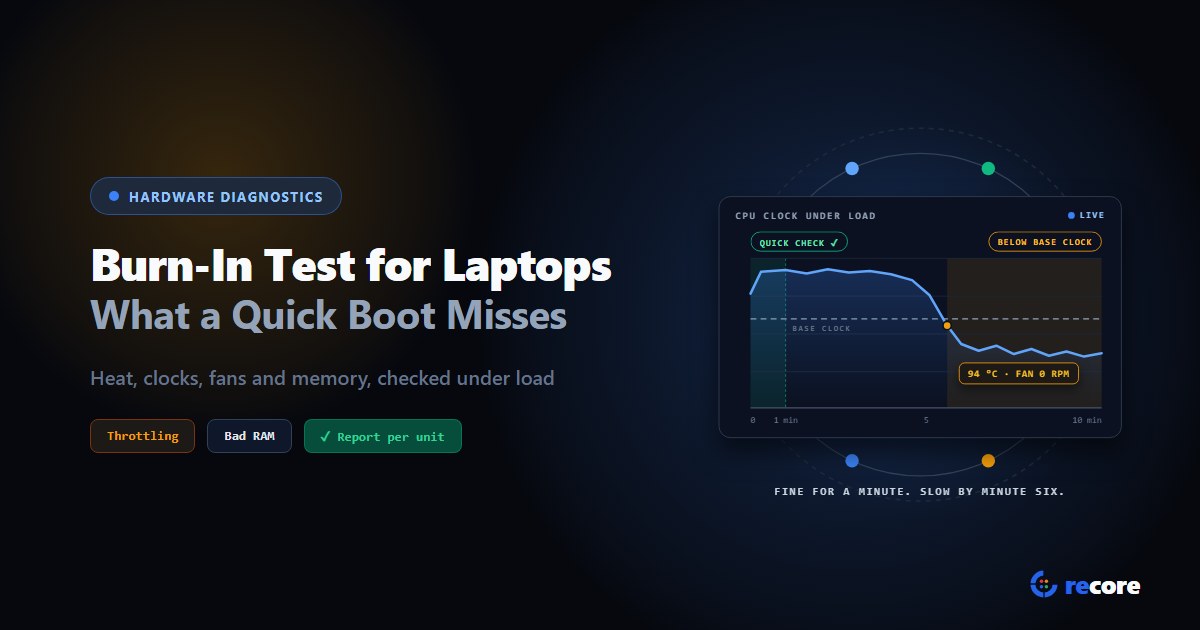
Burn-In Test for Laptops: How to Stress Test Used Laptops in Bulk
How to burn-in test a used laptop: what a quick boot check misses, how long to run it, what should fail or only warn, and what to log for the buyer.
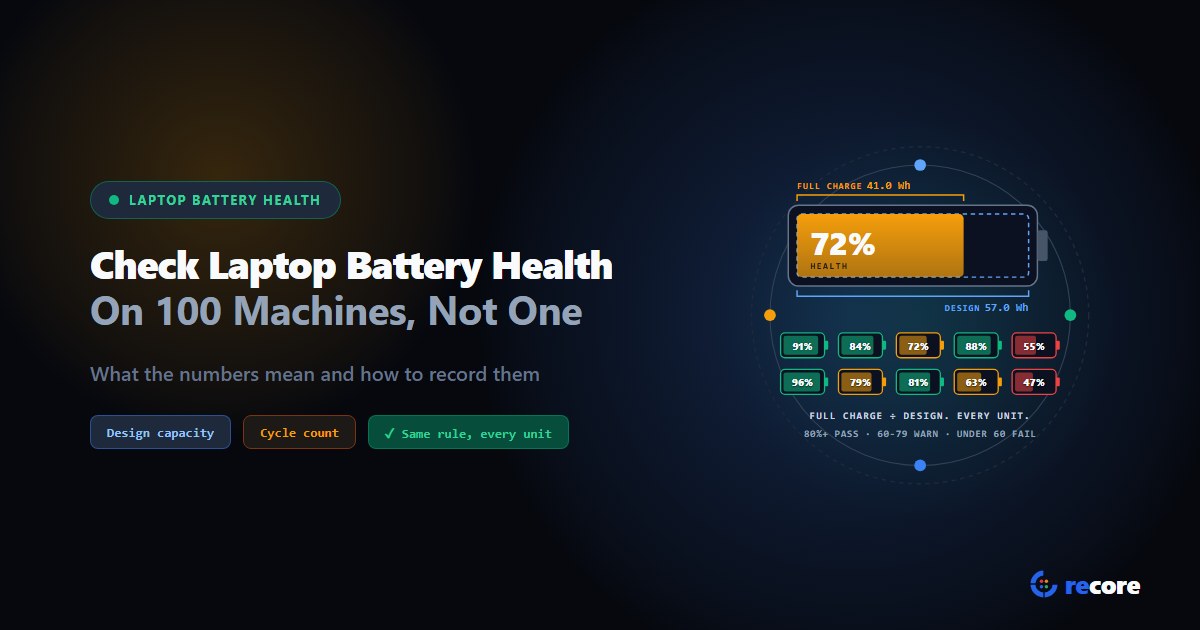
How to Check Laptop Battery Health on 100 Laptops, Not Just One
How to check laptop battery health on one machine and on a whole batch: what the numbers mean, when they mislead, and how to record them for a buyer.
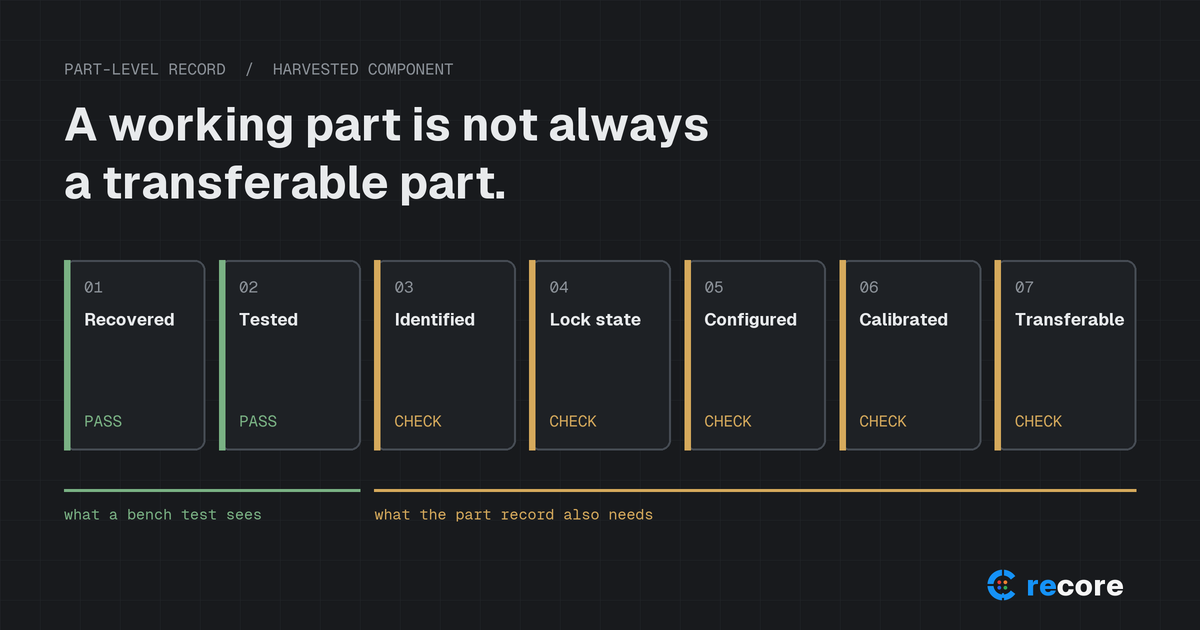
A Working Part Is Not Always a Transferable Part: Apple Parts Activation Lock and What ITAD Should Record
Apple's part-level Activation Lock and Repair Assistant change how refurbishers should test, grade and document used iPhone and iPad components.
Stay Ahead in Data Sanitization & ITAD Compliance
Join enterprise IT managers and electronics refurbishers receiving our monthly technical standards breakdowns, NIST/R2v3 audit tips, and benchmark releases.