Hard Drives Are Sold Out for 2026: When to Wipe and Resell Instead of Shredding
New hard drives are sold out and pricier. How a small floor decides wipe-and-resell or shred: health checks, Purge vs Clear, and a record buyers can check.
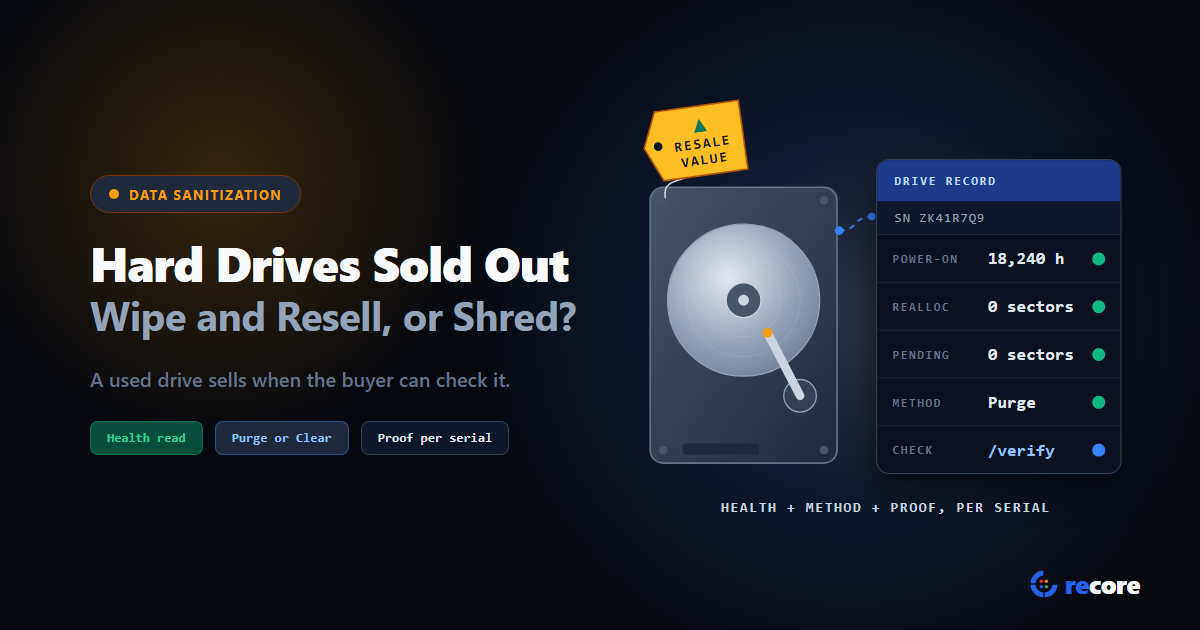
Early this year, the two largest hard drive makers said their 2026 output was gone. One chief executive said, "We're pretty much sold out for calendar '26." The other said, "Our nearline capacity is fully allocated through calendar year 2026." Nearline drives are the big, high-capacity drives that fill data center racks, and most of them went to large cloud companies building AI data centers.
On a small ITAD or refurbishment floor, that turns a routine call into a money decision. A working hard drive that used to go in the shred bin now has a price. But a used drive only sells well if the buyer trusts three things: that it's healthy, that the data is really gone, and that you can prove both for that exact drive.
Prices were already climbing. heise reported that hard drive retail prices in Germany were up about 20 to 50 percent on mid-2025. In June, Tech4Gamers, citing DigiTimes, said trade prices rose another 10 percent in the second quarter. And at the end of October, one of the two makers described "a strengthening demand environment" while "maintaining supply discipline." To us, that doesn't sound like a maker planning to flood the market.
- New hard drives are scarce and pricier in 2026, so a healthy used drive is worth checking before it's shredded.
- Read the drive's own health data (SMART) first. A failing drive goes to destruction, whatever the market.
- Use a Purge method where the drive supports one. If it doesn't, the method is Clear, and the record should say so.
- Tie the health figures, the method and a checkable certificate to the drive's serial number, and put them on the listing.
1. What the sources say, and where they differ
| When | Source | What it reported |
|---|---|---|
| Feb 16, 2026 | heise | Both makers sold out or nearly so for 2026; German retail hard drive prices up about 20-50% on mid-2025 |
| Feb 20, 2026 | The Register | 2026 output sold; an analyst saw "no meaningful open production" left for buyers other than the largest cloud companies |
| Jun 15, 2026 | Tech4Gamers, citing DigiTimes | Trade prices up "10% quarter-over-quarter" in Q2 |
| Oct 28, 2026 | One maker's quarterly results | "a strengthening demand environment" and "maintaining supply discipline" |
The forecasts don't agree on when it ends. Tech4Gamers quotes analysts who "expect things to improve sometime in 2027." In The Register, one chief executive mentioned long-term agreements "with two of them for calendar year '27" and "one of them for calendar year '28," and an analyst guessed at "locked-in purchase agreements extending into 2027 and 2028" for certain customers. Plan for scarcity through at least 2027, and treat any end date as a guess.
The shortage is sharpest for high-capacity data center drives, but heise's German retail figures cover ordinary drives too. Server, storage array and NAS drives sit closest to the short market. Ask your buyers what they pay now.
2. What NIST says about reuse
NIST SP 800-88 Rev. 2 is the US federal guideline for media sanitization. It names three methods. Clear protects against "simple, non-invasive data recovery techniques using the same interface that is available to the user." Purge makes recovery "infeasible using state-of-the-art laboratory techniques but preserves the ISM in a potentially reusable state." (ISM is NIST's word for a storage device.) Destroy means the drive can't be used again.
Two lines in Sections 4.3 and 4.3.3 matter here. Purge, and Clear where it applies, "may be more appropriate than destroy sanitization techniques when factoring in... the desire to reuse the ISM (either within the organization or by selling or donating the ISM), the cost of an ISM." And when a drive isn't going to be reused, "the simplest and most cost-effective sanitization method can be to destroy the media."
So resale is a normal choice under the guideline, given a sound method and good records. SSDs have their own rules, covered in our SSD reuse vs shredding guide.
3. Before you decide: read the drive's health
SMART (Self-Monitoring, Analysis and Reporting Technology) is the health log a drive keeps about itself. Wipe and diagnostic tools can read it, and NIST counts it too: Rev. 2 says a Clear or logical Purge can be verified by "checking the completion status of the tools and identifying errors, anomalies, and the health of the ISM."
Read it before the wipe and keep it. These are the values we'd look at first on a SATA drive (attribute numbers in brackets):
| SMART value | What it means | What it tells you |
|---|---|---|
| Overall status | The drive's own pass or fail verdict | Failed means destruction, not resale |
| Power-on hours (9) | Total hours the drive has run | How much of its life is used; buyers price on this |
| Reallocated sectors (5) | Bad spots the drive has swapped for spares | A few can be normal. Read it again after the wipe. A full pass touches every sector, so a count that grew during the wipe means the surface is failing |
| Pending sectors (197) | Spots the drive couldn't read and is waiting to retire | Any here means the drive has trouble reading right now |
| Offline uncorrectable (198) | Sectors the drive found it can't fix | Same concern as pending |
| Interface CRC errors (199) | Errors on the cable or connection | Often a bad cable or port, not the drive itself. Recheck on another port |
SAS drives report health differently: look at the grown defect list and the error counter logs instead of these attribute numbers.
Agree pass rules with your buyers, write them down, and apply them to every drive.
Check for hidden areas too. A host protected area (HPA) or device configuration overlay (DCO) hides part of the drive from a normal overwrite. Our ATA Secure Erase guide explains both.
4. Pick the strongest method the drive supports
NIST Rev. 2 says, "When possible, the purge sanitization method should be used instead of the clear sanitization method." It doesn't list techniques for each drive type. It points to IEEE 2883 instead, and says the logical Purge techniques use "dedicated, standardized device sanitize commands." In practice, Purge needs a command the drive runs itself: ATA Sanitize or SCSI SANITIZE, or ATA Secure Erase in enhanced mode on a hard drive. An overwrite sent through normal writes is Clear.
The older Rev. 1 (2014, now replaced) spelled out the options for hard drives in its Table A-5. They're still a useful map:
| Technique on a hard drive | NIST Rev. 1 | Drive reusable? |
|---|---|---|
| ATA Sanitize, overwrite | Purge. "A single write pass should suffice to Purge the media" | Yes |
| ATA Sanitize, cryptographic erase (encrypting drives only) | Purge, if NIST's encryption conditions are met | Yes |
| ATA Secure Erase, enhanced mode | Purge. Sanitize is preferred where the drive has both | Yes |
| SAS: SCSI SANITIZE, overwrite or cryptographic erase (encrypting drives only) | Purge. The same single-pass rule applies to the overwrite | Yes |
| Overwrite through normal write commands (ATA or SAS) | Clear | Yes |
| Degauss | Purge | Usually not: "Degaussing the media in a storage device typically renders the device unusable" |
Rev. 2 is blunter about degaussing. It says a degausser can damage a drive "potentially rendering them inoperable (e.g., if the servo tracks are damaged), but fail to sanitize the target data," because many degaussers aren't strong enough for modern drives. If you want to sell the drive, don't degauss it.
Some drives can't run a Purge: no support, or the computer froze their security commands at boot. Then an overwrite is the fallback. That's Clear, and the record must say so. Rev. 2 allows it for moderate-sensitivity data if the owner accepts that "some data may be retrievable by someone with the time, knowledge, equipment, and skills to do so." Whether your customer accepts that belongs in the contract. We cover choosing and checking the method drive by drive in choosing and verifying a purge.
A quick test for your floor: pull the next 20 hard drives headed for the shredder. Read their SMART, wipe the ones that pass, and ask two buyers for a price on them. That tells you whether rerouting is worth it before you change any process.
5. Wipe and resell, or shred: a decision table
| Situation | Route |
|---|---|
| The contract or customer policy says destroy | Destroy. Raise reuse at the next renewal instead |
| SMART says failed, or the wipe can't finish | Destroy. Rev. 2 says destruction "may be the only option when the ISM fails" |
| Purge ran, verified, health within your rules | Resell, with the record |
| Only Clear was possible | Resell only if the data category and the contract allow Clear. Label it Clear |
| Healthy but high hours or a few reallocated sectors | Resell at a lower grade, with the figures shown |
| Degaussed | Recycle |
6. What to put on the listing
NIST Section 4.6 lists what a certificate of sanitization should hold: manufacturer, model, serial number, method (Clear, Purge or Destroy), technique, tool and version, and verification method, among others. Add the health figures and you have a listing a buyer can trust:
- Model, capacity and serial number. The serial ties everything else to this one drive.
- Power-on hours, reallocated, pending and uncorrectable counts, as read before the wipe. If the drive didn't report a value, say so. Never write zero: zero is a claim about the drive.
- The method and technique, worded the way NIST does: "Purge, ATA Sanitize overwrite", or "Clear, single-pass overwrite".
- The verification result.
- A certificate the buyer can check without calling you.
Buyers ask four things: How many hours? Any reallocated or pending sectors? Purge or Clear? Can I check the certificate myself? If the listing already answers them, there's less to argue about later.
7. Where reCore fits
On the reCore station, each drive is read before it is wiped. Its certificate carries a media condition section with the SMART figures the drive reports, such as power-on hours, reallocated sectors and pending sectors. Values the drive doesn't report are left off, and a drive that reports none shows "Not Available", never zeros. The certificate also says whether a hidden area was found on the drive.
Every drive gets its own certificate, and the wipe method follows NIST SP 800-88 Rev. 2. Purge and Clear are reported honestly: ATA Secure Erase counts as Purge only in enhanced mode on a hard drive. Otherwise the certificate says Clear. Each certificate is digitally signed, and anyone, such as your buyer, can check it at recore.replugit.com/verify without an account. If a wipe is later found to be bad, the certificate can be revoked, and the verify page says so.
If you'd like to see the certificate for one of your own drives, email [email protected].
Before the shred bin
Read the drive's health, wipe it with the strongest method it supports, and name that method honestly. Then hand the buyer a record they can check against the serial. Shred the drives that fail, the ones the contract says to destroy, and the ones you can't prove clean.
Sources
- Dan Robinson, "Hard drives already sold out for this year – AI to blame," The Register, February 20, 2026. Both chief executive quotes, the long-term agreement quotes and the analyst quotes.
- Mark Mantel, report on 2026 hard drive output being sold out, heise online, February 16, 2026. German retail price rise of about 20-50% since mid-2025.
- Usman Saleem, "Hard Drive Supply Shortages Get Even Worse, With Prices Rising 10% in Q2 2026," Tech4Gamers, June 15, 2026, citing DigiTimes. The Q2 figure and the 2027 outlook.
- Quarterly results press release, filed with the US SEC, October 28, 2026. The October demand and supply quotes.
- NIST, SP 800-88 Rev. 2, Guidelines for Media Sanitization, September 2025. Sections 3.1.1-3.1.3, 4.3, 4.3.3, 4.5.1 and 4.6.
- NIST, SP 800-88 Rev. 1, December 2014 (replaced by Rev. 2). Table A-5, ATA and SCSI hard disk drives.
Frequently asked questions
Are used hard drives worth more because of the 2026 shortage?
The two largest hard drive makers told investors early in 2026 that their output for the year was sold out or fully allocated, mostly to large cloud and AI buyers. Retail prices in Germany were already up about 20 to 50 percent on mid-2025, and trade prices rose another 10 percent in the second quarter. That puts a price on working drives that used to go to the shredder. How much your own drives fetch depends on their capacity, condition and your buyers, so ask your buyers before changing your routing.
What SMART values indicate a bad hard drive?
A failed overall SMART status, any pending sectors (attribute 197) or offline uncorrectable sectors (198), and a reallocated sector count (5) that grows during a full wipe. Power-on hours (9) don't mean a drive is bad, but buyers price on them. Record the values before the wipe and put them on the listing. SAS drives report health differently, through the grown defect list and error counter logs.
Is a single overwrite pass on a hard drive Clear or Purge?
It depends on the command. A single pass through the drive's ATA Sanitize overwrite is Purge under NIST SP 800-88 Rev. 1, which says one write pass should suffice to Purge the media. The same pass through normal writes is Clear. Rev. 2 points to IEEE 2883 for the exact techniques.
When should a hard drive be shredded instead of wiped?
When the contract or the customer's policy says destroy, when the drive is failing or cannot finish the wipe, or when the data is too sensitive for the method the drive supports. NIST SP 800-88 Rev. 2 says destruction may be the only option when a drive fails, and that overwriting cannot be used on one damaged to the point of being inoperable.
Can you reuse a hard drive after degaussing?
Usually not. NIST SP 800-88 Rev. 2 says degaussing can make some drives unusable, for example if the servo tracks are damaged, and may still fail to sanitize the data on modern high-coercivity drives. A degaussed drive is for recycling, not resale.
reCore Research Lab
OfficialCompliance & Security Group
Technical research group specializing in NIST SP 800-88, IEEE 2883, SERI R2v3 standards, and forensic data recovery testing.
Wipe every drive. Prove every wipe.
reCore picks the purge method for each drive, verifies the result, and issues a per-drive certificate that a second person approves.
Related Guides & Research
Continue exploring compliance standards, firmware sanitization, and hardware diagnostics.
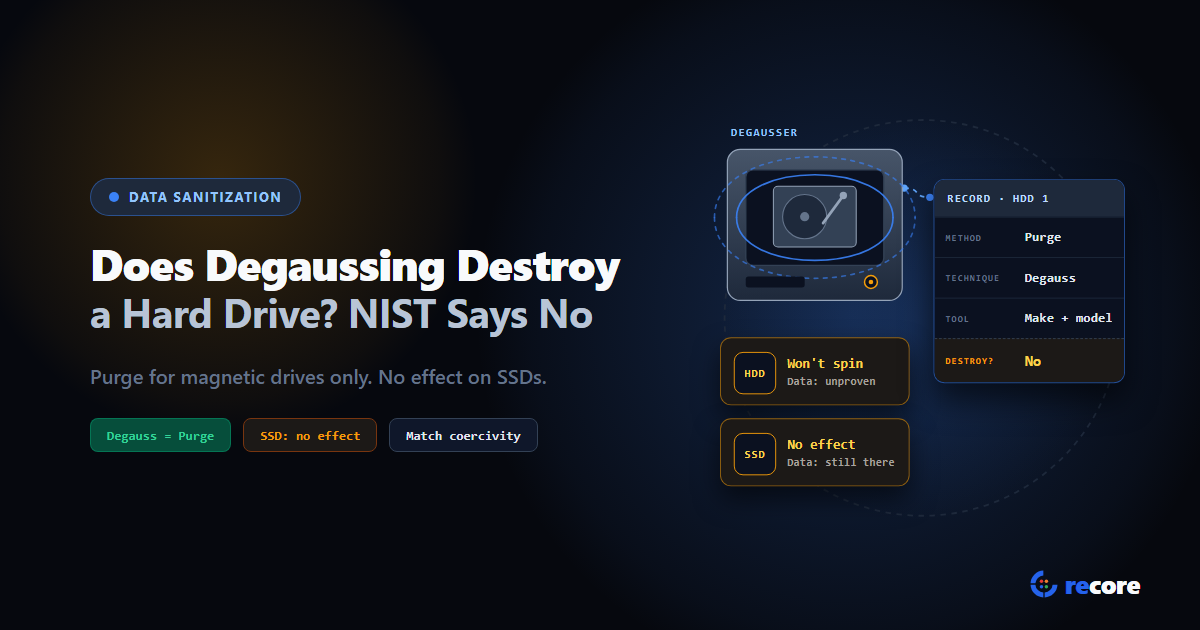
Does Degaussing Destroy a Hard Drive? What NIST SP 800-88 Rev. 2 Says
Under NIST SP 800-88 Rev. 2, degaussing is a Purge for magnetic drives only. Why it does nothing to SSDs, when a degausser is too weak, and what to record.
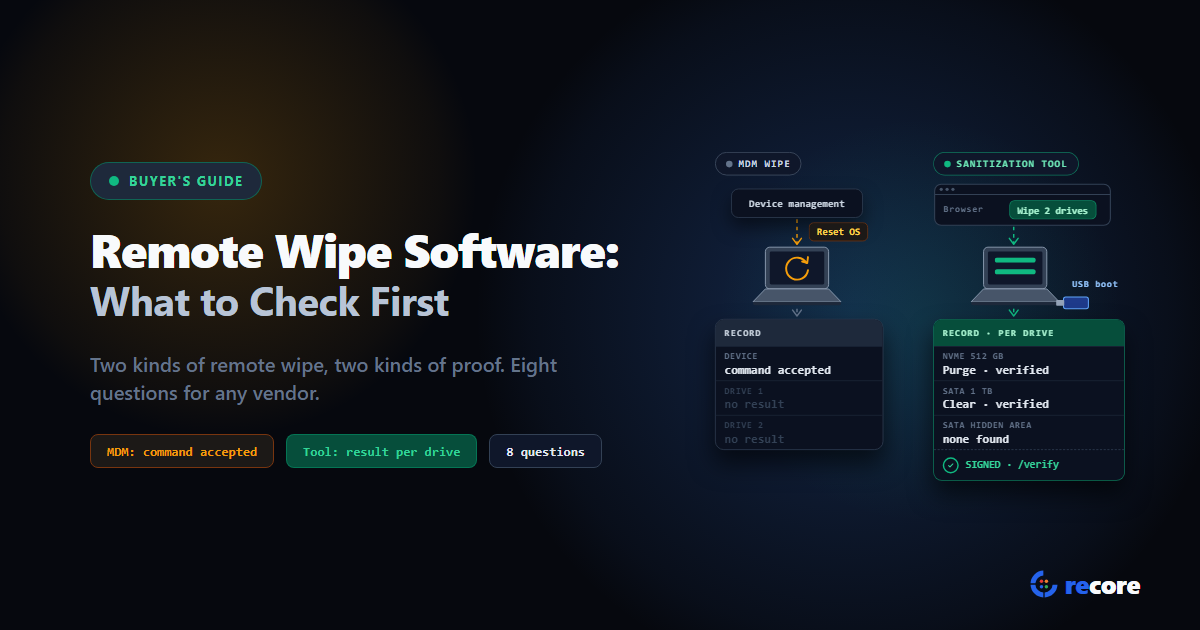
How to Choose Remote Wipe Software: 8 Questions to Ask
How to choose remote wipe software for an ITAD floor or IT team: the two kinds, what each proves, and eight questions to ask any vendor.
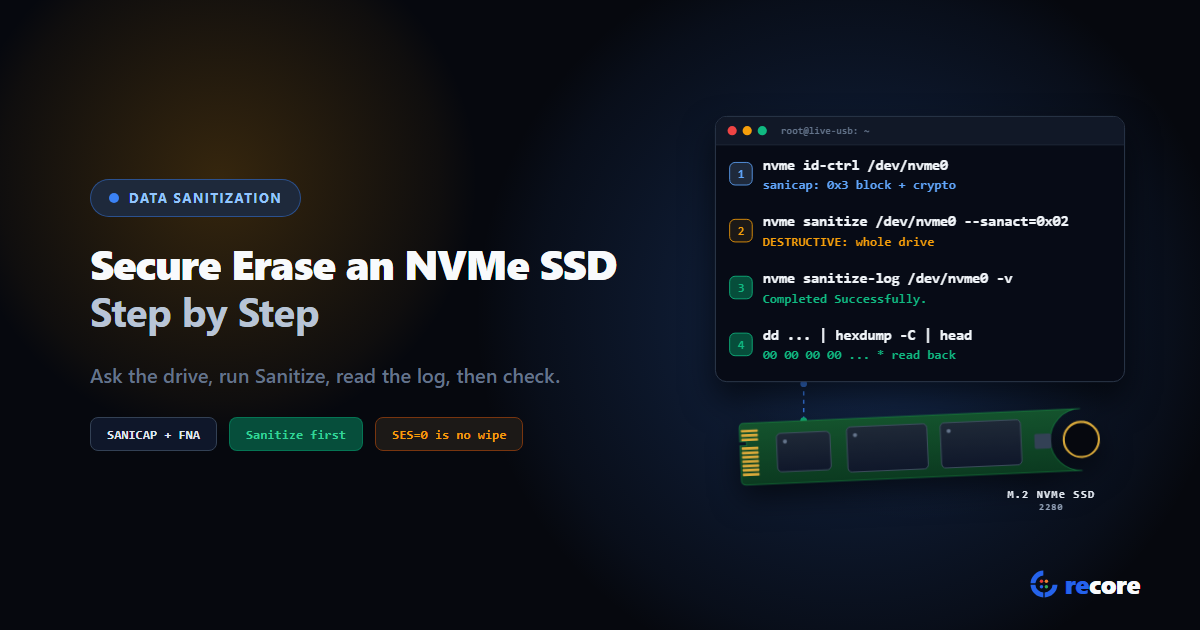
How to Secure Erase an NVMe SSD, Step by Step
The nvme-cli commands in order: check what the drive supports, run Sanitize or Format, watch it finish, check the result, and keep a record for each drive.
Stay Ahead in Data Sanitization & ITAD Compliance
Join enterprise IT managers and electronics refurbishers receiving our monthly technical standards breakdowns, NIST/R2v3 audit tips, and benchmark releases.