Wiping a Drive Uses a Kettle's Worth of Power. Replacing It Costs 160 kg of CO2.
A wipe costs grams of CO2e; a new 1 TB SSD about 160 kg. Where ITAD's carbon really sits, and how remote wipe and diagnostics push devices to reuse.
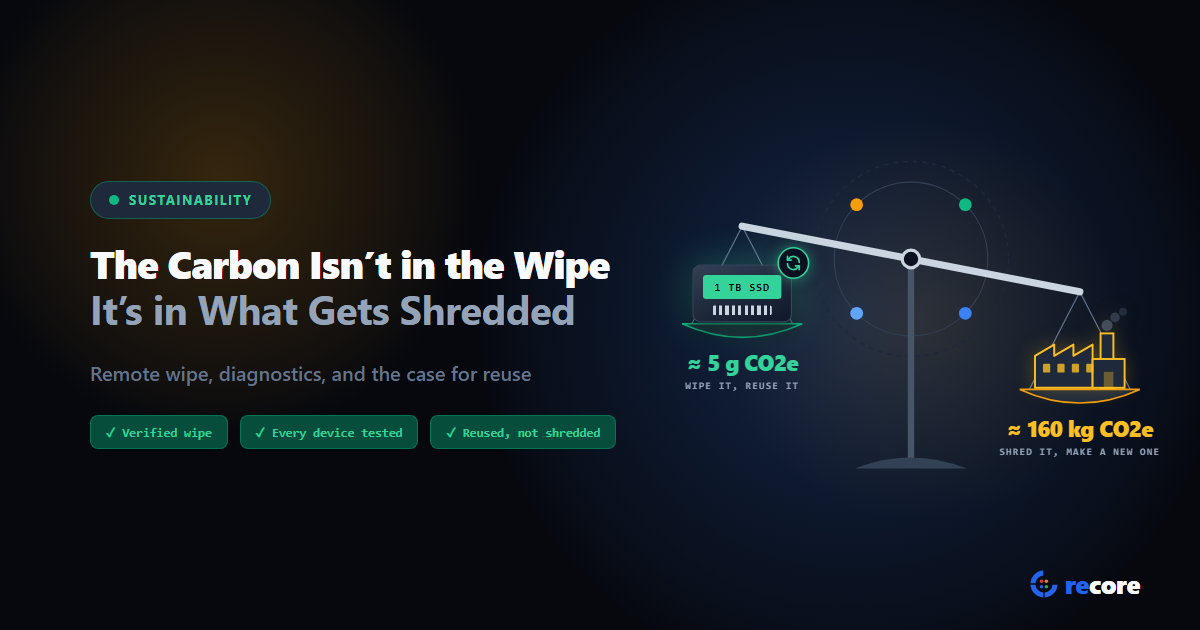
Wiping a 1 TB hard drive with a single overwrite uses about 0.09 kWh of electricity, roughly what it takes to boil a full one-litre kettle. Wiping an SSD uses far less: a few grams of CO2e. Manufacturing a new 1 TB SSD is estimated at around 160 kg of CO2e.
Those two numbers explain where carbon really sits in IT asset disposition (ITAD). It isn't in the wipe. It's in the decision that comes after: does this device, and this drive, get used again, or does it go to the shredder?
- Most of a laptop's carbon footprint comes from making it. In one manufacturer's published footprint, manufacturing is 76.6% of the total.
- The energy a wipe uses is tiny: grams of CO2e for an SSD. The carbon is lost when a working device or drive is destroyed or recycled instead of reused.
- Remote wipe and diagnostics cut carbon indirectly: they make reuse provable, testable and cheap enough to be the default.
1. A device's carbon is spent before it's switched on
Electronics carry most of their climate cost out of the factory with them. The carbon in mining, chip-making and assembly is called embodied carbon, as opposed to the carbon from the electricity a device uses while running.
Dell publishes a product carbon footprint for many of its models. For the Latitude 7350 Detachable (April 2024), the estimate is:
| Lifecycle stage | Share of footprint |
|---|---|
| Manufacturing | 76.6% |
| Use | 15.9% |
| Transportation | 6.5% |
| End of life | 1.0% |
| Total (mean estimate) | 110 kg CO2e (5th to 95th percentile: 60 to 215 kg) |
So once a laptop exists, most of its carbon is already spent. Use it longer and you spread that cost over more years. Throw it away early and you've wasted it.
The European Environmental Bureau put a number on this in 2019. Extending the life of every notebook in the EU by one year would save 1.6 million tonnes of CO2 a year by 2030, which it equates to taking 870,000 cars off the road. It also calculated that for a notebook to compensate for the emissions of its non-use phases (making, distributing and disposing of it), it "would need to last for 20 to 44 years".
2. Storage is where it gets heavy
Flash memory is carbon-intensive to make, which is worth knowing before you shred any. A peer-reviewed study by Swamit Tannu and Prashant Nair, which averaged lifecycle assessments of 94 SSDs, estimates 0.16 kg CO2e per gigabyte of SSD.
| Drive | Estimated manufacturing footprint |
|---|---|
| 1 TB SSD | about 160 kg CO2e |
| 1 TB hard drive | about 20 kg CO2e |
Treat these as orders of magnitude, not exact figures. The 160 kg is more than Dell's estimate for the entire laptop above, which shows how much the method matters: Dell models one specific product, while the study averages published assessments of many drives. Both point the same way, though. Flash storage is one of the most carbon-heavy parts of a computer, and shredding a working SSD throws that away.
3. The wipe itself barely registers
We worked out four cases, from a typical SSD wipe to a slow worst case. They're our illustrative assumptions, not measurements, and every row uses 0.7 kg CO2e per kWh, the US grid factor Tannu and Nair used. Your grid is probably cleaner.
| Wipe of a 1 TB drive | Time (assumed) | Power (assumed) | Energy | CO2e |
|---|---|---|---|---|
| SSD purge, then a 10% read-back check | about 10 min | 40 W | 0.007 kWh | about 5 g |
| SSD purge, then a full read-back check | about 40 min | 40 W | 0.027 kWh | about 19 g |
| Hard drive, one overwrite pass at 150 MB/s | about 1 h 50 min | 50 W | 0.09 kWh | about 65 g |
| Hard drive, three passes at 100 MB/s on a desktop | about 8 h 20 min | 80 W | 0.67 kWh | about 0.47 kg |
An SSD purge, such as crypto erase (destroying the drive's encryption key) or block erase, finishes in seconds to minutes. Most of the time in the first two rows is reading data back to check it. Even the slowest row is about 1/340 of the 160 kg estimated for a new 1 TB SSD. A typical SSD wipe? Closer to 1/30,000.
So the wipe's electricity isn't the problem. You'd save almost nothing by picking a "greener" wipe method. You save a lot by choosing to wipe instead of shred.
4. Where ITAD actually loses carbon
The world generated a record 62 million tonnes of e-waste in 2022, and only 22.3% was documented as properly collected and recycled, according to the UN's Global E-waste Monitor 2024. Recycling recovers materials, but it doesn't recover the manufacturing carbon. Reuse does.
On an ITAD floor, you lose carbon at four decision points:
- "Destroy, to be safe." If you can't show a customer that a drive was sanitized, the shredder looks like the safe choice. A working SSD becomes scrap.
- "Untested, so recycle." If nobody had time to test a device, you can't grade it or sell it with confidence. So it goes for materials recovery.
- "Not worth the labour." If it costs you more to process a low-value laptop than it'll sell for, it gets recycled, even when it works.
- "Ship it to the plant." Moving devices to a central facility has a cost too. A peer-reviewed lifecycle study of laptop remanufacturing (Cranfield University, 2023) found transport, especially by air, was the largest source of the operation's emissions. It also found remanufacturing has a much smaller impact than making a new laptop.
None of these is about the wipe being dirty. All of them are about the device not getting a second life.
5. How remote wipe and diagnostics shift the decision
This is where your tooling matters, and it's what we built reCore around. Each capability below maps to one of those four decision points. (We checked every product detail against reCore's code.)
Proof instead of "destroy, to be safe." reCore picks a purge method for each drive, such as crypto erase, block erase or ATA Secure Erase, and verifies the result with a check that matches the method. Every drive gets its own wipe record, and a second person approves the certificate. That gives an ITAD provider evidence to put in front of a customer who'd otherwise default to shredding. Our guide to SSD reuse vs shredding covers the contract side.
Every device tested, not just the easy ones. From the dashboard, a supervisor can start diagnostics or a stress test on one machine or a whole floor of them. Each device then gets a recorded outcome: ready, repair, parts, recycle or hold. "Untested" stops being a reason to recycle.
Lower cost per device. Wipes and tests start from a browser, in bulk, so one person can keep many benches moving. When handling costs less, more low-value devices are worth reusing. (We haven't measured this saving, so we won't put a number on it.)
Process where the devices are. A reCore station is a USB stick and an internet connection, so devices can be wiped and tested where they already are, including at the customer's site. Devices that will be redeployed inside the same organization never need to travel. Our guide to remote data wipe works through the freight numbers.
A record you can report from. Each drive's record holds its disposition (reuse, transfer or destroy) and the downstream vendor it went to. Each device holds its outcome. Those counts are what a reuse rate, or a carbon estimate, is built from.
- It doesn't calculate carbon. It records outcomes and dispositions; it doesn't apply emission factors or produce CO2 figures.
- It doesn't sanitize phones, TVs or other embedded storage. It works on PCs and servers running its Windows or Linux environment.
- It can't make a device worth reusing. A failed drive or a broken board still goes to recycling; reCore just makes sure that's a tested decision.
6. What to measure on your own floor
Want to know whether your process saves carbon or quietly wastes it? Track these, not wipe energy:
| Measure | Why it matters |
|---|---|
| Share of devices reused vs recycled | Reuse is where the carbon saving is |
| Drives destroyed by policy, not by failure | Each one is working storage thrown away |
| Devices recycled without being tested | The "untested, so recycle" leak |
| How devices travel, and how far | Transport was the biggest contributor in the remanufacturing study |
| Drives with a verified wipe record | The evidence that lets reuse replace destruction |
If you report carbon savings, say which emission factors and which "avoided new purchase" assumption you used. A reused laptop only saves carbon if it really replaces a new one.
Conclusion
The carbon question in ITAD isn't "how green is our wipe?" A wipe costs grams of CO2e for an SSD, and about a kettle of electricity for a slow hard-drive pass. The question is how many working devices and drives leave your floor as scrap when they could have been used again. Remote wipe and diagnostics don't shrink a footprint by themselves. They remove the reasons to destroy: no proof, no test, no time. That's how they cut carbon.
Further reading: reCore's data wiping and diagnostics, how grading gives every device an outcome, and pricing for plans and the free trial.
Sources
- Dell Technologies, Product Carbon Footprint: Latitude 7350 Detachable, April 2024 (PAIA model).
- S. Tannu and P. J. Nair, The Dirty Secret of SSDs: Embodied Carbon, ACM SIGENERGY Energy Informatics Review, Vol. 3, Issue 3, October 2023 (first presented at HotCarbon 2022).
- European Environmental Bureau, Coolproducts don't cost the earth (briefing), September 2019.
- ITU and UNITAR, Global E-waste Monitor 2024, March 2024.
- Y. Atescan Yuksek et al., Sustainability assessment of electronic waste remanufacturing: the case of laptop, Procedia CIRP 116 (2023), pp. 378-383.
Frequently asked questions
Where does most of a laptop's carbon footprint come from?
Manufacturing. In Dell's product carbon footprint for the Latitude 7350 Detachable (April 2024), manufacturing is 76.6% of an estimated 110 kg CO2e, use is 15.9%, transport 6.5% and end of life 1.0%. That's why keeping a working device in use matters more than how efficiently it's run or recycled.
How much carbon does it take to manufacture an SSD?
One peer-reviewed estimate (Tannu and Nair, ACM SIGENERGY Energy Informatics Review, 2023) averages 0.16 kg CO2e per gigabyte across 94 SSDs, about 160 kg for a 1 TB drive, against about 20 kg for a 1 TB hard drive. Estimates vary with the method and the drive, so treat it as an order of magnitude, not a precise figure.
Does data wiping use a lot of energy?
No. By our illustrative arithmetic at a high grid factor (0.7 kg CO2e per kWh), wiping a 1 TB SSD with a purge and a 10% read-back check is about 5 g of CO2e. A single overwrite of a 1 TB hard drive is about 0.09 kWh, roughly a kettle, or about 65 g. Even three passes on a power-hungry desktop come to about 0.47 kg, roughly 1/340 of the 160 kg estimated to make a new 1 TB SSD.
How do remote wipe and diagnostics reduce ITAD's carbon footprint?
Indirectly, by changing what happens to devices. A verified wipe with a per-drive record makes reuse acceptable instead of destruction by default. Testing every device gives it an evidence-based outcome instead of 'untested, recycle'. Running a whole floor from one browser lowers the cost per device, so lower-value devices are still worth reusing. And processing where the devices are avoids shipping ones that will be reused locally.
Does reCore calculate carbon savings?
No. reCore records the outcome of every device (ready, repair, parts, recycle or hold) and the disposition of every drive (reuse, transfer or destroy), which are the inputs a carbon calculation needs. It doesn't apply emission factors or report CO2 figures.
reCore Research Lab
OfficialCompliance & Security Group
Technical research group specializing in NIST SP 800-88, IEEE 2883, SERI R2v3 standards, and forensic data recovery testing.
Keep working devices in use
Verified wipes, tested devices and a recorded outcome for every unit, so working kit can go back into use with proof.
Related Guides & Research
Continue exploring compliance standards, firmware sanitization, and hardware diagnostics.
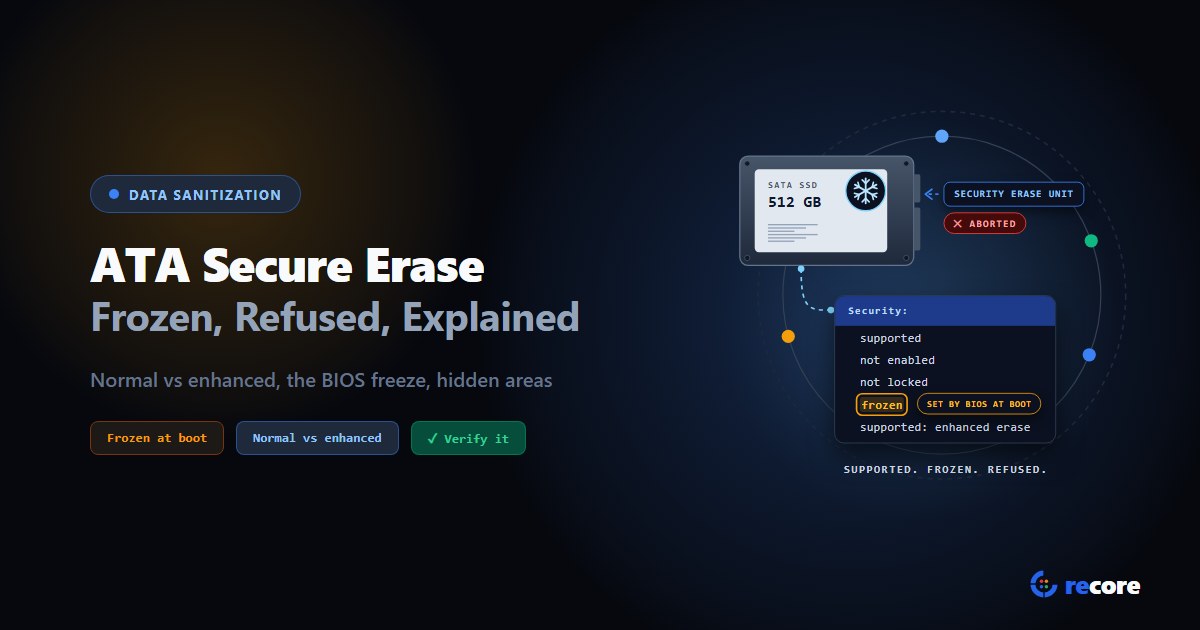
ATA Secure Erase Explained: Normal, Enhanced and Frozen Drives
What ATA Secure Erase does in normal and enhanced mode, why drives show frozen or not supported, what it misses (HPA, DCO), and how to verify it.
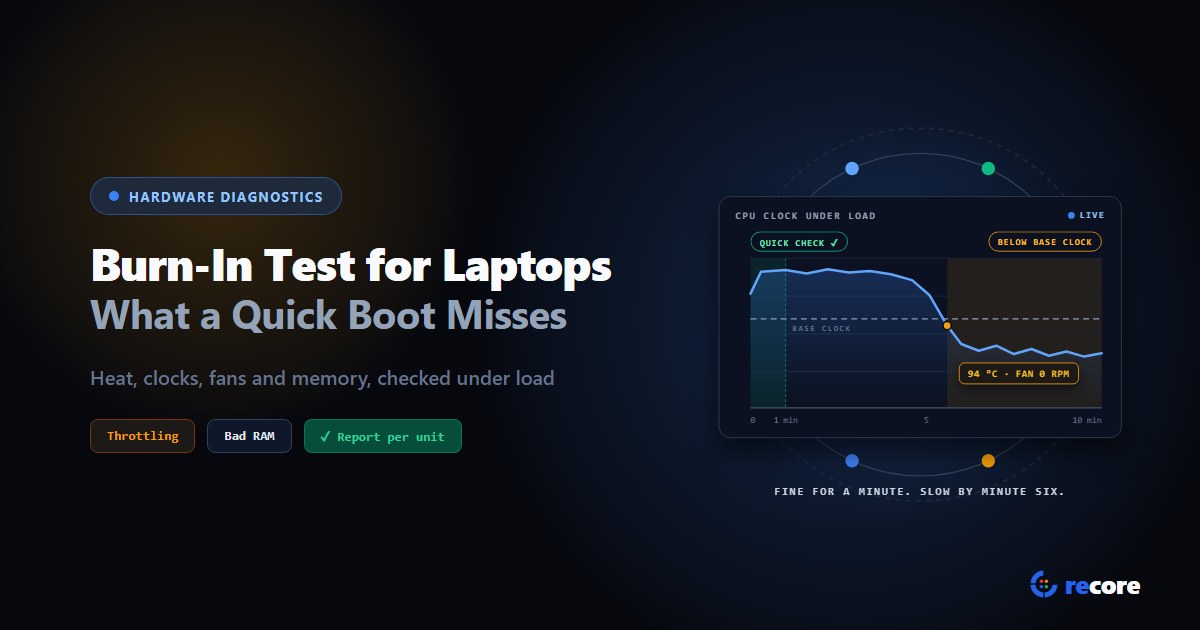
Burn-In Test for Laptops: How to Stress Test Used Laptops in Bulk
How to burn-in test a used laptop: what a quick boot check misses, how long to run it, what should fail or only warn, and what to log for the buyer.
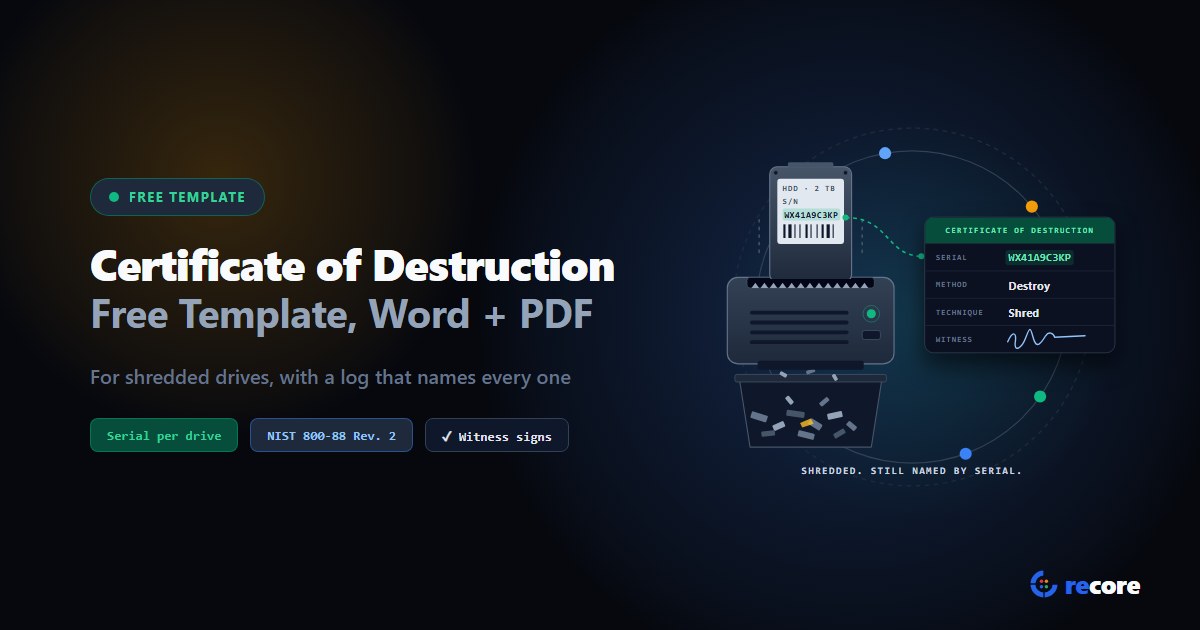
Certificate of Destruction Template for Hard Drives (Free, Word + PDF)
A free certificate of destruction template for hard drives and SSDs, in Word and PDF, with a per-drive log and the fields NIST SP 800-88 Rev. 2 lists.
Stay Ahead in Data Sanitization & ITAD Compliance
Join enterprise IT managers and electronics refurbishers receiving our monthly technical standards breakdowns, NIST/R2v3 audit tips, and benchmark releases.