Certificate of Destruction Template for Hard Drives (Free, Word + PDF)
A free certificate of destruction template for hard drives and SSDs, in Word and PDF, with a per-drive log and the fields NIST SP 800-88 Rev. 2 lists.
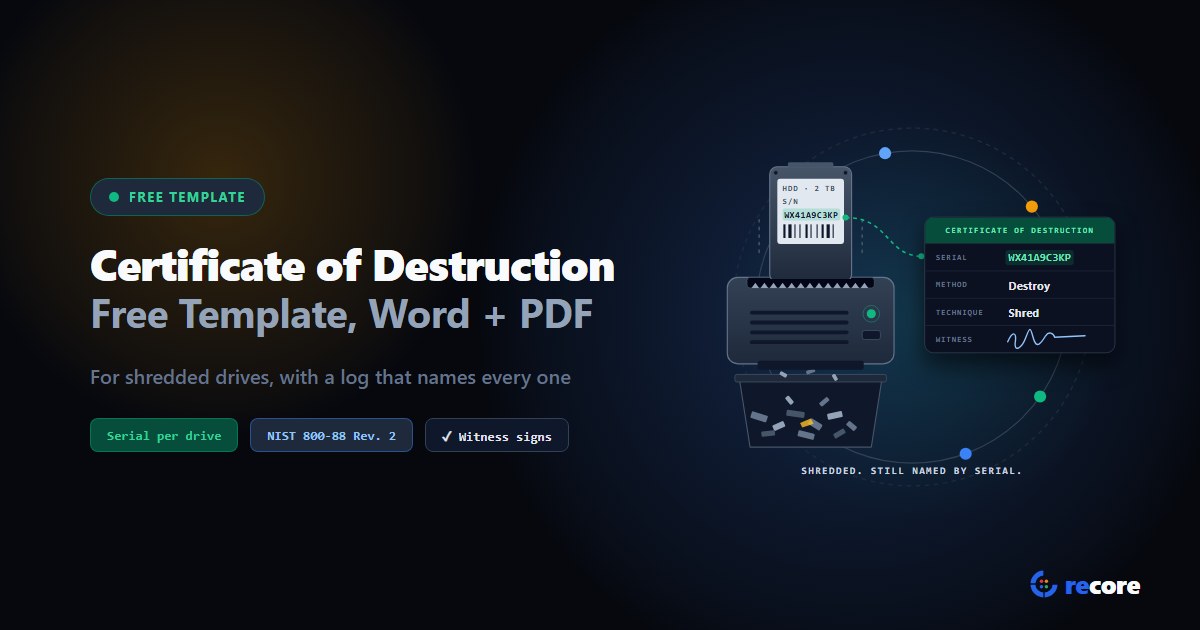
A certificate of destruction template is a ready-made form that records which drives were physically destroyed, how, and who saw it done. When an auditor or a customer asks "prove that drive is gone," this is the paper you hand over.
We built a free one for hard drives and SSDs. It has every field NIST SP 800-88 Rev. 2 lists for a sanitization record, the destruction details on top, and a log with one row per drive. Below: when you need it, what each field is for, and the mistakes that make one worthless.
- Word (.docx): edit it, add your logo, fill it in on screen.
- PDF: print it and fill it in by hand.
Page 1 is the certificate, one per destruction job. Page 2 is the destruction log, one row per drive.
1. What a certificate of destruction proves
It proves three things about each drive: which one it was, that it was destroyed in a way that counts, and that someone other than the operator checked. If you can't show all three, you've got a receipt, not a certificate.
NIST SP 800-88 Rev. 2, the US guidelines for media sanitization, has three sanitization methods: Clear, Purge and Destroy. Destroy is the one where the drive doesn't survive. NIST defines it as a method that "renders target data recovery infeasible using state-of-the-art laboratory techniques and results in the subsequent inability to use the media to store data."
NIST doesn't publish a separate destruction form. Its certificate of sanitization (sample in Appendix C) covers all three methods. So a certificate of destruction is that same record with the method set to Destroy, plus the details a destruction job needs: the equipment, the witness, and where the pieces went. That's how our template is built.
2. Destruction or sanitization: which certificate do you need?
Pick the certificate that matches what happened to the drive. Not what you'd like to have happened. If you're not sure, ask where the drive is now.
| What happened to the drive | Certificate you need |
|---|---|
| Wiped, then reused, resold or donated | Certificate of sanitization (our free template) |
| Shredded, disintegrated, pulverized, melted or incinerated | Certificate of destruction (this template) |
| Wiped first, then shredded anyway | Certificate of destruction, with the wipe noted under "Done before destruction" |
| Failed, dead or can't be wiped | Certificate of destruction |
| Degaussed only | Certificate of sanitization, method Purge (see section 4) |
The "failed" row comes straight from NIST: destruction "may be the only option when the ISM fails or is obsolete" and other clear or purge techniques can't be applied. (ISM is NIST's term for storage media like hard drives and SSDs.)
Choosing between reuse and shredding in the first place is its own decision. We covered it in SSD reuse vs shredding.
3. The fields, and why each one is there
The NIST fields come from Section 4.6 of SP 800-88 Rev. 2. The rest are practical additions we'd want on any destruction job; the table says which is which.
| Field | What to write | Where it comes from |
|---|---|---|
| Drive serial (on the log) | The drive's own serial, copied before it goes in | NIST 4.6 |
| Manufacturer, model, media type | Make, model, and hard drive, SATA SSD, NVMe SSD or USB flash | NIST 4.6 |
| Asset tag | Your property number, if you use one | NIST 4.6 |
| Media source | The computer or user it came from, e.g. the host serial | NIST 4.6 |
| Confidentiality category | Optional: how sensitive the data was | NIST 4.6 (optional) |
| Method | Destroy | NIST 4.6 |
| Technique | Shred, disintegrate, pulverize, melt or incinerate | NIST 4.6 and 3.1.3 |
| Equipment used | Make, model and ID of the shredder or furnace | NIST 4.6 ("tool used") and 4.5.1 |
| Verification | Who inspected the remnants, and what they found | NIST 4.6 and 4.5.1 |
| People | Name, position, date, location, contact, signature | NIST 4.6 |
| Witness | A second person who watched it or inspected the remains | Practical addition |
| Customer, job number, media received | Who owned the data and how it reached you | Practical addition |
| Output size | The largest piece the equipment produces | Practical addition (NIST 4.5.2 uses piece size as an example) |
| Remnants sent to | Recycler, location, shipment or weight ticket | Practical addition |
Two of these need a word.
Verification looks different for destruction. For a wipe, you read data back. For destruction, NIST says verification "involves inspecting the remnants of a destruction technique and identifying the equipment used with it." So your certificate should say who looked at what came out, and which machine made it.
Piece size matters. NIST's own example of a destruction that worked but wasn't good enough: "a shredder is used on an optical disc and results in pieces that are 50 % larger than what is acceptable to the organization." The machine ran fine. The result still failed. So write down what your equipment produces and what your policy asks for.
4. Which techniques count as Destroy
Not everything that damages a drive counts. Here's what NIST SP 800-88 Rev. 2 says, and it isn't always what people expect.
| Technique | Counts as Destroy? | What NIST says |
|---|---|---|
| Shred | Yes | "Cutting or tearing it into small particles" |
| Disintegrate | Yes | Breaking it into parts so "there is nothing or very little of it that is recognizable" |
| Pulverize | Yes | "Reducing it to a fine powder or dust" |
| Melt | Yes | "Liquefying it" |
| Incinerate | Yes | "Burning it to ash" |
| Degauss | No: it's Purge | Not "an approved destroy sanitization technique"; "should not be used for non-magnetic ISM (e.g., flash storage, such as SSDs)" |
| Drill, bend, cut, crush | No | "May only partly damage the ISM, leaving portions of it accessible" |
One line in Section 3.1.3 surprises people: "Pulverize and shred techniques for ISM should be avoided for anything but the lowest security categories of data." NIST's reason is density. As data gets denser and the materials get harder, "certain destructive techniques can become ineffective." Flash chips are small, so check that what comes out of your shredder is smaller than they are.
So if you shred SSDs, two fields carry weight: the output size, and the inspection of the remnants. Leave either blank and your certificate claims more than it shows.
5. How to fill it in
- Log every serial before anything is destroyed. Once the drive is in pieces, the serial is gone. Copy it from the drive's label or scan its barcode, not from the computer it came out of.
- One row per drive. The log is the part that proves anything. Check that the number of rows matches "Number of drives destroyed" on page 1.
- Record the equipment by ID. "Shredder" isn't enough. Write the make, model and serial or asset number of the machine.
- Inspect the remnants and say what you saw. For example, "output checked, no piece larger than our policy limit, no intact chips."
- Get the witness to sign. Someone who watched the destruction, or who inspected the remains. The customer's own staff is ideal when the work is on site.
- Note what happened first. If drives were wiped or degaussed before shredding, say so. It's extra assurance, and it explains why there's a degausser on your equipment list.
- Record where the pieces went. Recycler name, location, and the shipment or weight ticket number.
6. Mistakes that make a certificate worthless
- A count, not a list. "48 drives destroyed" identifies none of them. If one drive turns up later, a count can't say whether it was in the batch. We wrote more on this in serial-level verification.
- The computer's serial instead of the drive's. The certificate is about the storage device. A laptop serial doesn't say which drive was inside.
- "Degaussed" as the destruction. Under NIST Rev. 2, it's Purge. And on an SSD, NIST's own example says a degauss "can complete successfully, but no sensitive data is sanitized."
- Drilled or punched drives listed as destroyed. NIST says those may leave parts of the drive readable.
- No equipment ID and no inspection. NIST verification for destruction is exactly those two things.
- Blank fields. Write "N/A" so a reader can tell the field wasn't skipped.
- A certificate of destruction for a drive that was resold. If it was wiped and reused, issue a certificate of sanitization. The wrong certificate is a false statement.
7. Where reCore fits, and where it doesn't
We built reCore to wipe drives so they can be used again. It doesn't shred anything, and it doesn't issue certificates of destruction. That's why we made this template: it's for the destruction side of the job.
Where the two meet:
- reCore issues a certificate for a wiped drive only when verification passed. If the read-back failed, there's no certificate, and that drive is a candidate for this template.
- When a reviewer approves a wipe certificate, they have to record what happens to the drive next: reuse, transfer, or destroy. That choice is printed on the certificate.
- If a hard drive has more sectors that refuse every write than the wipe can excuse, the wipe stops and tells the operator: "A drive this damaged should be destroyed, not reused."
For drives that stay in service, see data wiping.
Conclusion
A certificate of destruction is only as good as its log. Write down every serial before the drive goes in, because you won't get a second chance. Use a technique NIST counts as Destroy. Identify the machine, inspect what comes out, and get a second signature. Then anyone who reads it later can match a drive to its fate. Download the Word or PDF version and use it on your next job. For what NIST asks of all three methods, see our NIST SP 800-88 page.
Sources
- NIST, SP 800-88 Rev. 2, Guidelines for Media Sanitization, September 2025: Section 3.1.2 (degaussing), Section 3.1.3 (Destroy Sanitization Method), Section 4.5 (verification and validation), Section 4.6 (Documentation), Appendix C (sample certificate) and the glossary definition of "destroy".
Frequently asked questions
What is a certificate of destruction for hard drives?
A record that named storage devices were physically destroyed: which drives, by serial number, how they were destroyed, with what equipment, where and when, who did it, and who witnessed it or inspected the remains. It is the paperwork that lets the data owner prove those drives can no longer be read.
When do I need a certificate of destruction instead of a certificate of sanitization?
When the drive itself is destroyed: shredded, disintegrated, pulverized, melted or incinerated. If the drive was wiped and will be used again, you need a certificate of sanitization instead. A certificate of destruction for a drive that was resold would be false.
Is there a NIST 800-88 compliant certificate of destruction?
NIST SP 800-88 Rev. 2 has no separate destruction form. Destroy is one of its three sanitization methods, and its certificate of sanitization covers it. A certificate of destruction lines up with NIST when it records the Section 4.6 fields with the method set to Destroy. NIST does not approve or certify individual forms.
Does degaussing count as destruction?
Not under NIST SP 800-88 Rev. 2. It treats degaussing as a purge technique for magnetic media, says it is not currently an approved destroy technique, and says it should not be used on flash storage such as SSDs. If you degauss and then shred, record both.
Is drilling a hole through a hard drive enough?
NIST SP 800-88 Rev. 2 says techniques like bending, cutting, or drilling a hole through a storage device may only partly damage it, leaving portions readable with state-of-the-art laboratory techniques. Those are not on its list of destroy techniques.
Is there a certificate of destruction template in Excel?
Our template comes as Word and PDF. The destruction log on page 2 is a plain table with one row per drive, so you can copy its column headings into a spreadsheet if your team keeps logs in Excel.
reCore Research Lab
OfficialCompliance & Security Group
Technical research group specializing in NIST SP 800-88, IEEE 2883, SERI R2v3 standards, and forensic data recovery testing.
Evidence your auditor will accept
A wipe record and verification for every drive, and certificates with second-person approval, ready for an R2v3 audit.
Related Guides & Research
Continue exploring compliance standards, firmware sanitization, and hardware diagnostics.
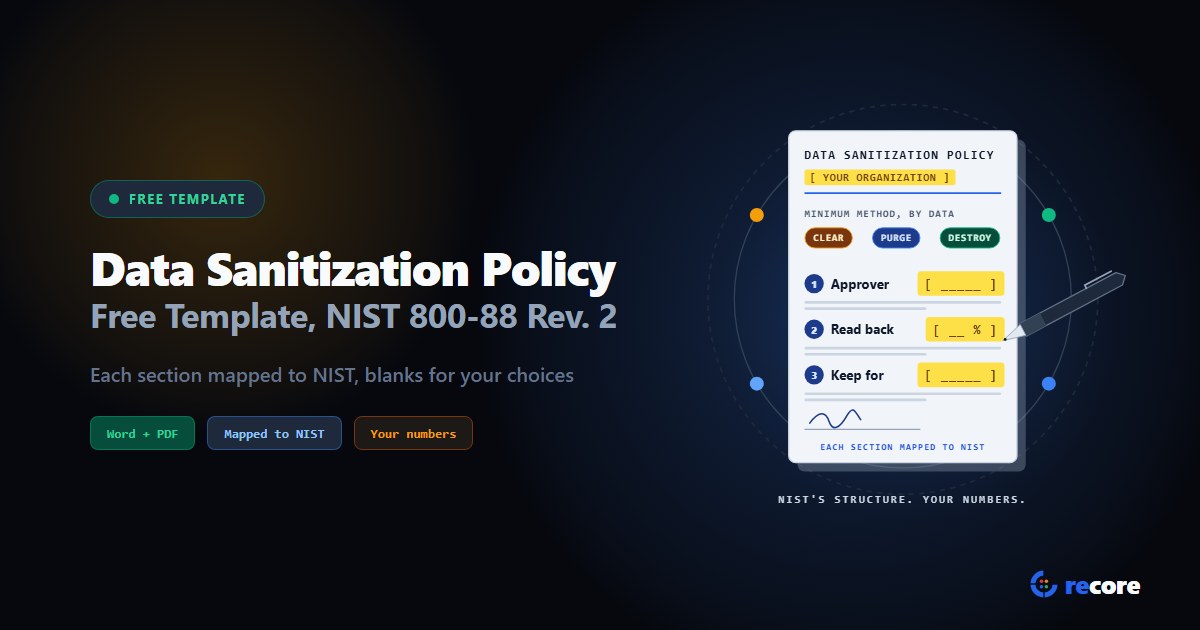
Data Sanitization Policy Template (Free, NIST 800-88 Rev. 2)
A free data sanitization policy template in Word and PDF, built section by section on NIST SP 800-88 Rev. 2, with blanks for the choices only you can make.
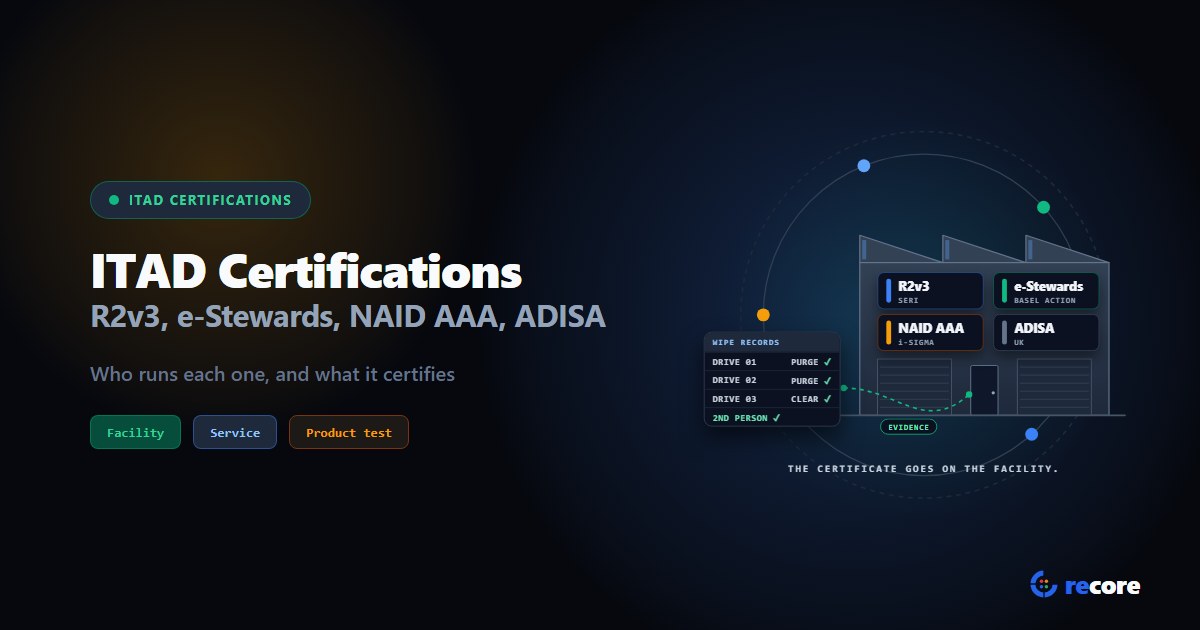
ITAD Certifications Compared: R2v3, e-Stewards, NAID AAA and ADISA
Who runs each ITAD certification, what it certifies (the facility, the service or the software) and what it says about data. One table, sources linked.
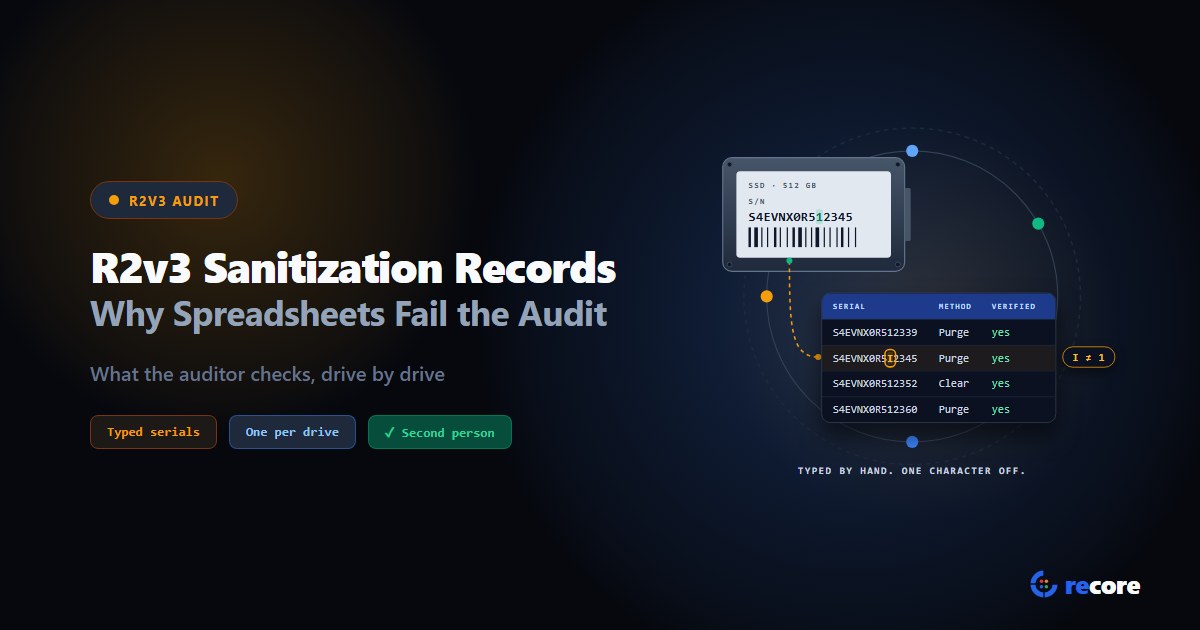
R2v3 Sanitization Records: Why Spreadsheets Fail the Audit
What an R2v3 auditor checks in your sanitization records, why SERI won't accept operator spreadsheets, and the fields each drive's record should hold.
Stay Ahead in Data Sanitization & ITAD Compliance
Join enterprise IT managers and electronics refurbishers receiving our monthly technical standards breakdowns, NIST/R2v3 audit tips, and benchmark releases.