ITAD Automation for Smaller Floors: What to Automate First
Big ITADs buy scanning tunnels and 64-cell test rigs. What a small floor should automate first, what still needs a person, and how to test a tool.
On November 3, Resource Recycling ran an analysis called "AI alters ITAD economics." It describes what the larger ITADs are building. Scanning tunnels that inspect returned equipment with no one touching it. A test platform in "configurations accommodating up to 64 test cells." Software that tells a technician whether a unit should be redeployed, refurbished, sold wholesale or stripped for parts.
Most floors won't buy any of that soon. If you run a bench, a few techs and a spreadsheet, the useful question is smaller: which part of your day should a machine take over first?
One line in the article matters more to a small floor than the tunnels: "Data erasure is a necessary processing step for many recovered devices, and its associated administrative work can consume considerable resources." That's where we'd start: with the paperwork around the wipe, not a robot.
- The big shops are automating inspection, testing and routing, at scale.
- On a smaller floor, the time goes into the record: typing, copying, and matching wipe results to test results and grades.
- Automate the record first. Keep a person for what a person sees better, and make that part short.
- Judge any tool on your own units, next to your current process. The article notes that public descriptions of one big vendor's system give no independent cost proof, and we can't show it for ours yet either.
1. What the big shops are automating
We've grouped what the article describes into four stages and left the vendors' names out. The quoted descriptions are its own.
| Stage | What the article describes |
|---|---|
| Inspection | Scanning tunnels that "can inspect returned equipment without manual intervention during the inspection stage" |
| Testing | A test platform in "configurations accommodating up to 64 test cells" |
| Routing | Software that directs "floor technicians whether to redeploy, refurbish, wholesale or harvest components" |
| Grading | Standard rules, because "standardized grading can limit inconsistencies between inspectors" |
Why now? Two numbers from the piece. A benchmarking study of 56 organizations, covering more than 2.5 million IT assets from 2019 to 2025, found that average enterprise laptop refresh cycles "shortened from 4.3 to 4.0 years." Server resale values in 2025 "reached nearly 2.5 times their seven-year average," which the article ties to tight component supply and demand from AI infrastructure.
Laptops come back sooner and servers resell for more, so the big shops spend on throughput.
The article is careful about proof. About one vendor's system, it says public descriptions "do not provide independently verified comparisons of processing costs or net resale proceeds against conventional operations." About another company's reuse figures, it notes they "do not isolate the contribution of AI from conventional inventory systems." Keep that in mind when you read any vendor's percentage. Ours included.
2. Where the time actually goes on a smaller floor
The wipe itself is rarely the hard part to manage. A drive wipes as fast as it can read and write, so you start it and get on with something else. The time goes into the work around it:
- Typing serials, models and specs into the spreadsheet.
- Writing down which drive was wiped, by which method, and whether anyone checked it worked.
- Matching the wipe result, the test results and the grade to the same machine, when each came from a different tool or a different person.
- Typing all of it again for the certificate, the buyer's stock list and the shipping list.
Each copy is a chance for a mistake. A serial one character off. A 256 GB drive listed as 512. A failed battery test that never reached the buyer's sheet. The buyer finds it, and you pay for it in a credit.
We won't put a number on how long this takes you. It depends on your floor, and a made-up average wouldn't help you. You can measure it, though. Take ten laptops this week and time everything between "plugged in" and "on the stock list" that isn't the machine doing the work.
3. What to automate first
In this order:
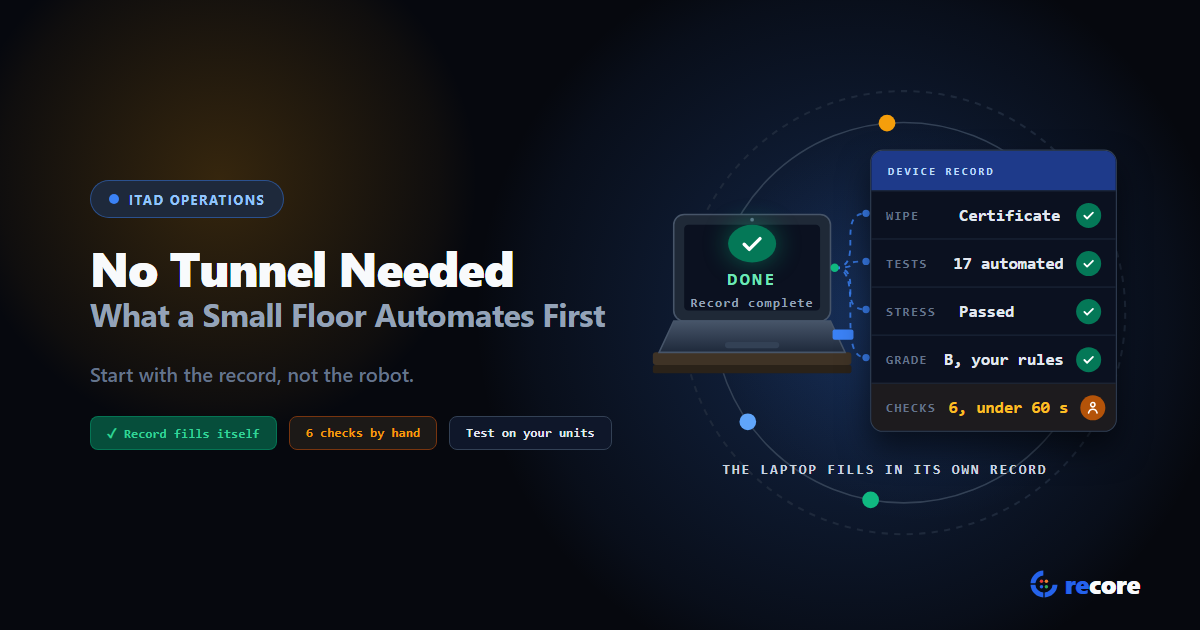
- One record per device, filled in by the machine. Hardware details are read from the hardware, not typed. Test results, the wipe result and the grade land on the same record as each step finishes. That way, nobody types the same details twice.
- Wipe evidence for each drive. Every drive gets its own result: the method, whether the wipe was verified, and a certificate tied to that drive's serial. A laptop with two drives needs two records, not one line that says "wiped."
- Test results in front of the grader. When someone grades a machine, the test results should already be on screen. Then a dead port or a weak battery is part of the grade, not a note that got lost.
- Lists built from the records. The stock list and the shipping list come from what was recorded. Nobody types them.
Notice what isn't on the list: cameras, conveyors, robots. Those move more units through the building. They don't fix a record that someone types by hand at the end.
4. What still needs a person, and how short it can be
Some checks need someone at the bench. Does the camera show a picture? Does the screen have dead pixels or a bright patch? Does every key register? Does a cable stay put in each port? On a small floor, the cosmetic grade (scratches, dents, a worn palm rest) is a person's call too. The big shops point cameras at that. You probably won't, and that's fine.
What you can do is make the person's part short, guided and recorded. Here's how long the guided checks take on reCore, measured per device on real stations:
| Guided check | Time per device |
|---|---|
| Camera | 3 to 6 seconds |
| Display | 6 to 14 seconds |
| Ports | About 12 seconds |
| Keyboard | About 25 seconds |
| All 6 guided checks, these four included | Under a minute |
The aim is to have every technician run the same checks in the same order, with the answer saved to the record as they go. That's the article's point about grading too: the gain comes from consistency between inspectors, whether a camera or a checklist delivers it.
5. How to judge a tool before you buy it
Every tool in this space, ours included, will show you a demo where everything works. Here's how to find out what it does on your floor:
- Run it next to your current process. Same units, same techs, a few weeks. Not a demo machine.
- Time the whole device, not the wipe. From plugged in to on the stock list. The wipe is the part you can already walk away from.
- Count the typing. How many fields does a person still type per device? Every one is a place for a mistake.
- Check the evidence. Does each drive get its own certificate? Can a client or auditor check one without logging in to anything?
- Break something on purpose. Use a drive that fails, or pull a cable mid-test. Does the record say plainly what happened, or does it look like a pass?
- Read the vendor's numbers last. Then believe them only if your own trial agrees.
6. Where reCore fits
reCore is built for this order of work. On the station, the wipe, 17 automated tests, a stress test and grading run as one flow, and the record fills itself in as each step finishes. Your techs do the 6 guided checks, in under a minute per laptop. Grading follows a profile your organisation sets in the dashboard.
Every drive gets its own certificate. The wipe method follows NIST SP 800-88 Rev. 2. Each certificate is digitally signed, and anyone can check it at recore.replugit.com/verify without an account. The stock list and the shipping list are built from the device data, with no re-typing.
What we can't show you yet is independent proof that this costs less than the way your floor runs today. That's what a trial on your own units is for. We have a few free one-month pilot spots, run next to your current setup with nothing to install on your side. Email [email protected] if you'd like one.
Conclusion
The tunnels and 64-cell rigs are real, and for the biggest floors they probably make sense. For everyone else, the cheaper win is simpler: stop typing the same laptop into three places. Get the machine to write the record, keep a person for the checks a person does better, and judge any tool by what it does to your own units, not by the number on its website.
Sources
- David Daoud, "AI alters ITAD economics," Resource Recycling, November 3, 2026. All quotes and figures in the introduction and section 1, including the benchmarking study of 56 organizations and the server resale figure, are from this article.
- NIST, SP 800-88 Rev. 2, Guidelines for Media Sanitization.
Frequently asked questions
What should a small ITAD floor automate first?
The record. One record per device that the machine fills in itself: hardware details read from the hardware, then the test results, the wipe result for each drive and the grade, landing on the same record as each step finishes. Then build the stock list, shipping list and certificates from that record instead of typing them again.
Does automation remove the need for technicians?
No. Some checks need a person, such as how the screen looks, whether every key works and whether the ports hold a cable. Cosmetic grading on a small floor is a person's call too. The goal is to make that part short, guided and recorded, so two technicians judge the same laptop the same way.
How can I tell whether an ITAD automation tool really saves time?
Run it next to your current process, on your own units, for a few weeks. Time the whole device, from plugged in to on the stock list, not just the wipe. Count how many fields a person still types. Trust your own numbers over the vendor's.
Is there independent proof that AI grading and routing lower ITAD costs?
Not that we've seen. Resource Recycling's November 2026 analysis says one vendor's public descriptions do not give independently verified cost or resale comparisons against conventional operations, and that some figures do not isolate what AI contributed. We can't show independent proof for reCore either, which is why we suggest a side-by-side trial.
reCore Diagnostics Group
OfficialHardware Triage & Quality Assurance
Hardware engineers analyzing Apple Silicon, PC OEM firmware telemetry, battery degradation chemistry, and cosmetic defect standards.
Run your whole floor from a browser
Boot each machine from a USB stick, then test, wipe and grade it while you watch every station live. Nothing to install on site.
Related Guides & Research
Continue exploring compliance standards, firmware sanitization, and hardware diagnostics.
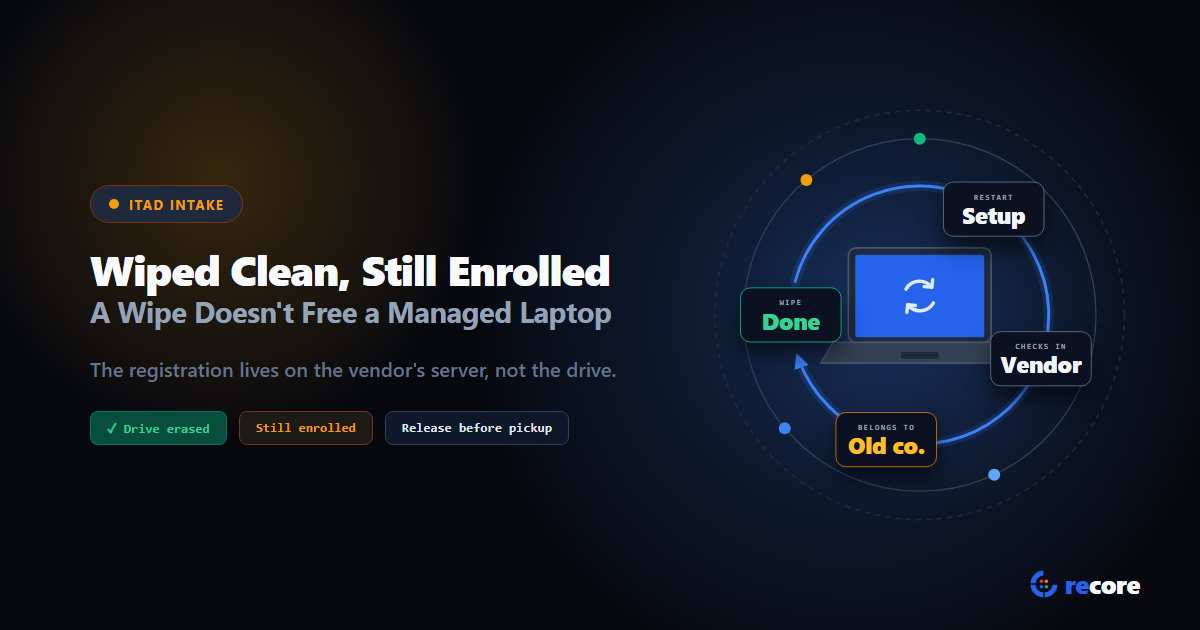
Wiped Clean, Still Enrolled: Why a Wipe Doesn't Free a Managed Laptop
A wipe erases the drive, not the device's registration with its old company. What Microsoft and Google say happens after a reset, who can release a device, and what to ask for before pickup.
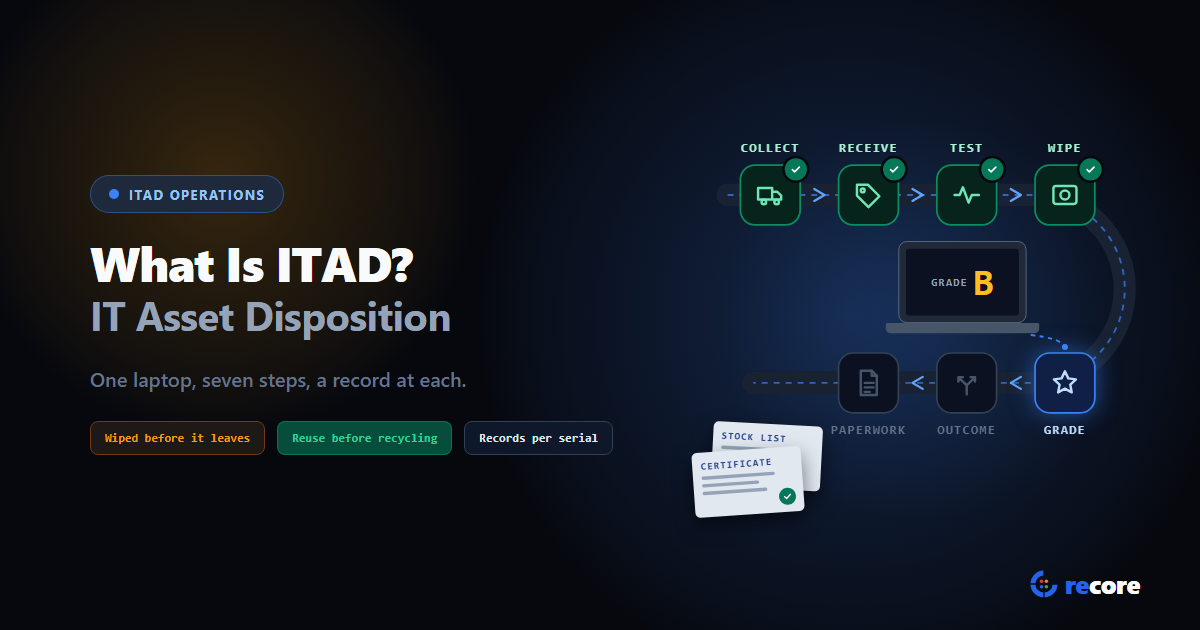
What Is ITAD? The IT Asset Disposition Process, Step by Step
ITAD means IT asset disposition: what happens to old laptops and servers after use. The seven steps a device goes through, from pickup to paperwork.
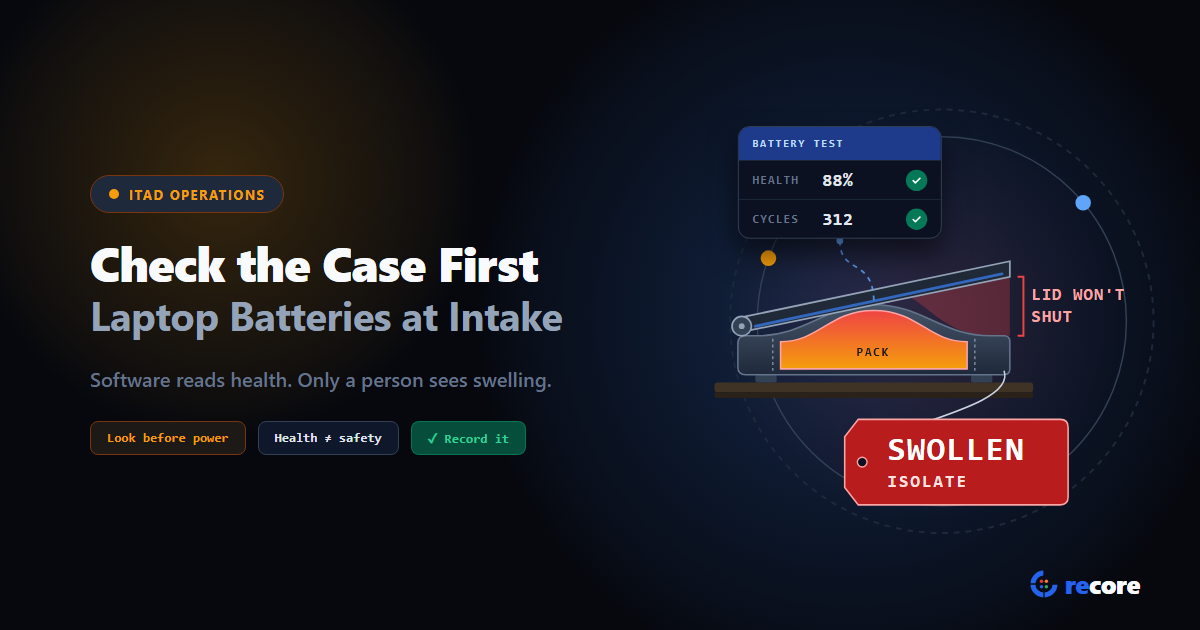
Laptop Battery Fires: A Simple Intake Check for Small ITAD Floors
Battery fires keep hitting recycling sites. A simple intake check for laptops: look for swelling, read battery health, set risky packs apart, record it.
Stay Ahead in Data Sanitization & ITAD Compliance
Join enterprise IT managers and electronics refurbishers receiving our monthly technical standards breakdowns, NIST/R2v3 audit tips, and benchmark releases.