Wiped Clean, Still Enrolled: Why a Wipe Doesn't Free a Managed Laptop
A wipe erases the drive, not the device's registration with its old company. What Microsoft and Google say happens after a reset, who can release a device, and what to ask for before pickup.
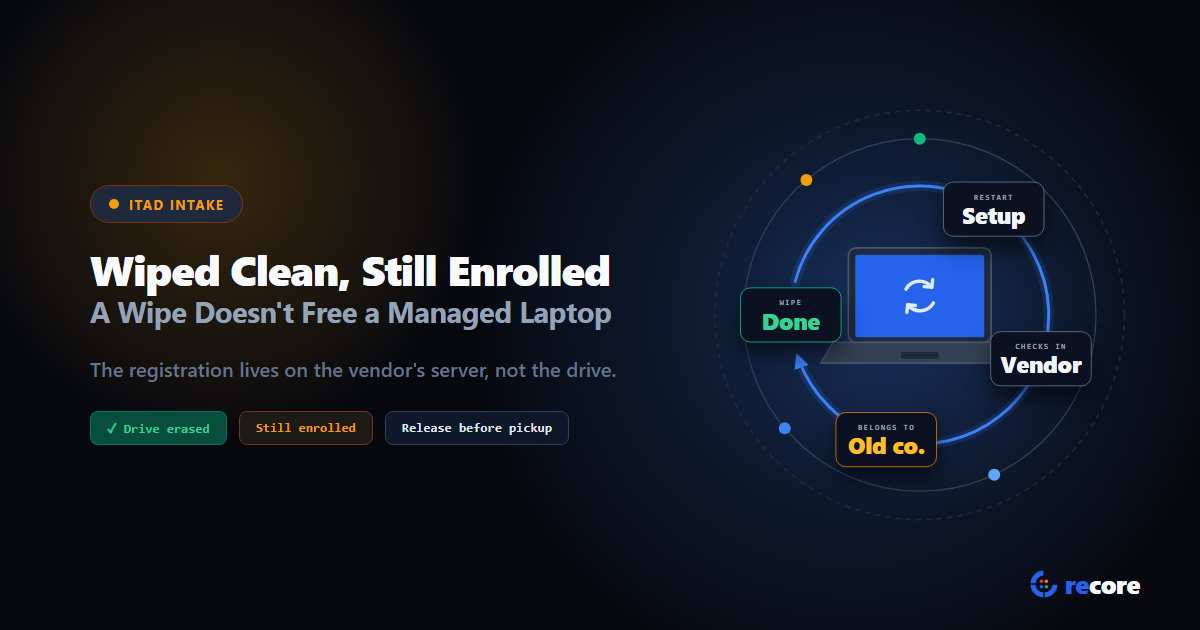
A wipe erases the data on the drive. It does not erase who the device belongs to.
That difference is now one of the bigger leaks in ITAD. At the E-Scrap Conference in New Orleans on October 26, Craig Boswell, president of ITAD provider HOBI International, said about 30% of the devices coming into his facility are still enrolled in their former owner's management systems. "Some ITADS scrap anything that can't be unenrolled in 30 days," he told the panel, as Resource Recycling reported on November 4. "That hampers circular economy efforts."
A laptop with a perfect wipe certificate can still boot straight back to its old company's sign-in screen. This article explains why, what Microsoft, Google and Apple say about it in their own documentation, and what to ask a client for before the truck arrives.
The 30% figure is one facility's number, given on a conference panel. It is not an industry survey, and we don't extend it to anyone else. Everything about Windows, ChromeOS, Android and Apple comes from the vendors' own support pages, quoted as published (see Sources). The intake checklist at the end is our recommendation, not a vendor or standards requirement.
1. Why a wipe can't reach it
When a company buys laptops in bulk, it usually registers them with a deployment service: Windows Autopilot, Apple Business, Android zero-touch, or the Google Admin console for Chromebooks. The registration ties the device's identity (its serial number, or on Windows a "hardware hash" built from its components) to the company's account.
That record lives on the vendor's servers. It is not on the drive.
So when the device starts up for the first time, it checks in with the vendor and asks "do I belong to anyone?" If the answer is yes, it sets itself up for that company. A wipe changes nothing on the vendor's side, so the answer stays yes. Think of it like a car's registration: you can strip and repaint the car, and the logbook still names the old owner.
2. What each vendor says happens after a reset
| Platform | What the vendor says, in its own words |
|---|---|
| Windows Autopilot | "If I wipe the machine and restart, do I still receive the Windows Autopilot experience?" "Yes. If the device is still registered for Windows Autopilot and is running a supported version of Windows, it receives the Windows Autopilot experience." (Microsoft, Autopilot FAQ) |
| ChromeOS | "By default, wiped ChromeOS devices automatically re-enroll into your account without users having to enter their username and password." (Google, forced re-enrollment) |
| Android zero-touch | A registered device "automatically provisions itself on first boot, or next factory reset," and shows the "Your device at work" panel "Even after a factory reset." (Google, zero-touch for IT admins) |
| Apple Business | "You remove a device from the program if it's been sold, lost, or can't be repaired. This is called releasing a device." (Apple, Release devices) |
Microsoft also explains why the reset doesn't help: Autopilot profiles "aren't resident on the device. They're downloaded during OOBE," the out-of-box setup screens you see on first start. The device fetches its instructions fresh every time it is set up.
Apple's pages, as we read them, don't state in one sentence what an erased device does when it is still assigned. They do say a released device "needs to be erased and restored," and that Activation Lock can no longer be managed through Apple Business once a device is released. Apple's page for buyers of used iPhones and iPads is blunt: "Don't take ownership of any used iPhone or iPad if it's protected by Activation Lock."
3. Only the old owner can fix it
This is the part that hurts an ITAD. In every route the vendors document, the release is done by the organisation that registered the device, or by its own reseller or partner. Not by whoever holds the device now.
- Microsoft: "Whenever a device permanently leaves an organization, the device should always be deregistered from Windows Autopilot," for example "because the device is at the end of its life cycle." A partner can deregister a device in Partner Center, but Microsoft notes that this does not unenroll it from the MDM (the device management system, such as Intune) or disjoin it from Microsoft Entra ID. So "the OEM or CSP should work with the customer IT administrators to have the device fully removed."
- Google, Chromebooks: "If you have ChromeOS devices that are no longer being used in your organization, you should deprovision them." One listed reason: "You're reselling or donating a device." A buyer who tries to enroll an undeprovisioned Chromebook gets: "This device cannot be enrolled to the organization your account belongs to because the device is marked for management by a different organization." Google's fix is to "contact the device seller... and have them complete the deprovisioning workflow."
- Google, Android zero-touch: "You might need to deregister a device when you transfer ownership." Only the Owner and Admin roles in the customer's portal can remove devices. Resellers can remove devices from a customer, but "cannot remove a ChromeOS device that is already provisioned."
- Apple: "If your device is owned by a business or educational institution, please contact your IT department or manager." Apple also says: "If you need help removing Activation Lock, and have proof of purchase documentation, you can start an Activation Lock support request." Its pages don't say how that applies to a device bought from an ITAD, so don't plan around it.
We found no documented route, at any of the three, for a later buyer to remove the registration without the old owner. That is why the 30-day scrap rule exists: after enough unanswered emails, a perfectly good laptop is worth more as parts than as a hold-queue slot.
4. What it costs, and who pays
The panel's numbers are qualitative, and we won't invent better ones. What the speakers described:
- Chasing. "It costs them money, having to call their IT guy seven times. It's ineffective," said Casey Dingfelder, executive VP of Dynamic Lifecycle Innovations. The client pays for the delay too.
- Downgraded devices. Units that can't be released get dismantled, in the article's words "for pennies on the dollar," instead of resold whole.
- Contract fixes. Dynamic puts fees for noncompliance in its contracts, and Dingfelder said "That tends to work well." Boswell suggested charging rent on devices still enrolled past a set time.
5. A release step before pickup
The fix that works today is boring: get the release in writing before the devices leave the client, and check for it on arrival. Our suggested checklist:
- Ask for a release list with the pickup request. For every serial, the client confirms it is released from each system it uses: Windows Autopilot (if they use Intune, Microsoft says the device "first has to be deleted from Intune"), Apple Business, Android zero-touch, and the Google Admin console for Chromebooks. Activation Lock and Find My off on Apple devices.
- Name the person. Get the name of the client's IT admin who can release devices. It saves the seven calls.
- Check at intake, with a network. Registrations are checked online, so a unit only shows its old owner when it can reach the vendor. Start each device on a connected bench and go as far as the first sign-in screen. An organisation's name, a work-account prompt, a "managed" notice or an Activation Lock prompt means it isn't released.
- Record "not checked" as its own state. A blank field reads as "clear" in most reports. Enrolled, clear and not checked are three different answers.
- Hold, with a clock. Put enrolled units in a hold queue with the deadline and the consequence agreed in the contract: a fee, return to client, or parts recovery. Tell the client the day a unit lands there, with its serial.
- Don't take credentials or bypass anything. Ask the owner to release the device. Don't collect their passwords, and don't use tools sold as a way around these locks.
None of this replaces the wipe. A released device still needs its data sanitized and recorded. The release decides whether the device can be resold. The wipe decides whether it is safe to.
6. What the evidence does not show
- How common this is across the industry. The 30% comes from one facility. We found no survey of enrollment rates at intake.
- What it costs per device. Nobody on the panel gave a figure, and we don't estimate one.
- How each Apple device behaves after an erase while still assigned. Apple's pages don't say it in one sentence, so this article doesn't claim it.
- Whether laws will change it. Boswell raised a policy route if other approaches stall: "It's not going to be quick. It's going to be very painful." No bill is named.
Conclusion
The wipe is the step ITAD owns. The release is the step only the client can do, and it has to happen before the devices leave their hands. Put it in the pickup request, check it at intake, and agree the clock in the contract. Otherwise a laptop you erased perfectly can still belong to someone else.
Sources
- Resource Recycling, Unenrollment issues hamper ITAD industry, Paul Lane, November 4, 2026 (E-Scrap Conference panel, October 26, 2026).
- Microsoft Learn, Windows Autopilot FAQ, updated April 7, 2026.
- Microsoft Learn, Windows Autopilot device registration overview, updated June 22, 2026.
- Google ChromeOS Enterprise Help, Force wiped ChromeOS devices to re-enroll; Repair, repurpose, or retire ChromeOS devices; Buying and selling previously managed ChromeOS devices.
- Google Android Enterprise Help, Zero-touch enrollment for IT admins; Google for Developers, Zero-touch reseller portal guide.
- Apple Support, Release devices in Apple Business, April 14, 2026.
- Apple Support, Activation Lock for iPhone and iPad, April 29, 2026; How to remove Activation Lock, October 15, 2026.
Frequently asked questions
Does wiping a laptop remove it from Windows Autopilot?
No. Microsoft's Autopilot FAQ asks 'If I wipe the machine and restart, do I still receive the Windows Autopilot experience?' and answers 'Yes. If the device is still registered for Windows Autopilot and is running a supported version of Windows, it receives the Windows Autopilot experience.' The registration is held by Microsoft's service against the device's hardware hash, not on the drive, so only deregistering it ends it.
Who can remove a device from Autopilot, zero-touch or a ChromeOS domain?
In the routes Microsoft and Google document, the organisation that registered it, and in some cases its reseller or Cloud Solution Provider. Google's zero-touch reseller guide says resellers 'cannot remove a ChromeOS device that is already provisioned' and must ask the customer to deprovision it first. Microsoft notes that a partner deregistering a device in Partner Center does not unenroll it from the MDM or disjoin it from Microsoft Entra ID. Neither vendor documents a route for a later buyer to remove the registration alone.
What happens if a buyer tries to enroll a Chromebook that was never deprovisioned?
Google says enrollment fails with the message 'This device cannot be enrolled to the organization your account belongs to because the device is marked for management by a different organization.' The buyer has to contact the seller, either the original customer or a third-party reseller, and have them deprovision it.
Can an ITAD remove Activation Lock from a business-owned iPhone or Mac?
Not on its own. Apple's 'How to remove Activation Lock' page says that if a device is owned by a business or educational institution, you should contact the IT department or manager. Apple also documents an Activation Lock support request for people with proof of purchase; its pages don't say how that applies to devices bought from an ITAD. Apple Business also asks organisations to release devices they've sold.
What should an ITAD ask a client for before pickup?
A written release for every serial on the pickup list, from each system the client uses: Windows Autopilot and their MDM, Apple Business, Android zero-touch, and the Google Admin console for Chromebooks, plus Activation Lock and Find My turned off. Then check enrollment at intake, and agree in the contract what happens to a unit that is still enrolled after a set number of days.
reCore Research Lab
OfficialCompliance & Security Group
Technical research group specializing in NIST SP 800-88, IEEE 2883, SERI R2v3 standards, and forensic data recovery testing.
Run your whole floor from a browser
Boot each machine from a USB stick, then test, wipe and grade it while you watch every station live. Nothing to install on site.
Related Guides & Research
Continue exploring compliance standards, firmware sanitization, and hardware diagnostics.
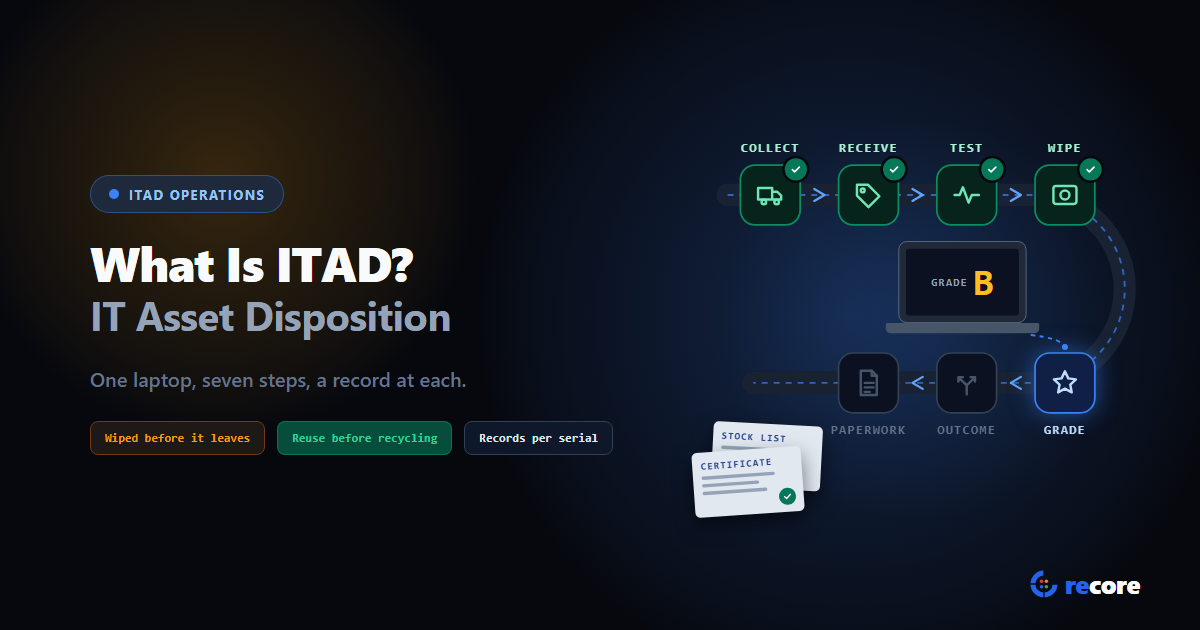
What Is ITAD? The IT Asset Disposition Process, Step by Step
ITAD means IT asset disposition: what happens to old laptops and servers after use. The seven steps a device goes through, from pickup to paperwork.
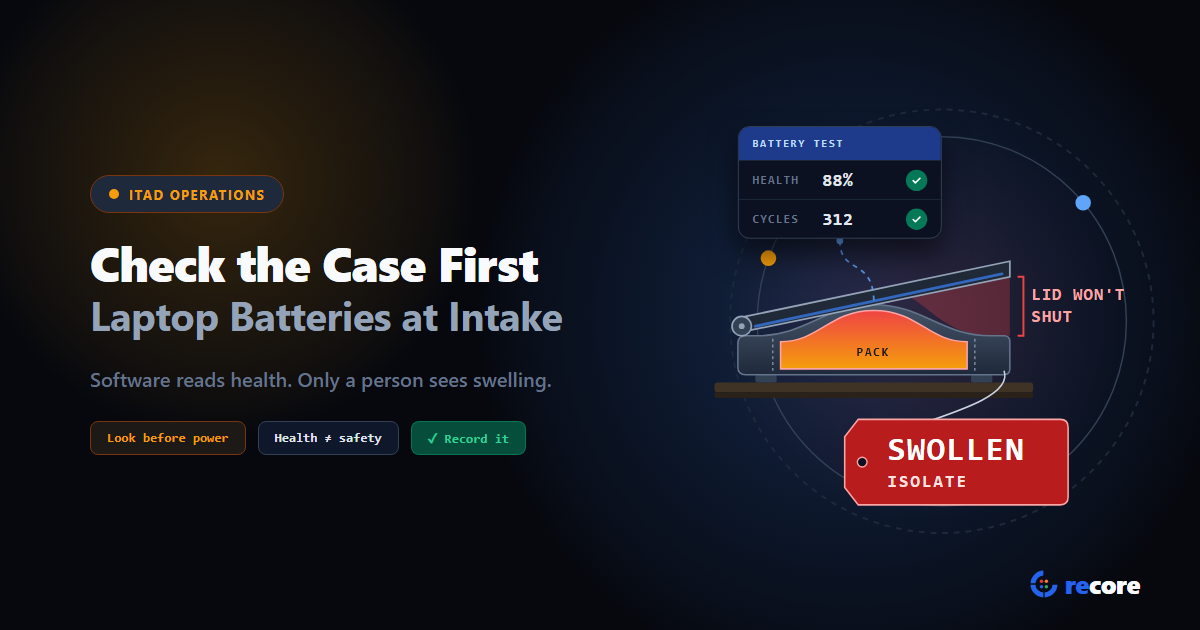
Laptop Battery Fires: A Simple Intake Check for Small ITAD Floors
Battery fires keep hitting recycling sites. A simple intake check for laptops: look for swelling, read battery health, set risky packs apart, record it.
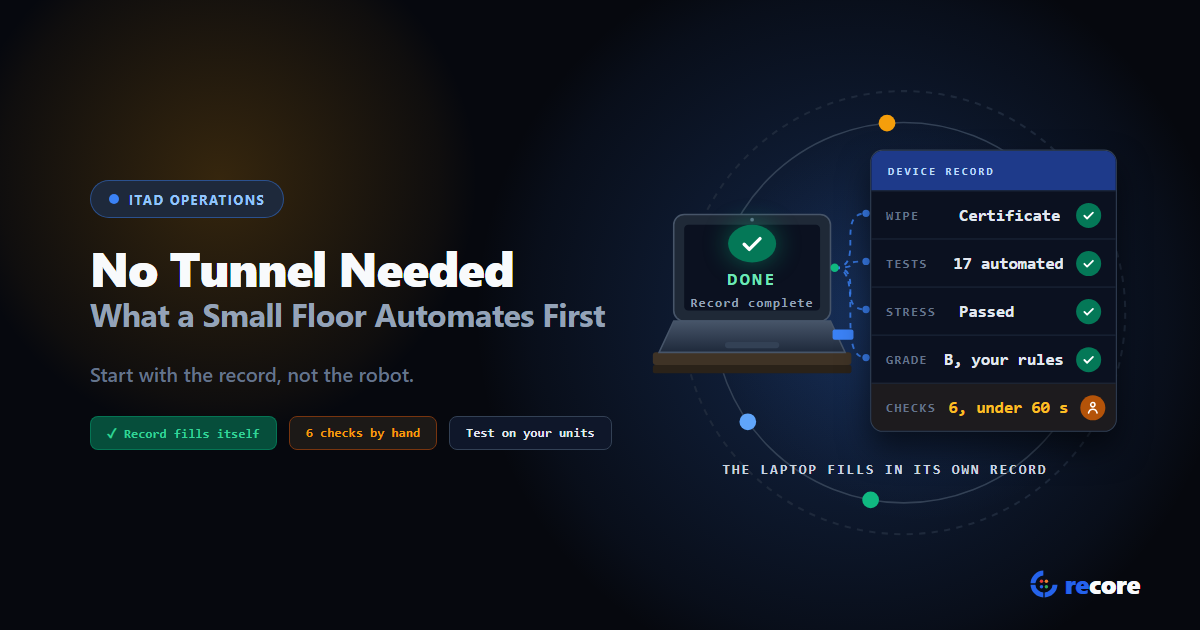
ITAD Automation for Smaller Floors: What to Automate First
Big ITADs buy scanning tunnels and 64-cell test rigs. What a small floor should automate first, what still needs a person, and how to test a tool.
Stay Ahead in Data Sanitization & ITAD Compliance
Join enterprise IT managers and electronics refurbishers receiving our monthly technical standards breakdowns, NIST/R2v3 audit tips, and benchmark releases.