Does an Intune Wipe Count as NIST 800-88 Purge?
What Intune Wipe, Retire, Fresh Start and Autopilot Reset actually do, how each maps to NIST 800-88 Clear and Purge, and what an auditor gets.
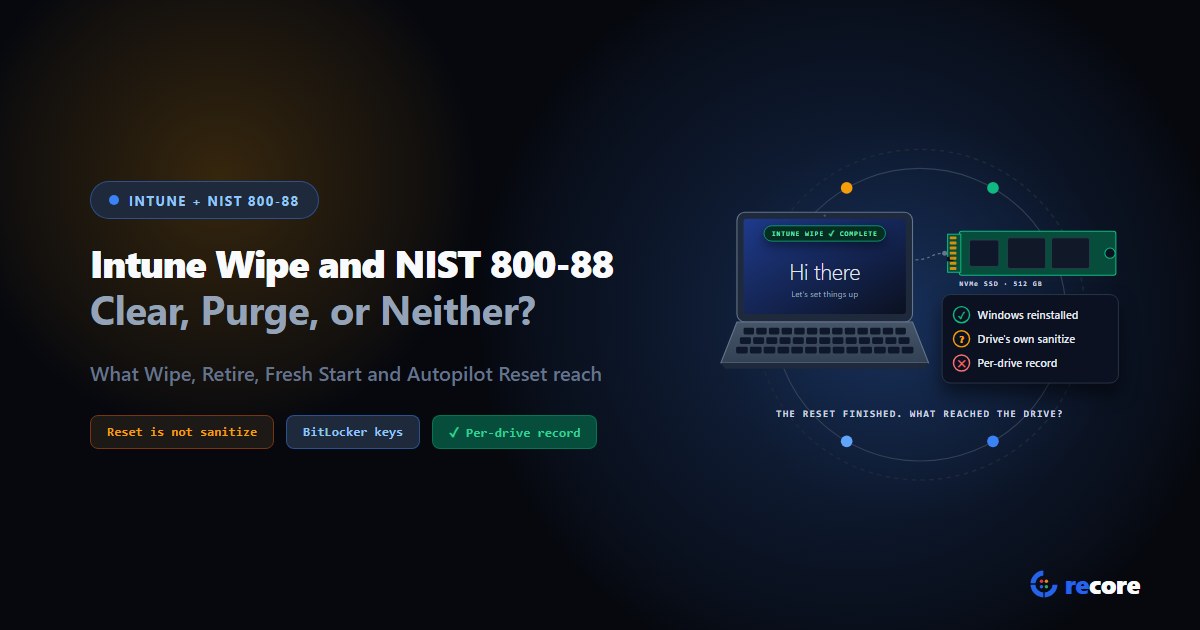
Does an Intune wipe count as NIST 800-88 Purge? Not on the evidence Microsoft publishes. An Intune wipe on Windows is a Windows reset. Microsoft documents the default as equivalent to Reset this PC > Remove everything with Clean Data set to No, and says the reset's erasure option "is targeted at consumers and does not meet government and industry data erasure standards." None of the Microsoft pages we read say the reset sends the drive its own sanitize command. That command is how NIST SP 800-88 Rev. 2 and IEEE 2883 describe logical Purge.
So Intune is the right tool while a laptop is out with a person. It is not the record you need when that laptop leaves the company for good.
This guide is for IT and MSP teams retiring Windows laptops. It covers what each Intune action does, in Microsoft's words, how each one lines up with NIST's Clear and Purge, where the sources go quiet, and what an auditor actually receives.
Microsoft behaviour is quoted from Microsoft Learn pages read on 2 November 2026, listed under Sources. NIST wording is from SP 800-88 Rev. 2 (September 2025). Where Microsoft's documentation doesn't say what happens at the drive, we say so instead of guessing.
1. What each Intune action does
Intune has five actions people reach for when a laptop changes hands. Three are options of Wipe. Two are separate actions.
| Action | What Microsoft says it does | What stays on the laptop |
|---|---|---|
| Wipe (no options) | "Resets the device to factory settings, deleting all user data, settings, and MDM policies." Uses doWipe, "equivalent to running Reset this PC > Remove everything... with Clean Data set to No and Delete Files set to Yes." | Windows itself, rebuilt from files already on the drive |
| Wipe, but keep enrollment state and user account | "Resets the device to factory settings, while preserving the user data, user accounts, and important settings." Equivalent to Reset this PC > Keep my files. | User data, user accounts, Intune enrollment |
| Wipe, and continue even if device loses power (protected wipe) | Deletes user data, settings and policies, and "overwrites the free space to prevent data recovery." Uses doWipeProtected, which "will keep trying to reset the device until it's done." | Windows itself. Microsoft warns it "can prevent some devices from starting up again." |
| Retire | It "removes company data from a device without performing a full wipe or factory reset." | Personal data. "Retire keeps user content intact." |
| Fresh Start | It "removes apps from managed Windows devices," mainly preinstalled manufacturer apps. | With Retain user data: the Home folder and Entra join. Without it: the built-in administrator account. |
| Autopilot Reset | "Removes personal files, apps, and settings" and takes the device "back to a business-ready state." | Entra ID join, Intune enrollment, Wi-Fi details, provisioning packages, SCEP certificates |
Three plain readings fall out of that table:
- Retire and Fresh Start are not wipes. Retire is built to leave personal data in place. Fresh Start is built to clear out apps.
- Keep enrollment state keeps the user's files. Microsoft's push-button reset page says Keep my files "preserves most folders and files that are not part of a standard Windows installation." Don't pick it for a laptop that's leaving.
- Autopilot Reset is for the next user in your own company. It keeps the laptop tied to your tenant on purpose. The RemoteWipe CSP says it "works like PC Reset... except that it keeps the device enrolled in Microsoft Entra ID and MDM."
That leaves the two real candidates for a laptop on its way out: plain Wipe and protected wipe.
2. What a Windows reset does to the drive
Every Wipe option runs Windows' own reset. Microsoft's push-button reset page explains what that does.
- Windows rebuilds itself from its own files. Reset works "by constructing a new copy of the OS using runtime system files located in the Windows Component Store."
- The Windows volume is never formatted. "The Windows volume is never formatted, as the files needed to rebuild the OS are on it. Instead, user data files are deleted individually." Other data volumes are formatted only if the user chooses all volumes.
- Erasure is an option, and Microsoft rates it plainly. The user can choose to "also perform data erasure on the drive(s) so that recovery of the data by someone else is much more difficult." Then: "The data erasure functionality is targeted at consumers and does not meet government and industry data erasure standards."
The default Intune wipe doesn't even pick that option. Its CSP sets Clean Data to No.
The protected wipe is different. Microsoft's CSP says it will "fully clean the internal drive," and the Intune page says it "overwrites the free space." Microsoft doesn't say in so many words that this is the same erasure option as the consumer reset. It is the only erasure the reset documents, though.
What none of these pages say: that the reset sends the drive its own sanitize command, such as NVMe Sanitize, NVMe Format with secure erase, or ATA Secure Erase. Everything Microsoft describes happens through Windows: deleting files, formatting volumes, overwriting free space.
3. Mapping it to NIST SP 800-88 Rev. 2
NIST defines three methods. Two matter here. From the Rev. 2 glossary:
- Clear: "A method of sanitization that applies logical techniques to sanitize data in all user-addressable storage locations for protection against simple, non-invasive data recovery techniques using the same interface that is available to the user."
- Purge: "A method of sanitization that applies physical or logical techniques to render target data recovery infeasible using state-of-the-art laboratory techniques."
Section 3.1.2 says how logical Purge is done: IEEE 2883 "should be consulted," and techniques "can include overwrite, block erase, and cryptographic erase using dedicated, standardized device sanitize commands that apply ISM-specific techniques to bypass the abstraction inherent in typical read and write commands." (ISM is NIST's term for a storage device.)
Here's how the documented behaviour lines up.
| Intune action | Reaches all user-addressable space? | Uses the drive's own sanitize command? | Our reading against NIST |
|---|---|---|---|
| Wipe (default) | No. Files on the Windows volume are "deleted individually." | Not documented | Below Clear |
| Keep enrollment state | No. User files are kept. | Not documented | Not sanitization |
| Protected wipe | Free space is overwritten. Microsoft doesn't say whether every partition and every sector is covered. | Not documented | Possibly Clear on a hard drive. Not Purge on an SSD. Microsoft itself says the reset's erasure doesn't meet erasure standards. |
| Retire, Fresh Start, Autopilot Reset | No | No | Not sanitization |
Two points about that table deserve a closer look.
"Reset to factory" is only Clear when you can't overwrite. NIST does allow "a menu option to reset the ISM to the factory state," but only "if rewriting is not supported," as on "a basic cell phone." A laptop drive supports rewriting, so a factory reset doesn't qualify as Clear just by being a factory reset.
Overwriting an SSD through Windows can't reach everything. NIST Section 3.1.1 says flash drives "that contain spare cells and perform wear levelling make it infeasible for a user to sanitize all previous data using this approach." So if the laptop has an SSD, even a perfect overwrite through Windows is not Purge. For what the drive's own commands do, see our NVMe Format vs Sanitize guide.
4. What about BitLocker?
Most managed laptops run BitLocker. Destroying the encryption key, called cryptographic erase, is a recognised Purge technique. So it's fair to ask whether a wipe that throws away the BitLocker key counts.
The honest answer: Microsoft's Wipe, RemoteWipe CSP and push-button reset pages don't say what happens to the BitLocker keys. The reset page mentions BitLocker once, to say erasure takes longer on an encrypted drive.
Even if a reset did discard the key, NIST sets conditions before you can rely on that.
- Escrowed keys. Section 3.2.2: cryptographic erase "should not be trusted on ISM that have been backed up or escrowed unless the organization has a high level of confidence regarding how and where the keys were stored and managed outside of the ISM." Microsoft's BitLocker guide for Intune says that with silent encryption, "recovery keys are automatically backed up to Microsoft Entra ID."
- Data written before encryption. The same section says cryptographic erase assumes "no sensitive data has previously been stored on the ISM in plaintext form." Microsoft says silent BitLocker on modern standby devices uses "used space only encryption." Whether old plaintext sits in the unencrypted space depends on that laptop's history. Nothing in Intune reports it.
One more detail matters for the order you do things in. Microsoft says that if you retire or delete the Intune object for a Microsoft Entra joined device protected by BitLocker, Intune "removes key protectors" and leaves "BitLocker in a suspended state" on the OS volume. Microsoft's stated reason is "to prevent unrecoverable encryption scenarios." That's the right call for a user who needs their files back. It's the wrong state for a laptop leaving the building before its drive is sanitized.
5. What an Intune wipe leaves for an auditor
NIST Section 4.6 says a certificate of sanitization "should be completed for each ISM that has been sanitized." Here's what that certificate asks for, next to what Intune's documentation describes.
| NIST 4.6 asks for | What Intune documents |
|---|---|
| Manufacturer, model and serial number of the drive | The device record in Intune, not the drive inside it |
| Sanitization method (Clear, Purge, Destroy) | Not recorded |
| Technique (overwrite, block erase, cryptographic erase) | Not recorded |
| Tool used, including version | Not recorded |
| Verification method | Not recorded. The CSP's return status "shows whether the device accepted the Exec command." |
| Who verified and validated it, with date and signature | Not recorded. Multiple Administrative Approval can require a second admin to approve the action before it runs, which is a different thing. |
The closest thing to a result is a status code. For Autopilot Reset, the CSP's Status node goes from "0: Never run" to "1: Complete," with failure codes such as "40: Failed: power requirements not met." That tells you the reset ran. It doesn't tell you what happened to the data on the drive.
For more on what a full record holds, see our certificate of sanitization template and the NIST SP 800-88 standards page.
6. A sensible order for retiring a managed laptop
Microsoft's own wipe page suggests the clean-up steps. NIST supplies the rest.
- While the laptop is out: use Intune Wipe if it's lost or won't come back. It protects the data until you get the device.
- When it comes back: don't retire or delete it in Intune yet, for the BitLocker reason in section 4.
- Sanitize each drive with a Purge technique the drive supports, using its own commands. Verify it, and record it per drive.
- Then tidy up the tenant. Microsoft's wipe page says you "might also want to remove its registration from Windows Autopilot" and remove its record from Microsoft Entra ID.
- Keep the certificate with the asset record before the laptop is resold, donated or recycled.
7. Where reCore fits
reCore covers step 3. It doesn't replace your MDM, and it doesn't plug into Intune. It doesn't send Intune commands or read Intune's status.
When a laptop comes back, someone boots it from a USB stick into the reCore OS. It appears in your dashboard, where you can start the wipe from any browser, on one drive or across many machines. Here's what happens to each drive, checked against the product's code:
- The drive's own commands first. reCore reads what each drive supports and picks the strongest option: NVMe cryptographic erase, NVMe Format with secure erase, NVMe Sanitize, or ATA Secure Erase. If the drive offers none of them, it falls back to an overwrite and records it as Clear, not Purge.
- A check that matches the method. After the wipe, the drive is read back in a way suited to how it was wiped.
- One certificate per drive. It carries the drive's serial number, the NIST method and technique, and the tool version. It is issued only after a second person, not the operator who ran the wipe, approves it.
The remote data wipe page shows how that works from the dashboard. For the difference between this and an MDM reset, see remote data wipe for ITAD.
- It can't wipe a laptop still out in the field. The machine has to be booted into reCore. Until it's back, Intune Wipe is your protection.
- It isn't an Intune integration. You run the Intune and Entra clean-up steps in Intune yourself.
Conclusion
An Intune wipe is a good answer to "this laptop is gone, protect the data." It isn't a good answer to "prove this drive was sanitized." Microsoft documents it as a Windows reset, rates the reset's erasure as consumer-grade, and doesn't say it uses the drive's own sanitize command. NIST asks for Purge-grade techniques and a certificate per drive. Use Intune while the laptop is out. When it comes back, Purge each drive, record it, then clean up the tenant.
Sources
- Microsoft Learn, Wipe devices with Microsoft Intune (updated September 2026).
- Microsoft Learn, RemoteWipe CSP (updated October 2026).
- Microsoft Learn, How push-button reset features work.
- Microsoft Learn, Device action: Retire.
- Microsoft Learn, Device action: Fresh Start.
- Microsoft Learn, Windows Autopilot Reset.
- Microsoft Learn, Encrypt Windows devices with BitLocker using Intune.
- NIST, SP 800-88 Rev. 2, Guidelines for Media Sanitization, September 2025: Sections 3.1.1, 3.1.2, 3.2.2, 4.6 and Appendix A.
Frequently asked questions
Does an Intune wipe meet NIST 800-88?
Not on the evidence Microsoft publishes. The default Windows wipe is documented as equivalent to Reset this PC with Remove everything and Clean Data set to No, which deletes files rather than sanitizing every user-addressable location as NIST Clear describes. Microsoft says the reset's data erasure option does not meet government and industry data erasure standards, and none of the Microsoft pages we read say the reset sends the drive's own sanitize command, which is how NIST and IEEE 2883 describe logical Purge.
What is the difference between Intune wipe and retire?
Wipe resets the device to factory settings and removes user data, apps and settings. Retire removes company apps, settings and profiles and unenrolls the device, but keeps personal data. Microsoft says Retire keeps user content intact and doesn't perform a full wipe or factory reset, so it is not a sanitization step at all.
Autopilot Reset vs Intune wipe: which one should I use?
Use Autopilot Reset to hand a laptop to the next person in your own organization. It removes personal files, apps and settings but keeps the device joined to Microsoft Entra ID and enrolled in Intune, along with Wi-Fi details and provisioning packages. Use Wipe when the laptop should stop belonging to your tenant. Neither one is a sanitization record for a laptop leaving the organization.
What is the difference between Intune wipe and Fresh Start?
Fresh Start removes apps, mainly the preinstalled manufacturer apps on a new PC. With Retain user data selected it keeps the user's Home folder and the Entra join. Without it, the device goes back to the out-of-box experience completed state and keeps the built-in administrator account. It is a clean-up tool, not a wipe for disposal.
Does an Intune wipe remove BitLocker keys?
Microsoft's Wipe, RemoteWipe CSP and push-button reset pages don't say what happens to the BitLocker keys. Microsoft does document that silent BitLocker backs recovery keys up to Microsoft Entra ID, and that retiring or deleting a Microsoft Entra joined device in Intune removes the key protectors and leaves BitLocker suspended on the OS volume. NIST SP 800-88 Rev. 2 says cryptographic erase should not be trusted on media whose keys have been escrowed unless you have high confidence in how and where those keys are kept.
Is the Intune protected wipe secure enough for disposal?
It is stronger than the default wipe: Microsoft says it overwrites the free space and keeps trying if power is lost. It still works through Windows, and on SSDs NIST notes that overwriting through the normal read and write interface cannot reach every area where data has been stored. Microsoft also warns it can leave some devices unable to start. It doesn't produce a per-drive sanitization record.
reCore Research Lab
OfficialCompliance & Security Group
Technical research group specializing in NIST SP 800-88, IEEE 2883, SERI R2v3 standards, and forensic data recovery testing.
Wipe every drive. Prove every wipe.
reCore picks the purge method for each drive, verifies the result, and issues a per-drive certificate that a second person approves.
Related Guides & Research
Continue exploring compliance standards, firmware sanitization, and hardware diagnostics.
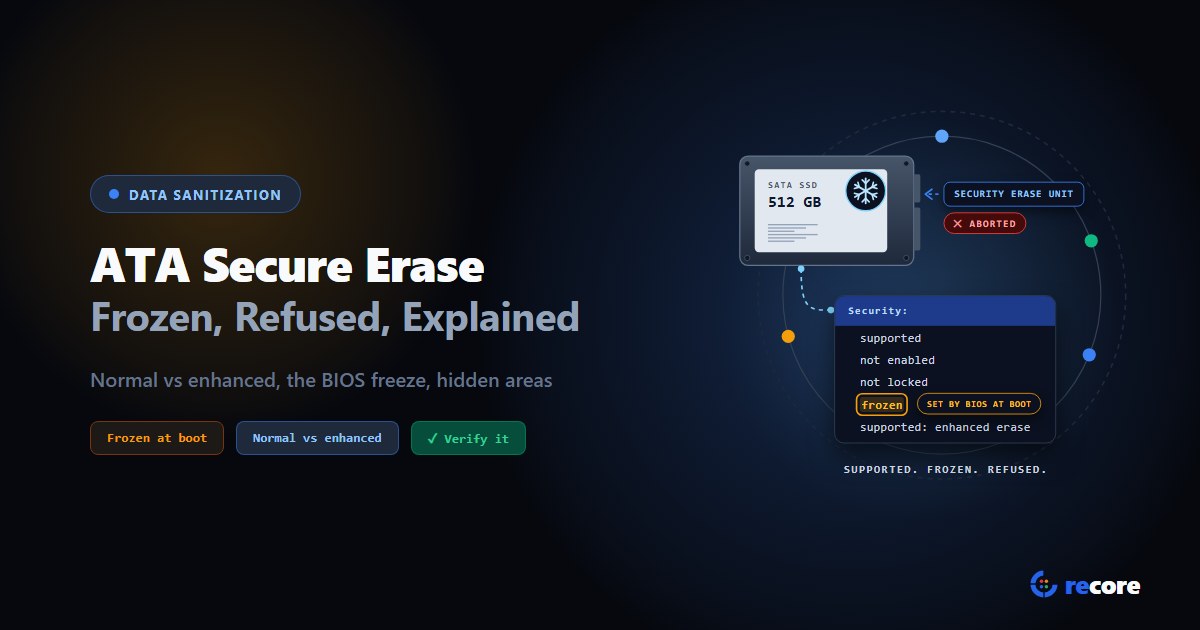
ATA Secure Erase Explained: Normal, Enhanced and Frozen Drives
What ATA Secure Erase does in normal and enhanced mode, why drives show frozen or not supported, what it misses (HPA, DCO), and how to verify it.
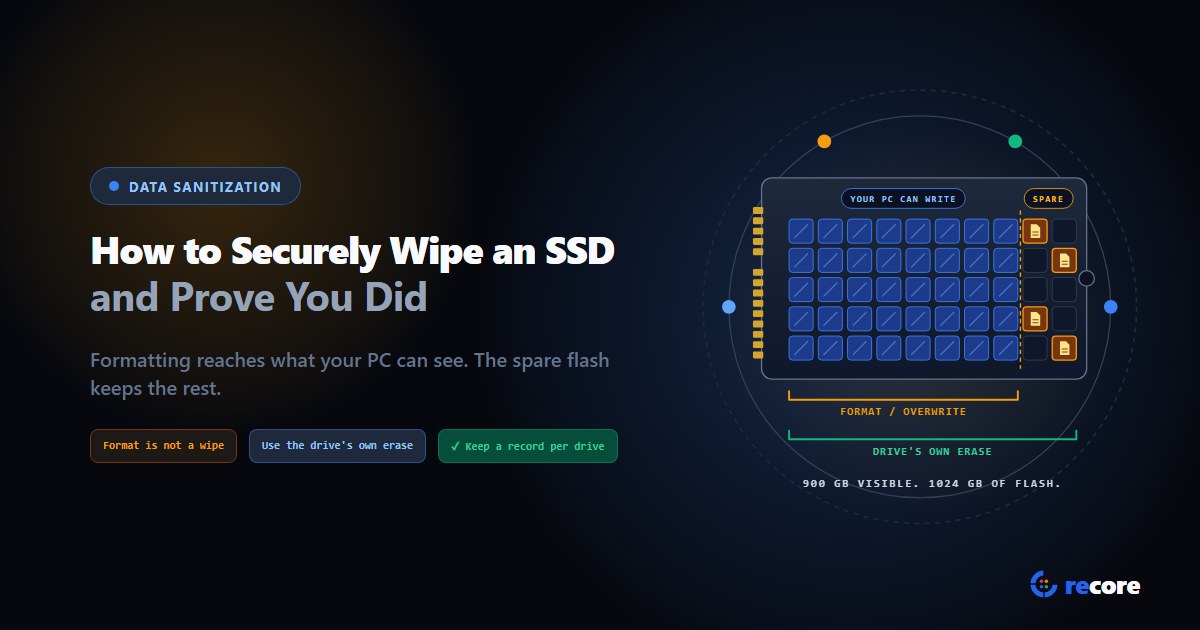
How to Securely Wipe an SSD (and Prove You Did)
Formatting doesn't wipe an SSD. Which erase command fits SATA, NVMe and self-encrypting drives, how to check it worked, and what record to keep.
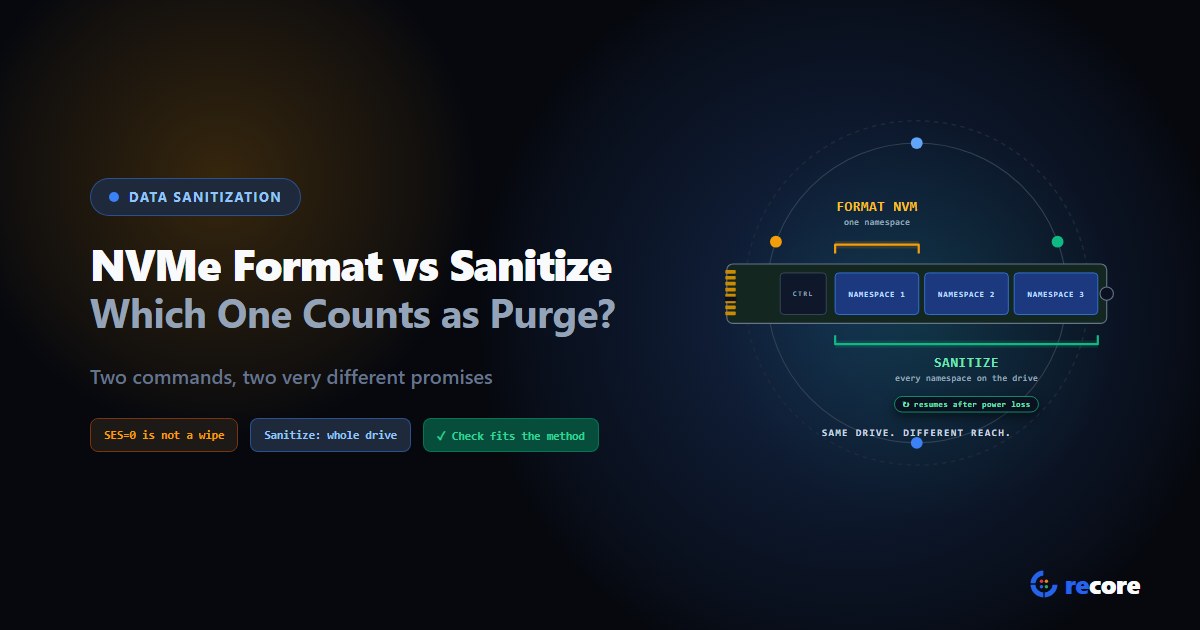
NVMe Format vs Sanitize: Which One Counts as Purge?
Format NVM with SES=1 or 2, or the Sanitize command? What each one erases, which counts as NIST Purge, and how to verify it, from the NVMe spec itself.
Stay Ahead in Data Sanitization & ITAD Compliance
Join enterprise IT managers and electronics refurbishers receiving our monthly technical standards breakdowns, NIST/R2v3 audit tips, and benchmark releases.