How to Check a Data Destruction Certificate Is Real
How to verify a certificate of data destruction for hard drives and SSDs: what it must show for each drive, the red flags, and four checks you can run.
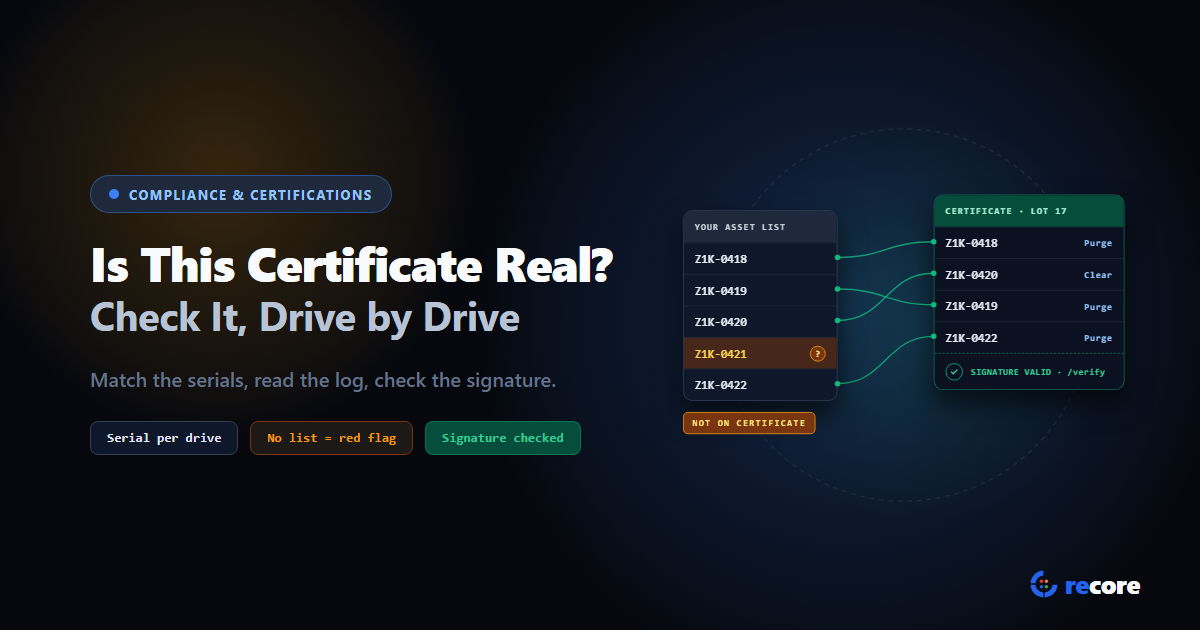
To check a hard drive destruction certificate, match every drive serial on it to your own asset list in both directions, ask the issuer for the per-drive log, check the digital signature if it has one, and call the issuer on a number you found yourself. A real certificate names each drive by its own serial, with the method, technique, tool, verification and who checked it.
This guide is for the person who receives one: the client whose drives were wiped or shredded, the auditor reviewing the file, or the buyer of used drives.
- Six fields matter most: drive make and model, drive serial, method (Clear, Purge or Destroy), technique, tool and version, and how the result was verified and by whom.
- Be wary of one line for a whole lot, missing serials, "DoD wiped" as the method, and a PDF you have no way to check.
- A valid signature shows the record hasn't changed since it was signed. It doesn't show the work was good; the serials and the log do that.
1. Why the paper alone proves little
The company that did the work writes the certificate about its own work. That's normal, since nobody else was in the room. It does mean the paper is only as good as the records behind it.
NIST SP 800-88 Rev. 2, the US government's guide to media sanitization, says as much: "The value of a certification of media disposition depends on the organization's handling of ISM over the ISM's life cycle." (ISM is NIST's word for a storage device.)
Regulators are starting to look past the paper too. In July, India's central government asked states to inspect recycling plants, after concerns that some recyclers "may be issuing certificates without actually processing the waste." Inspectors will check whether the machines work and compare the plants' claims with electricity bills and other records. Those are recycling certificates, not data destruction certificates, and the report on the audit (14 November 2026) gives no findings yet.
The checks below work for both kinds of certificate. A certificate of destruction covers drives that were shredded or otherwise destroyed. A certificate of sanitization covers drives that were wiped and may be used again. If you need a blank form for either, we have free templates for a certificate of destruction and a certificate of sanitization. This article is about checking one somebody else filled in.
2. What a real certificate shows for each drive
NIST Section 4.6 says "a certificate of sanitization (see Appendix C) should be completed for each ISM that has been sanitized, per the organization's policies." Destroy is one of NIST's three methods, so a destruction certificate falls under the same section. When you're checking one, six of its fields matter most.
| Field | What to look for |
|---|---|
| Drive make and model | The drive's own, not just the laptop's. A laptop model doesn't say which drive was inside. |
| Drive serial number | The drive's own serial. This is the field you'll match against your records. |
| Method | Clear, Purge or Destroy, one of those three words. |
| Technique | How it was done: overwrite, block erase, cryptographic erase, or for destruction shred, disintegrate, pulverize, melt or incinerate. |
| Tool, including version | The software and its version, or the shredder's make, model and ID. |
| Verification, and who did it | How the result was checked, by whom, when and where. For destruction, NIST says verification "involves inspecting the remnants of a destruction technique and identifying the equipment used with it." |
The certificate of sanitization template lists every NIST field.
NIST's sample form in Appendix C adds a "Concurrence" block under the signature, for a second person. A certificate signed by someone other than the technician has had a second pair of eyes on it.
One batch certificate for a lot of 200 drives can still be checked, as long as it carries a log with a row per drive and these details on every row.
3. Red flags
None of these proves fraud. Each one means the certificate can't be checked as it stands, so ask before you file it.
| What you see | Why it's a problem |
|---|---|
| "120 hard drives destroyed" and no list | A count identifies no drive. If one turns up for sale later, the paper can't say whether it was in the lot. |
| No drive serials, only computer serials | You can't tell which drive was in which machine, or whether a drive was swapped out. |
| "DoD wiped" or "DoD 5220.22-M" as the method | The method should be Clear, Purge or Destroy. NIST mentions DoD 5220.22-M only as how hard drives "were often erased" in the past, and its list of changes calls that language "obsolete" (what DoD 5220.22-M is today). |
| "Wiped", "sanitized" or "destroyed" with no technique, tool or verification | There is nothing to check. |
| Purge with the technique "overwrite" on an SSD | NIST says spare cells and wear levelling in flash storage "make it infeasible for a user to sanitize all previous data" by overwriting. A software Purge on an SSD uses the drive's own erase commands. |
| Drives listed as destroyed after drilling | NIST says drilling a hole "may only partly damage the ISM, leaving portions of it accessible using state-of-the-art laboratory techniques." |
| One name as both operator and checker, or one signature only | There was no second check. |
| A plain PDF with no signature and no reference you can look up | Anyone with a PDF editor can change a serial or a date, and nothing on the page would show it. |
| A date before your drives were collected | Ask how. |
4. How to check it yourself
You don't need special tools for any of this. Step 1 takes the longest.
Step 1: Match serials against your asset list
Export your list of the devices and drives you handed over. Compare it with the serials on the certificate, in both directions. Every drive on your list should appear on the certificate. Every drive on the certificate should be one you recognise.
The first direction catches drives that went missing. The second catches a certificate copied from another job. NIST makes the same point about records that stop at the destination: "sanitization records will only show that specific ISM were sanitized and not whether the organization is effectively sanitizing all ISM that have been introduced into the operating environment." Your asset list is the other half of that record.
If your list only has computer serials, match those against the media source field and count the drives per computer.
Step 2: Ask for the per-drive log
The certificate is a summary. Behind it, a wipe tool or a shredding line keeps a record for each drive: start and finish time, the technique, errors, and the verification result. For destruction, that means the shredder's ID, who inspected the remnants and what they found, and any witness.
Ask for the logs for five or ten drives you pick at random. A provider who did the work can send them. If the answer is that only the certificate exists, that tells you something too.
Step 3: Check the digital signature
Some certificates carry a digital signature or a verification code. Check it with the issuer's own verification page or tool, and find that page through their website. A link printed on a doubtful certificate could lead anywhere.
Know what a valid signature tells you. It shows the record hasn't changed since the issuer signed it, and that it came from whoever holds the signing key. It doesn't show the work was good. Steps 1 and 2 cover that.
Step 4: Call the issuer
Use a phone number or email from the issuer's website or your contract. Don't use the one printed on the certificate. Give them the certificate number and three serials, and ask them to read back the method, the date and who signed, from their own system. Their answers should match the paper.
5. Where reCore fits
reCore wipes drives so they can be used again. It doesn't shred anything, so what it issues are certificates of sanitization, one for each wiped drive.
A second person, who isn't the technician who ran the wipe, has to approve it before the certificate is issued. The certificate is then digitally signed (Ed25519). Each one carries an id and a verification code. Anyone holding it, whether a client, an auditor or a buyer, can enter those at recore.replugit.com/verify without an account, or paste a list of up to 100 to check a lot at once. The page shows the drive, the serial of the device it came from, the method and its NIST category.
If a wipe is later found to be bad, the certificate can be revoked, and the verify page then says so. The certificate says Purge only when the method that actually ran counts as Purge for that kind of drive. ATA Secure Erase, for example, counts as Purge only in enhanced mode on a hard drive; otherwise the certificate says Clear.
Want to see what a checkable certificate looks like for your own drives? Email [email protected].
Sources
- NIST, SP 800-88 Rev. 2, Guidelines for Media Sanitization, September 2025: Section 3.1.1 (Clear), Section 3.1.3 (Destroy), Section 4.5.1 (Sanitization Verification), Section 4.6 (Documentation), Appendix C (sample certificate) and Appendix D (Change Log).
- Angel One, Centre orders audit of over 2,000 e-waste recycling units over fake certificate concerns, 14 November 2026, read 23 November 2026.
Frequently asked questions
How do I verify a certificate of data destruction?
Match every drive serial on it against your own asset list, in both directions. Ask the issuer for the per-drive log behind it. If the certificate is digitally signed, check the signature with the issuer's verification tool. Then call the issuer on a number you found yourself, read out a few serials, and ask them to confirm the method and date from their own records.
What are the warning signs of a fake hard drive destruction certificate?
One certificate for a whole lot with no list of drives, no drive serial numbers, "DoD wiped" written where the method should be, no tool or verification method, the same person as operator and checker, and a plain PDF with no signature or reference number you can look up.
Does a digital signature prove the drive was wiped?
No. A valid signature shows the record hasn't changed since the issuer signed it, and that it came from whoever holds the signing key. Whether the wipe or the shredding was done well is shown by the method, the technique, the verification and the per-drive log.
A serial on my asset list isn't on the certificate. What now?
Treat that drive as not accounted for until the issuer explains it. Ask whether it arrived, whether it failed and was handled another way, or whether it was missed. Get the answer in writing, and get a corrected certificate if the drive was in fact sanitized.
reCore Research Lab
OfficialCompliance & Security Group
Technical research group specializing in NIST SP 800-88, IEEE 2883, SERI R2v3 standards, and forensic data recovery testing.
Evidence your auditor will accept
A wipe record and verification for every drive, and certificates with second-person approval, ready for an R2v3 audit.
Related Guides & Research
Continue exploring compliance standards, firmware sanitization, and hardware diagnostics.
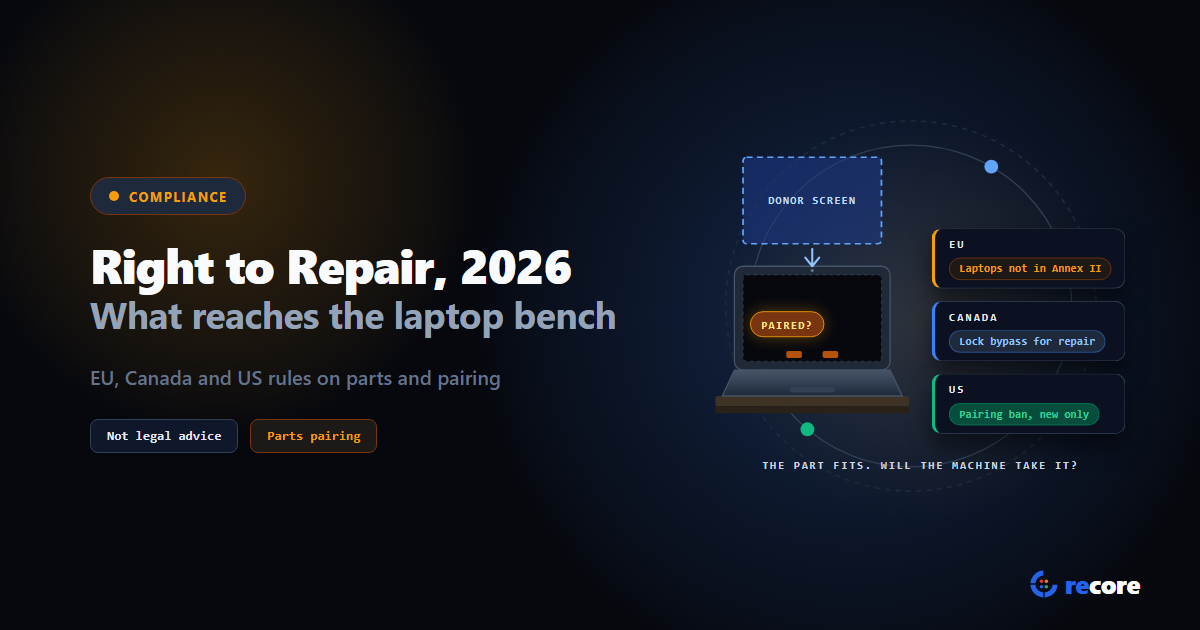
Right to Repair in 2026: What Changes on a Laptop Refurbisher's Bench
The EU directive is law in some countries, Canada and Quebec have new rules, three US states restrict pairing on new units. What it means for refurbishers.
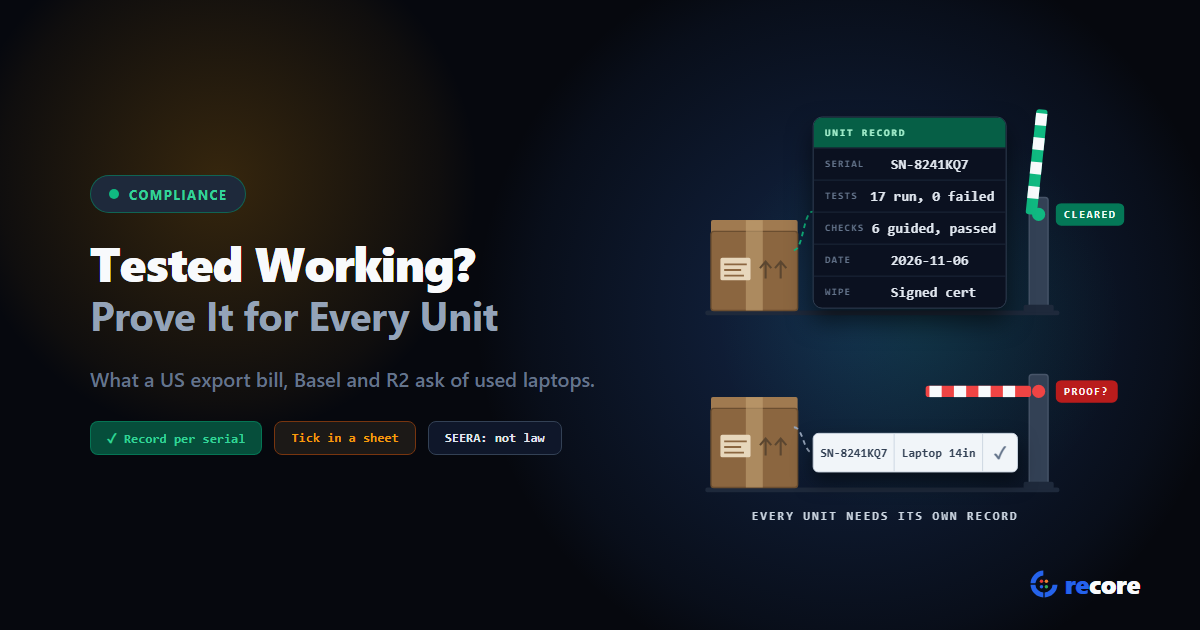
SEERA and Tested-Working Exports: The Record to Keep for Every Unit
A US bill would bar most used electronics exports unless tested and working. What it says, what Basel and R2 already ask, and the record to keep.
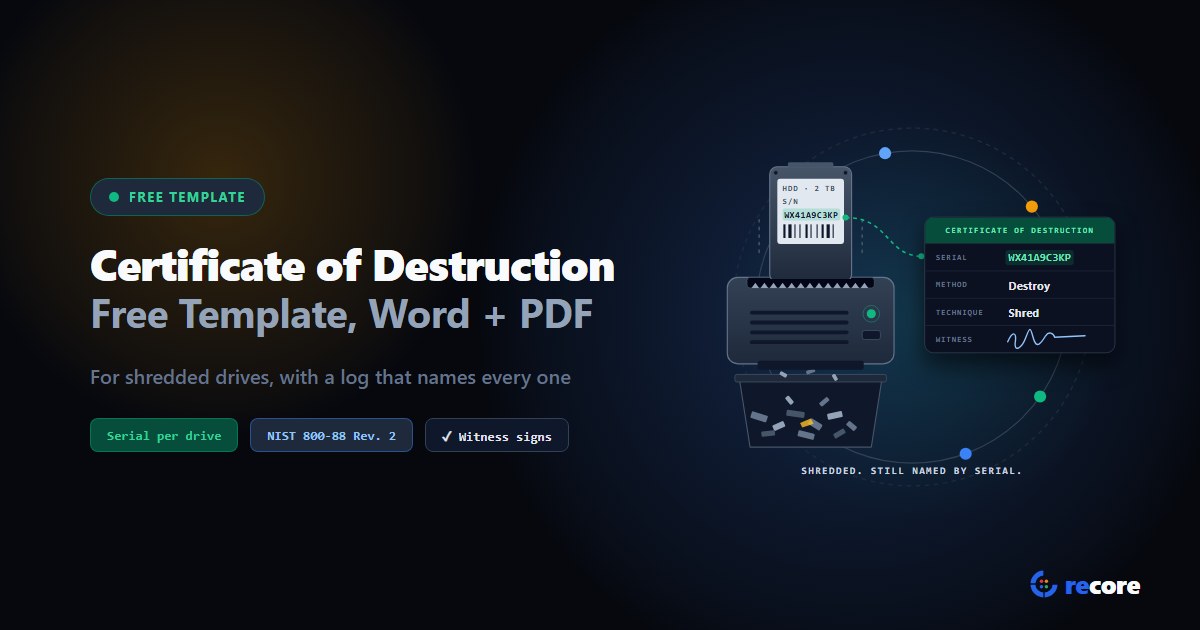
Certificate of Destruction Template for Hard Drives (Free, Word + PDF)
A free certificate of destruction template for hard drives and SSDs, in Word and PDF, with a per-drive log and the fields NIST SP 800-88 Rev. 2 lists.
Stay Ahead in Data Sanitization & ITAD Compliance
Join enterprise IT managers and electronics refurbishers receiving our monthly technical standards breakdowns, NIST/R2v3 audit tips, and benchmark releases.