Pay Once, Redo It Free: What a Re-test or Re-wipe Costs in reCore
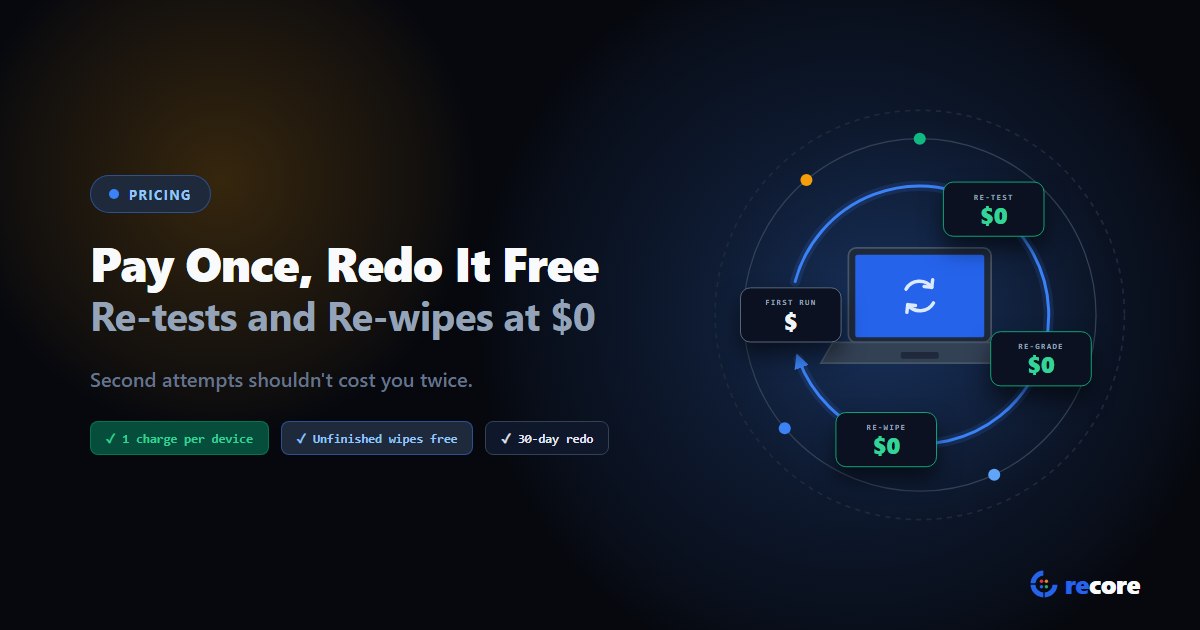
Re-tests, re-grades and re-wipes are half the work on a refurbishing floor. In reCore you pay once per device and once per drive, and redo it free for 30 days.
Count the second attempts on your floor for a week. A laptop fails its battery test, gets a new battery and gets tested again. A wipe drops out at 60% and gets restarted. A buyer asks for a stricter grade and a whole lot gets graded twice.
None of that is waste. It's what careful work looks like. So it shouldn't cost you twice.
- reCore charges one operation per device (diagnostics, testing and grading) and one per drive wiped.
- Re-testing, re-grading or re-wiping the same device or drive is free for 30 days after its charge.
- A wipe that doesn't finish isn't charged.
- A wipe that finishes but fails its check is charged once. The retry is free.
1. Every redo, and what it costs
Here's one laptop with one drive, over its first 30 days in reCore.
| What happens | Charge |
|---|---|
| The laptop connects and runs its tests for the first time | 1 operation |
| It fails the battery test, gets a new battery and is re-tested | $0 |
| It's graded, then re-graded to a buyer's stricter standard | $0 |
| Its wipe errors out at 60%, or someone cancels it | $0 |
| The wipe is started again and finishes | 1 operation |
| That wipe fails its read-back check, and the drive is wiped again | $0 |
| A second drive in the same laptop is wiped | 1 operation |
| The same laptop comes back after 30 days | 1 operation (a new charge) |
So that laptop costs 3 operations in its first month (the device and its two drives), however many times it goes round your floor. What one operation costs depends on your plan; see pricing.
2. A lot, worked through
Say a lot of 100 laptops comes in, one drive each.
- Every laptop is tested and wiped: 200 operations.
- 12 fail the battery test, get new batteries and are re-tested: 0 more.
- 5 wipes drop out and are restarted: 0 more. Each drive is charged once, when its wipe finishes.
- 3 drives finish but fail their read-back check, and are wiped again: 0 more. Their first run was already in the 200.
- The buyer asks for the whole lot to be re-graded: 0 more.
The lot costs 200 operations. If every test and wipe attempt were a charge, the same week would cost 220 before counting the re-grade, and the 20 extra would be for the most careful work you did.
3. Why we charge for a wipe that fails its check
This is the one rule people don't expect, so here's the reasoning.
A wipe that finishes and fails its check still did the work. It ran, it read the drive back, and it left a record saying the drive isn't clean yet. That record is worth having: it's why the drive gets wiped again instead of shipping.
The bigger reason is trust. If we only got paid when a check passed, we'd have a reason to make checks easier to pass. We don't want that incentive anywhere near the thing that proves a drive is clean. So a finished wipe costs the same whether it passes or fails, and the retry is free.
A wipe that doesn't finish is different. It errored out or someone stopped it, so there's nothing to charge for.
4. Why 30 days, not forever
Thirty days covers a lot's real life on a floor: intake, testing, repairs, wiping, grading, a buyer's second look. Redo anything inside that window and it's free.
A laptop that comes back three months later is usually a new job: a new lot, sometimes a new owner, and a new record. That's real new work, so it's a new charge. The window runs from each device's or drive's own charge, not from the start of your billing month, so a laptop that arrives on the 29th still gets its full 30 days.
5. Questions to ask any vendor
Ask them before you compare prices:
- Does a re-test of the same device use another license?
- Does a wipe that fails or is cancelled use a license?
- Is the retry another license?
- Is re-grading charged?
- For how long is the same device covered?
We wrote more about this in what data erasure software really costs.
Conclusion
Second attempts are part of doing the job well. In reCore you pay once per device and once per drive, and every redo for the next 30 days is free. Every plan and price is public on the pricing page, and the free trial needs no card.
Sources
- Billing rules: reCore's billing service, checked in code on 2026-10-20. One operation per device and one per drive; each charge covers that device or drive for 30 days (the live billing API reports the same window). A wipe is charged only when it completes; a completed wipe is charged whatever its verification result.
- Example laptop and lot figures are illustrations, not a customer's numbers.
Frequently asked questions
Do I pay again if I re-test a laptop in reCore?
No, not within 30 days. A device is charged once when it first connects, and that charge covers diagnostics, testing and grading. Re-testing or re-grading the same device in the next 30 days costs nothing.
Do I pay for a failed wipe?
A wipe that doesn't finish, because it errored out or was cancelled, isn't charged at all. A wipe that finishes but fails its read-back check is charged once, and re-wiping that drive within 30 days is free.
Why does reCore charge for a wipe that fails its check?
Because the work was done and the record exists, and because the alternative is worse. If reCore were only paid when checks passed, it would have a financial reason to make checks easier to pass. Charging the same either way keeps the check honest.
What happens after 30 days?
Processing the same device or drive again after 30 days is a new charge. A laptop that comes back months later is usually a new job: a new lot, a new owner and a new record.
Is a second drive in the same laptop charged?
Yes. Wipes are charged per drive, so a laptop with two SSDs is two wipe charges plus one device charge. Each drive then has its own 30 days of free re-wipes.
reCore Diagnostics Group
OfficialHardware Triage & Quality Assurance
Hardware engineers analyzing Apple Silicon, PC OEM firmware telemetry, battery degradation chemistry, and cosmetic defect standards.
Run your whole floor from a browser
Boot each machine from a USB stick, then test, wipe and grade it while you watch every station live. Nothing to install on site.
Related Guides & Research
Continue exploring compliance standards, firmware sanitization, and hardware diagnostics.
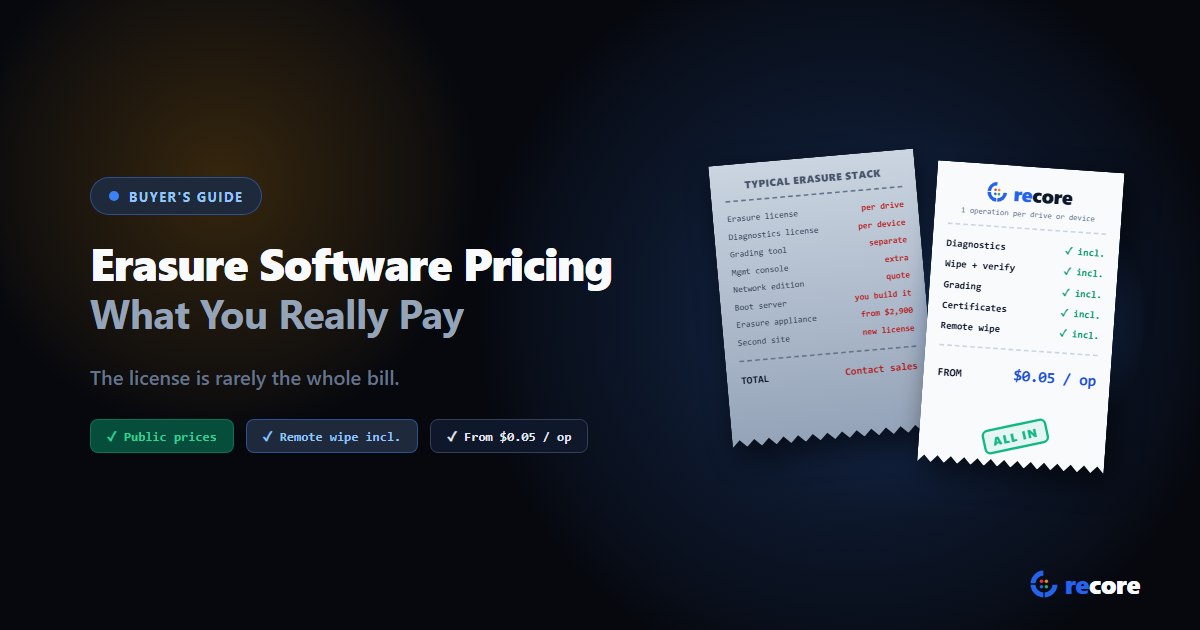
Data Erasure Software Pricing: What You Really Pay per Drive
Data erasure software is sold per drive, per slot, per site, by subscription or as hardware. What each model really costs, the hidden extras, and reCore's prices.
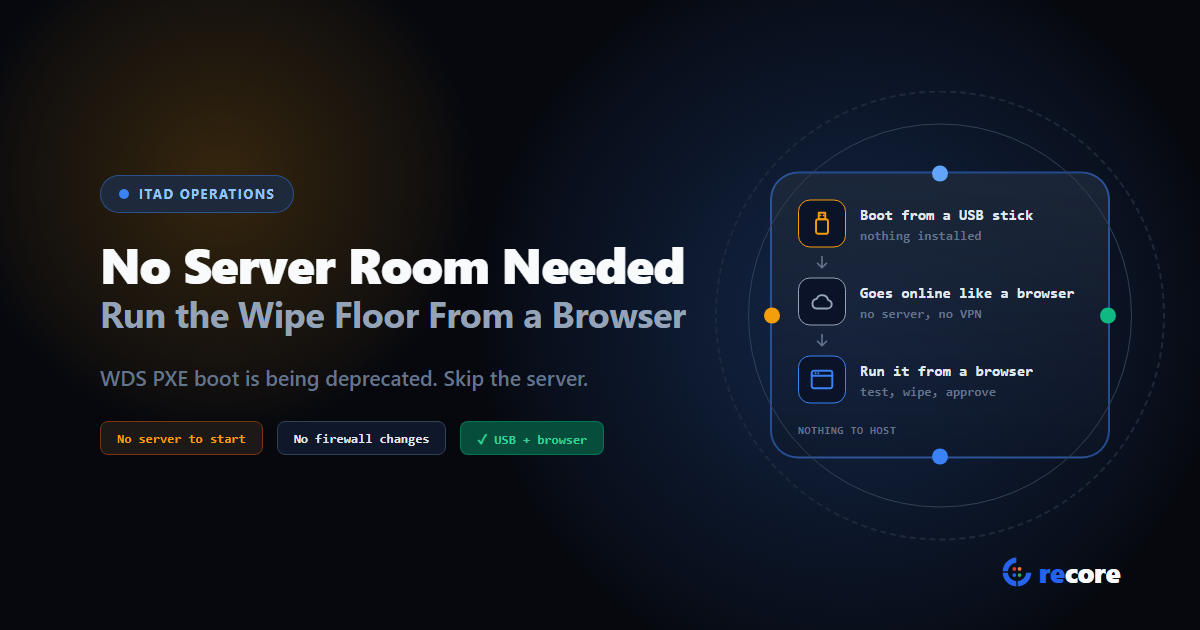
Microsoft Is Deprecating Its PXE Server. Does Your Wipe Floor Need a Server at All?
Microsoft is deprecating WDS, the PXE server in Windows Server. What it means for network-boot wipe floors, and how reCore runs from USB and a browser.
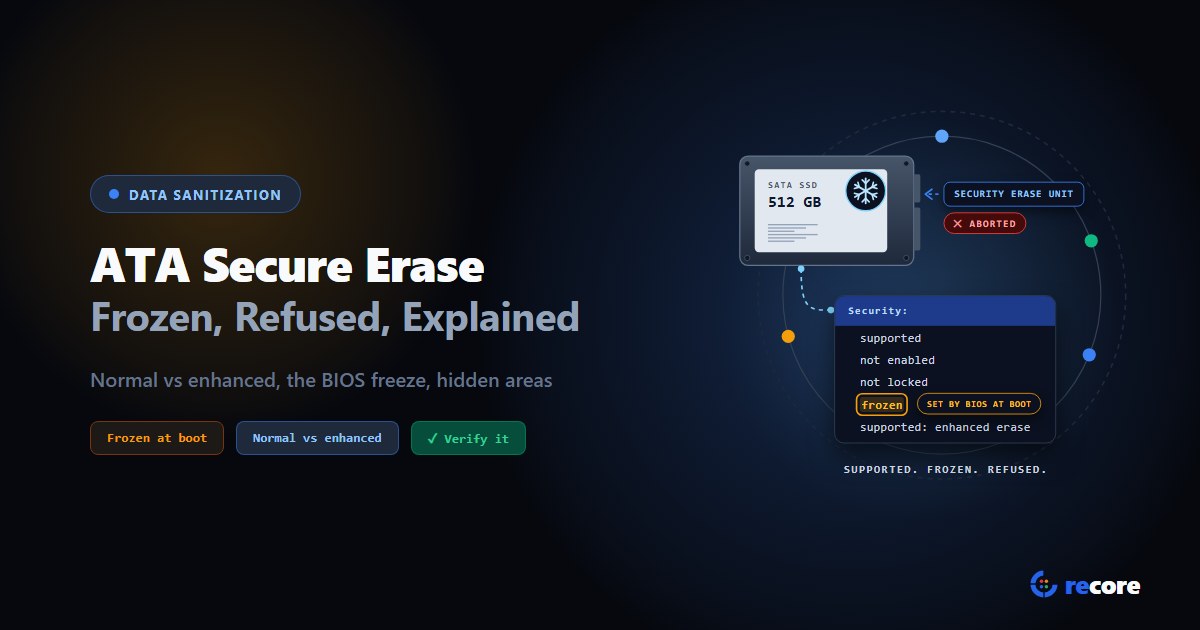
ATA Secure Erase Explained: Normal, Enhanced and Frozen Drives
What ATA Secure Erase does in normal and enhanced mode, why drives show frozen or not supported, what it misses (HPA, DCO), and how to verify it.
Stay Ahead in Data Sanitization & ITAD Compliance
Join enterprise IT managers and electronics refurbishers receiving our monthly technical standards breakdowns, NIST/R2v3 audit tips, and benchmark releases.